
先选任务
以“正式制作前可确认的创作方向”为目标选择。比较下方示例,准备自己的材料,阅读运行要求后再安装。
以“正式制作前可确认的创作方向”为目标选择。比较下方示例,准备自己的材料,阅读运行要求后再安装。



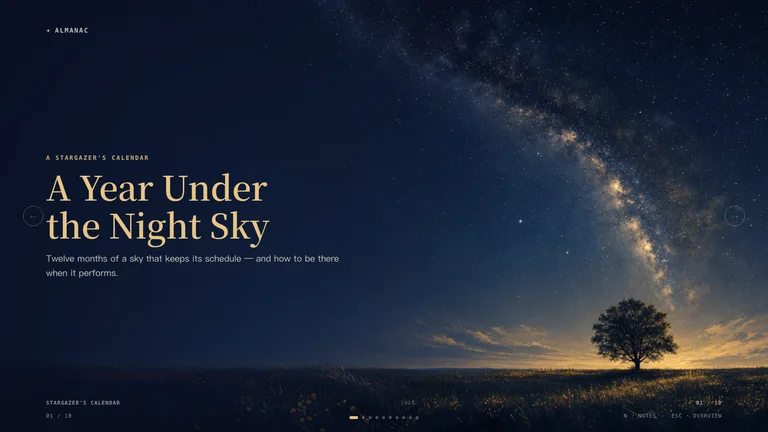
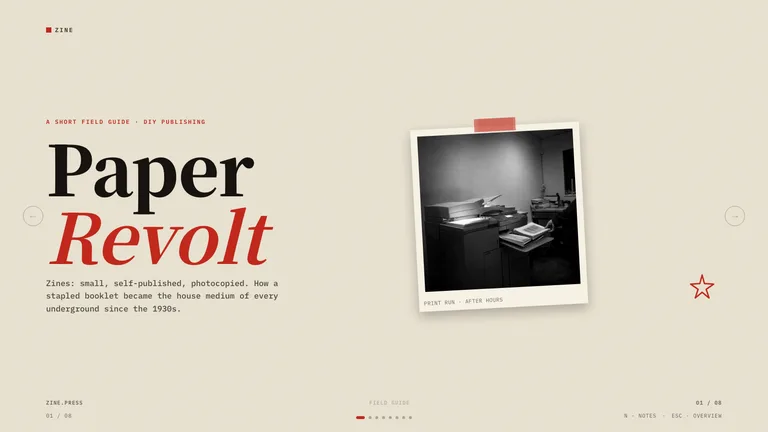
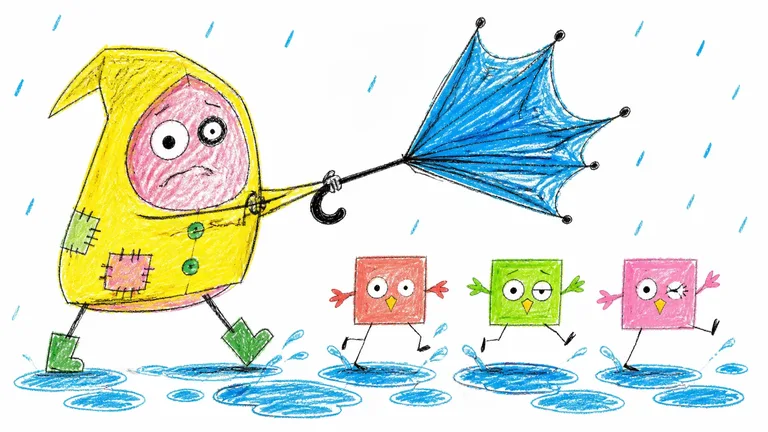
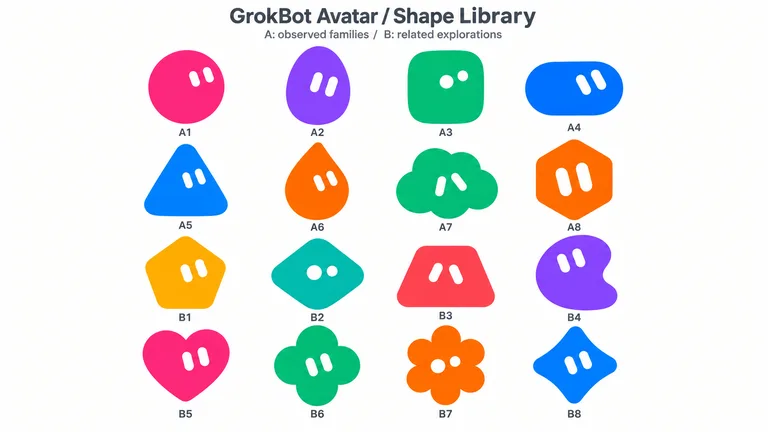
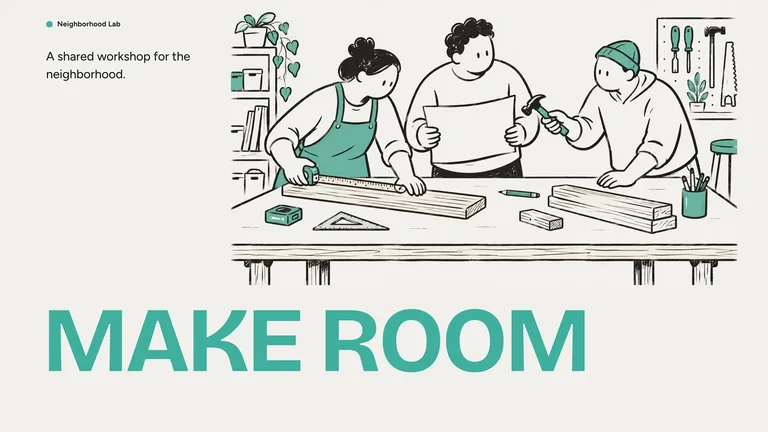
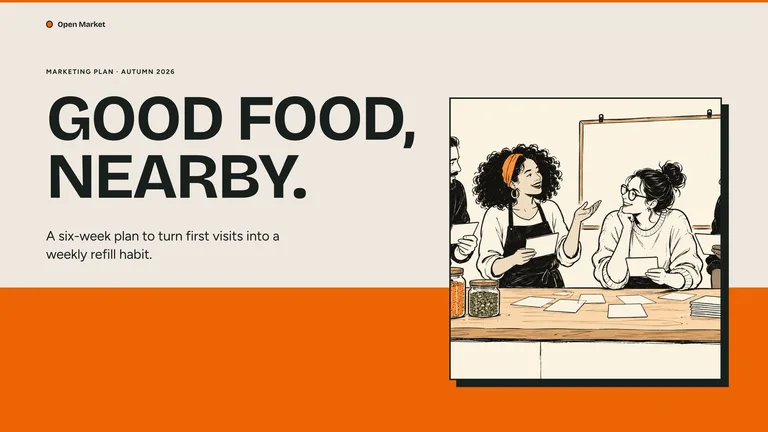

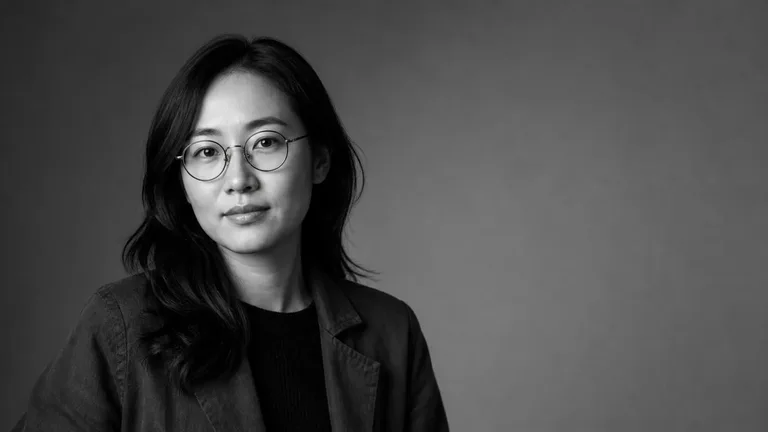
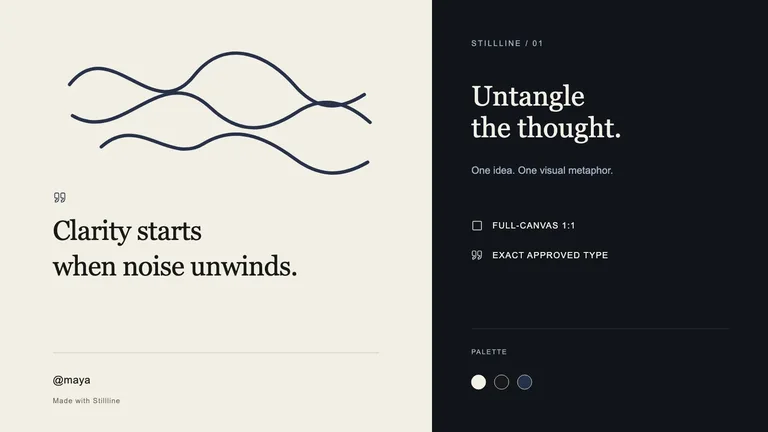
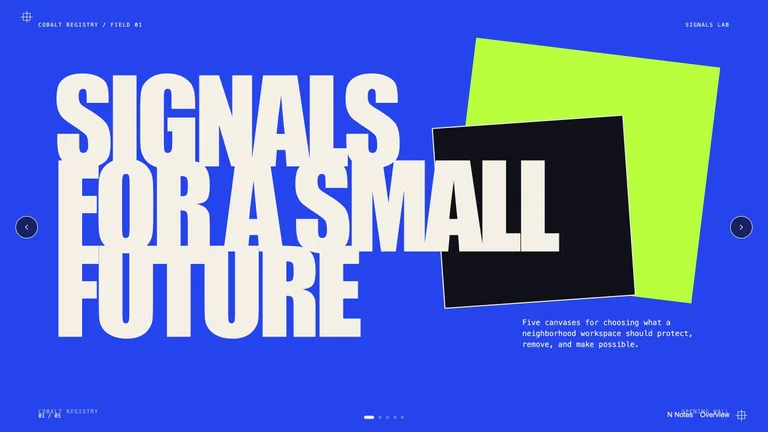
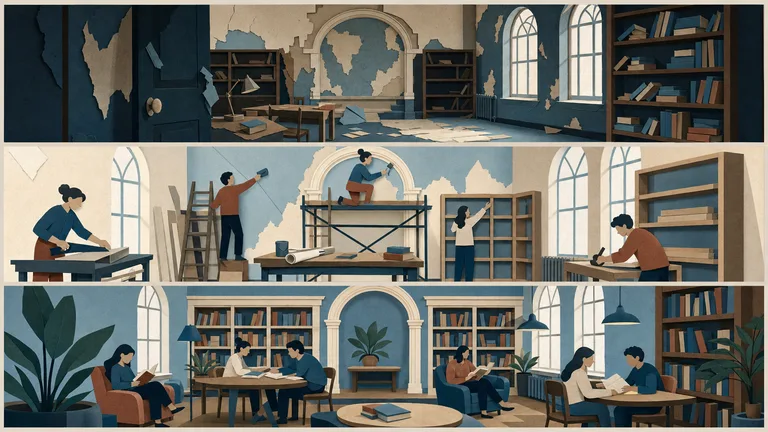
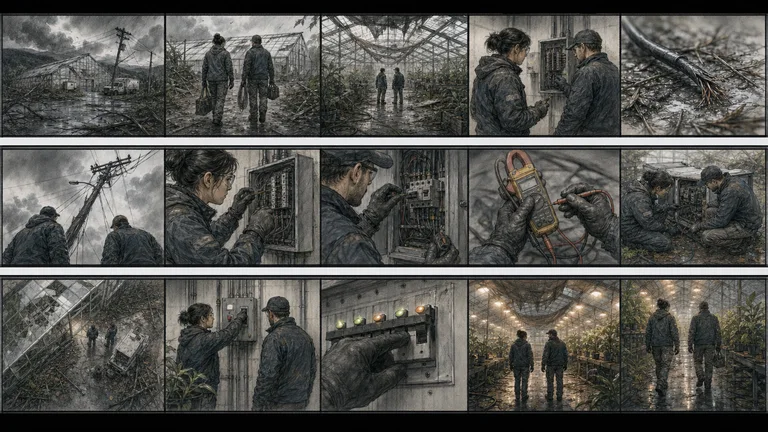
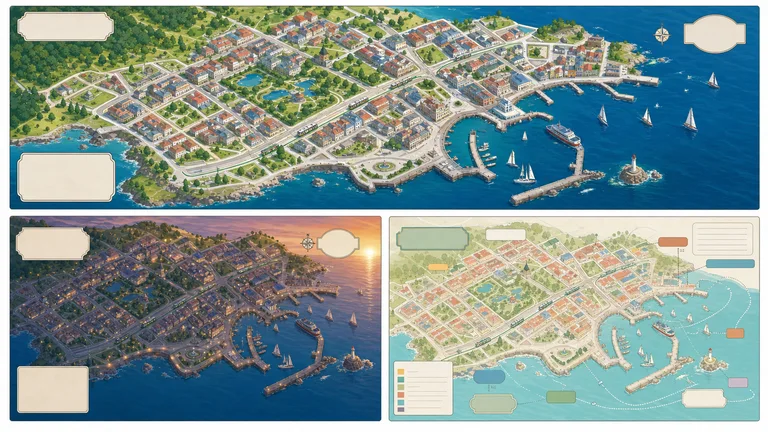
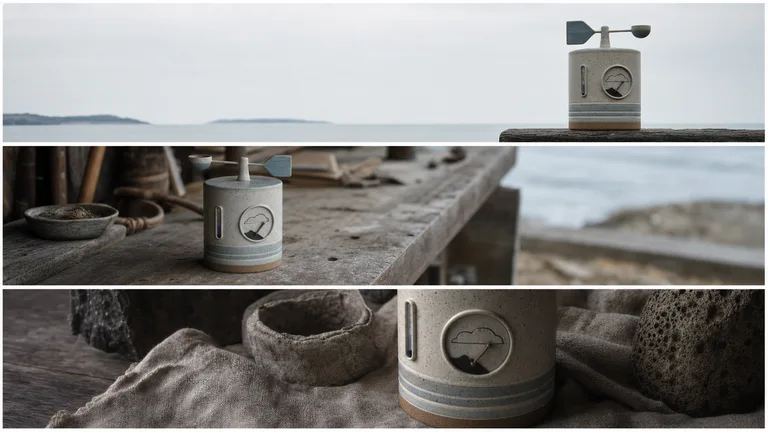
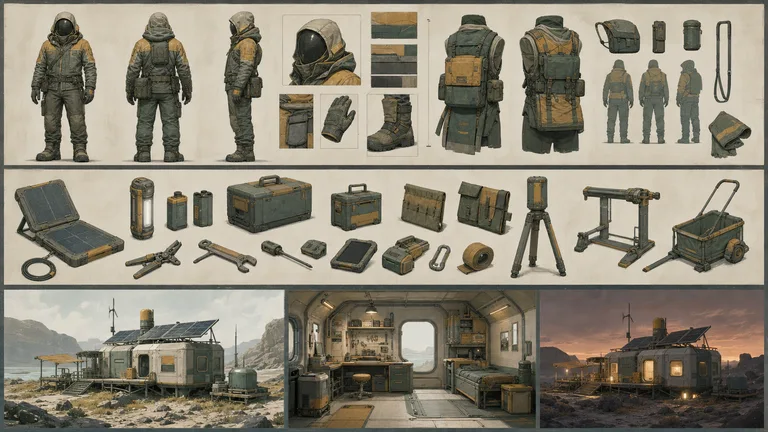
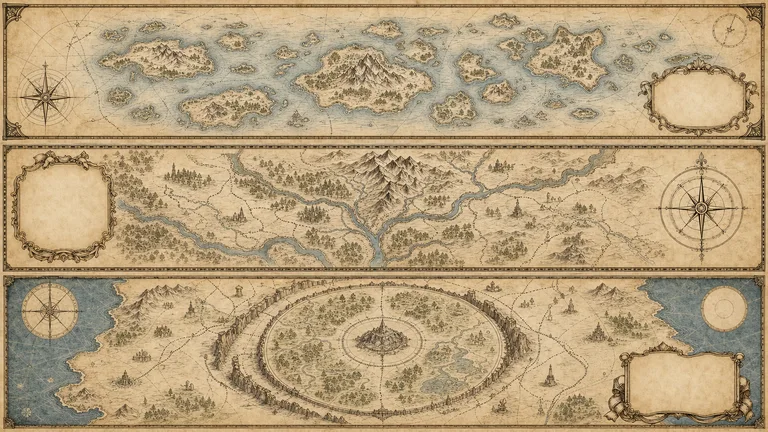
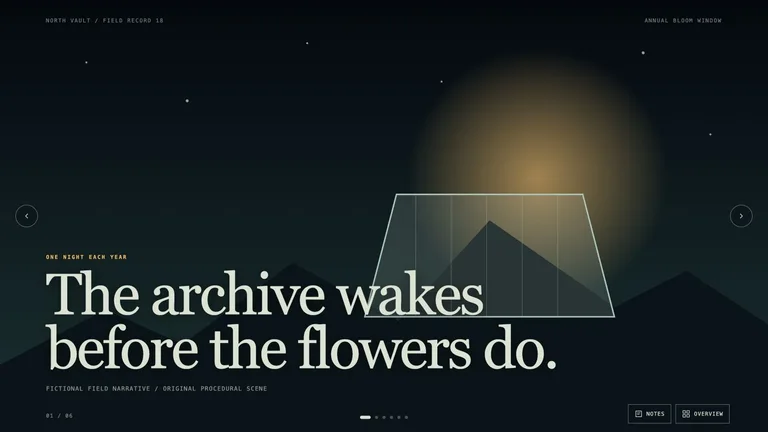
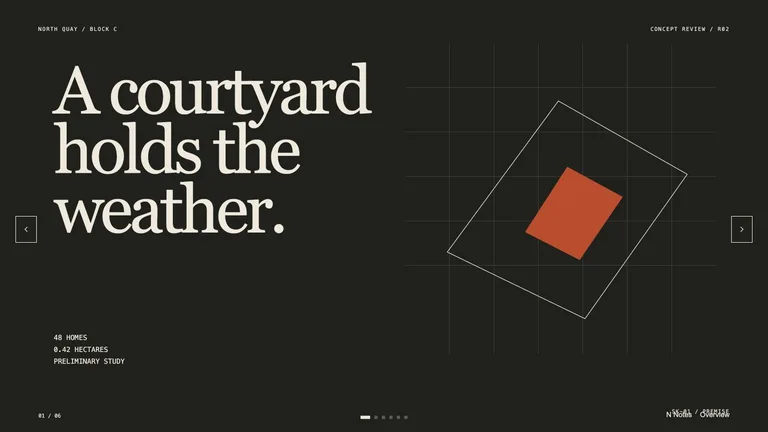
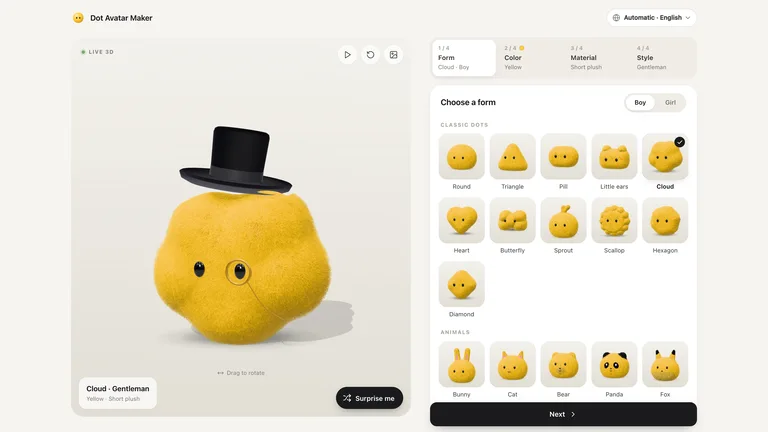
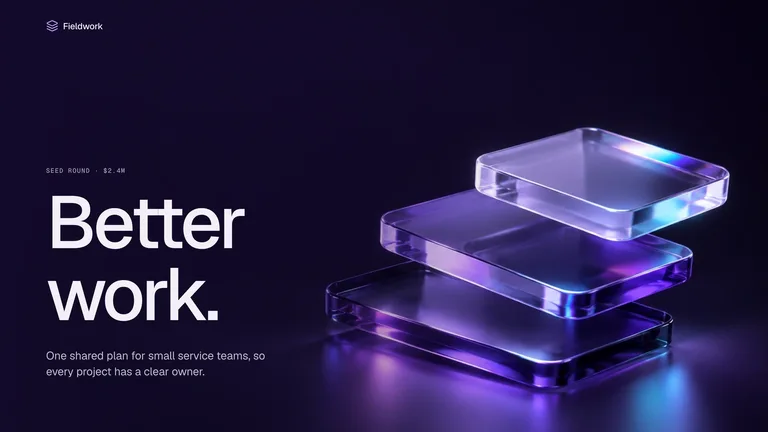

在任何人拿起相机之前就外观达成一致。现在,粗略的框架可以节省以后重新拍摄的时间。
以“正式制作前可确认的创作方向”为目标选择。比较下方示例,准备自己的材料,阅读运行要求后再安装。
整理已确认文案、源文件与输出限制;让智能体排版前先标出缺失材料。
确定要比较的变量,让不同草稿使用同一需求。
Each role page picks the Skills that fit that job best.
Three steps in Claude Code, Codex or Cursor. No design app needed.
获得访问权限后下载,阅读 SKILL.md,确认依赖与额外费用。
Download the ZIP from this Skill page, extract it, and follow SKILL.md.让智能体先围绕“正式制作前可确认的创作方向”制作草稿。提供来源材料,不依赖示例事实。
/bs-tessellated-editorial-still-life Develop three visual directions from this brief with rationale and references.确定要比较的变量,让不同草稿使用同一需求。
image.png| 部分 | 需要说明什么 |
|---|---|
| 结果 | 正式制作前可确认的创作方向 |
| 依据 | 已经确认的来源材料,以及明确标出的缺失事实。 |
| 验收 | 确定要比较的变量,让不同草稿使用同一需求。 |
Install any Skill on this page and every new one we add. Cancel anytime.
Cancel anytime
US$8.99 / month
Full Premium access, billed monthly.
Annual membership
Most popularUS$69.00 / year
Full Premium access for a lower annual price.
Pay once · Founding price
Founding offerUS$159.00 one-time
Founding price — increases as the library grows.
Cancel anytime. Payments are non-refundable.
是的。向您的智能体提供脚本或镜头列表,故事板技能会按顺序为每个镜头布置一个框架,并附有有关框架和动作的注释。将其视为一种规划工具,并与您的导演或摄影指导一起完善它。
仅当技能采用固定参考(例如角色表)并且您每次都重复使用它时。根据技能在多个帧中的示例来判断一致性,而不是根据其单个最佳图像。
情绪板设定外观:颜色、光线、纹理和参考。故事板设定了顺序,即每个镜头显示的内容以及顺序。大多数项目首先确定情绪板。
预可视化是为了做出决定。当您需要完成的剧照时,请浏览 形象技巧,对于完成的动作,请转到视频目录。