Skill Library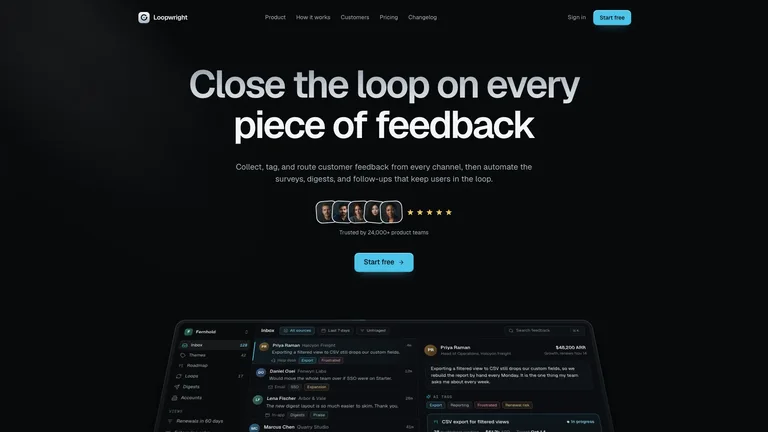
Cadence Marketing Landing


 +7
+7Preview a website, deck, video or image workflow before you install it.
Then give your agent the material, constraints and result you need.
Compare the preview with the job you need done.
A page needs a working journey. A deck needs an argument. Choose for the task before choosing the look.
Inspect the page structure, then connect your content, links and services.
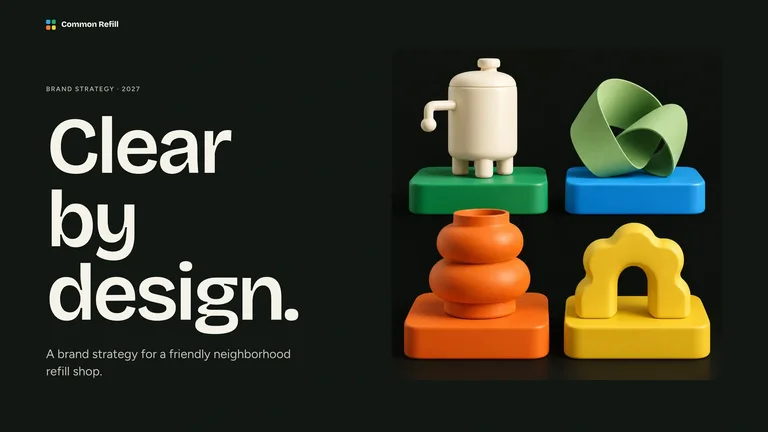
Start with the audience and evidence. Review the export as well as the slides.
Plan what changes on screen, what stays visible and how long viewers need to read.
Choose the subject and crop. Keep exact labels and source facts ready for review.
Skill Library supplies the workflow package. You run it in your agent workspace and review the result.
Learn about Skills →Compare the preview, required inputs and outside services with your project.
After unlocking access, download the ZIP or use the install prompt. Inspect SKILL.md and dependencies first.
Try one page, one scene or one image with your own material. Correct the brief before producing the full project.
Browse freely, read the requirements, then choose a single Skill or membership access.
Explore Skills →View membership plans →