 HyperFrames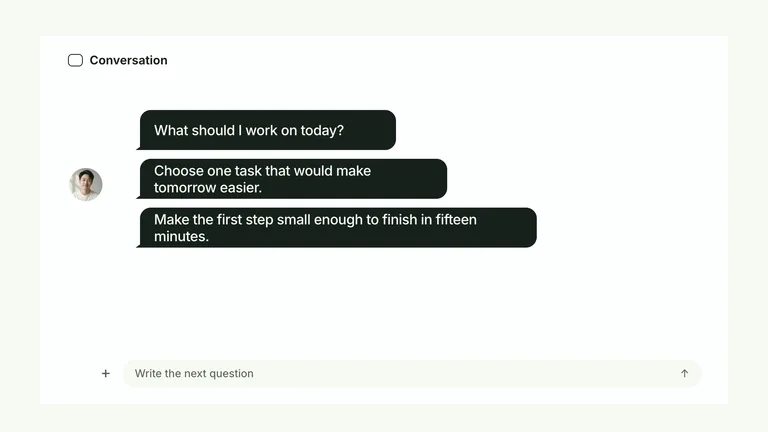
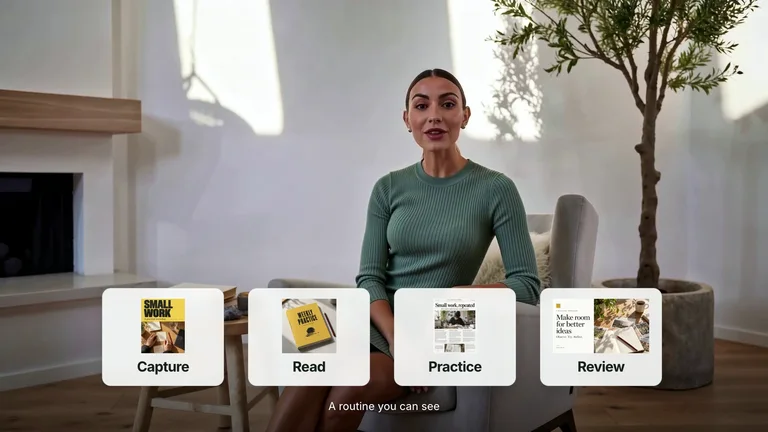
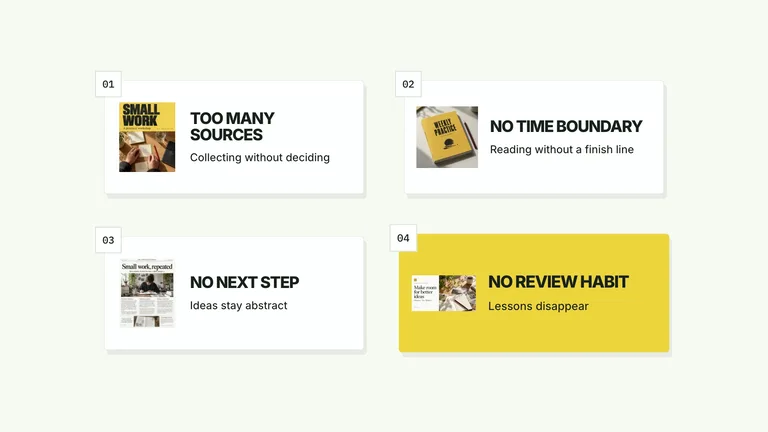
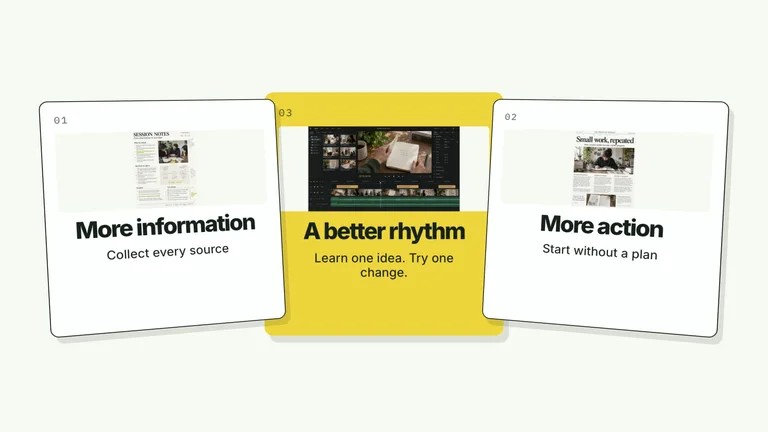
Preview gallery
The job to start with
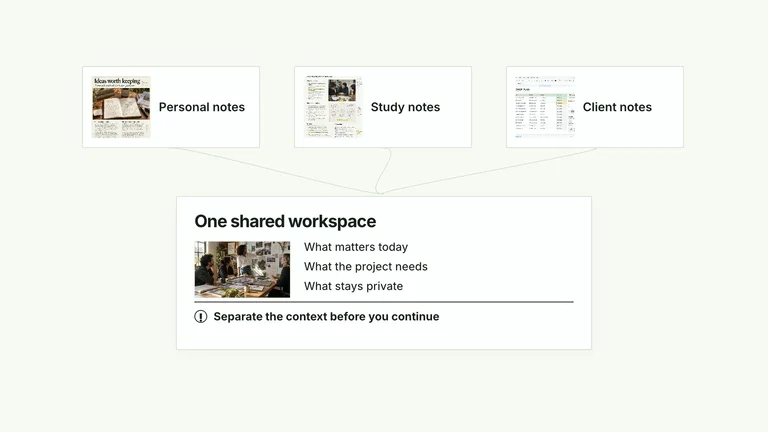
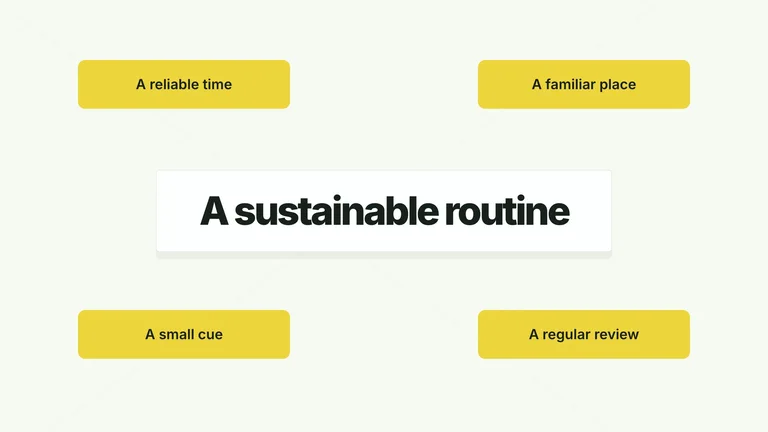
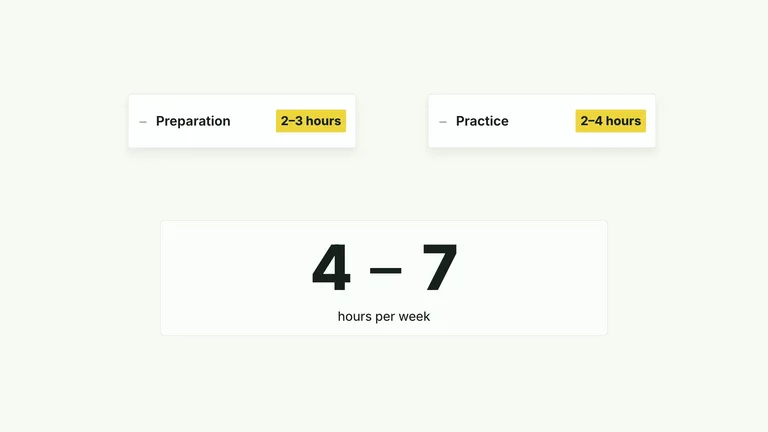
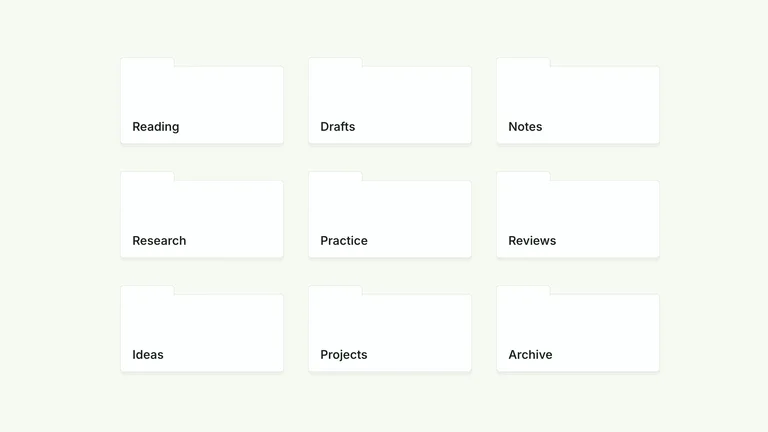
Use CreatorMotion · Chapter to Stacked Detail to expand a chapter topic into a short set of supporting details. Start by deciding what your audience needs to understand; use the preview to judge whether this format serves that goal.
Picked most often by
Plan your first result
Use the brief below as a starting point. Replace the placeholders, review a small draft, then expand it.
When to choose it
You have a short message that benefits from a sequence, rather than a single still. Decide what the viewer should understand at the end.
Prepare the material
Prepare approved copy, real interface material or permitted footage, target duration and delivery size. Decide whether audio is needed before selecting a provider.
Prepare these package inputs
chapter- chapter is an input in this effect. Supply your actual content in the structure defined by the package example, and replace illustrative defaults before publishing.
title- title is an input in this effect. Supply your actual content in the structure defined by the package example, and replace illustrative defaults before publishing.
cards- cards is an input in this effect. Supply your actual content in the structure defined by the package example, and replace illustrative defaults before publishing.
focusIndex- focusIndex is an input in this effect. Supply your actual content in the structure defined by the package example, and replace illustrative defaults before publishing.
A first brief to adapt
Use CreatorMotion · Chapter to Stacked Detail to expand a chapter topic into a short set of supporting details. My audience is [audience], and the material I can provide is [sources]. Approve a shot list or one short section first. Match reading time to the content before rendering the complete video. Check the outgoing scene, reading hold and incoming scene together. The section boundary should be clear at normal playback speed. Flag missing facts before producing the final output.
The review that matters here
Check the outgoing scene, reading hold and incoming scene together. The section boundary should be clear at normal playback speed.
Know the boundary
The preview demonstrates a direction, not a recording of your product. Replace sample claims and results with your own; audio or image services may cost extra.
What you need before you start
- You bring
- chapter: provide your own content or retain the illustrative default. · title: provide your own content or retain the illustrative default. · cards: provide your own content or retain the illustrative default. · focusIndex: provide your own content or retain the illustrative default.
- Dependencies
- HyperFrames CLI 0.8.30 or compatible — required · Node.js 22 or newer — required · FFmpeg — required
- Package compatibility record
- v1.0.1 — Claude Code / Claude Desktop / Cowork / Codex / ChatGPT
Run the installed Skill or use its bundled generator. Supply an output folder with --out, optional content JSON with --data, and a local video with --media for presenter effects. An optional --images JSON map replaces only its named slots; relative paths resolve beside that JSON file. Read references/image-policy.md before adapting visual material. The default style is white-yellow; alternatives are Charcoal & Lime (charcoal-lime), Paper & Orange (paper-orange), and Black & White (the compatible midnight-ice ID). Inter, Noto Sans SC and Smiley Sans are bundled locally. Chinese content uses Smiley Sans by default; pass --zh-font noto-sans-sc for the plainer Noto Sans SC. IBM Plex Mono is used for measurements and ordinal labels. Dark canvases have a fine grid.
From package to deliverable
- Use the package to build a video sequence in your own environment. Keep the editable project alongside the rendered result for later revisions.
- Agree on duration, aspect ratio and reading time before the full render. Use your own verified statements and permitted footage.
A useful first milestone
- A workflow to expand a chapter topic into a short set of supporting details.
Before handing it over
- Check the outgoing scene, reading hold and incoming scene together. The section boundary should be clear at normal playback speed.
- The preview demonstrates a direction, not a recording of your product. Replace sample claims and results with your own; audio or image services may cost extra.
Content Creation & PublishingCreate Broll AnimationStyle-lockedSeries-consistentEditable OutputMinimalistEditorialTypographic
User reviews
Loading reviews…
FAQ
Check the outgoing scene, reading hold and incoming scene together. The section boundary should be clear at normal playback speed.
Approve a shot list or one short section first. Match reading time to the content before rendering the complete video.
The preview demonstrates a direction, not a recording of your product. Replace sample claims and results with your own; audio or image services may cost extra.
Similar Skills
View all skills