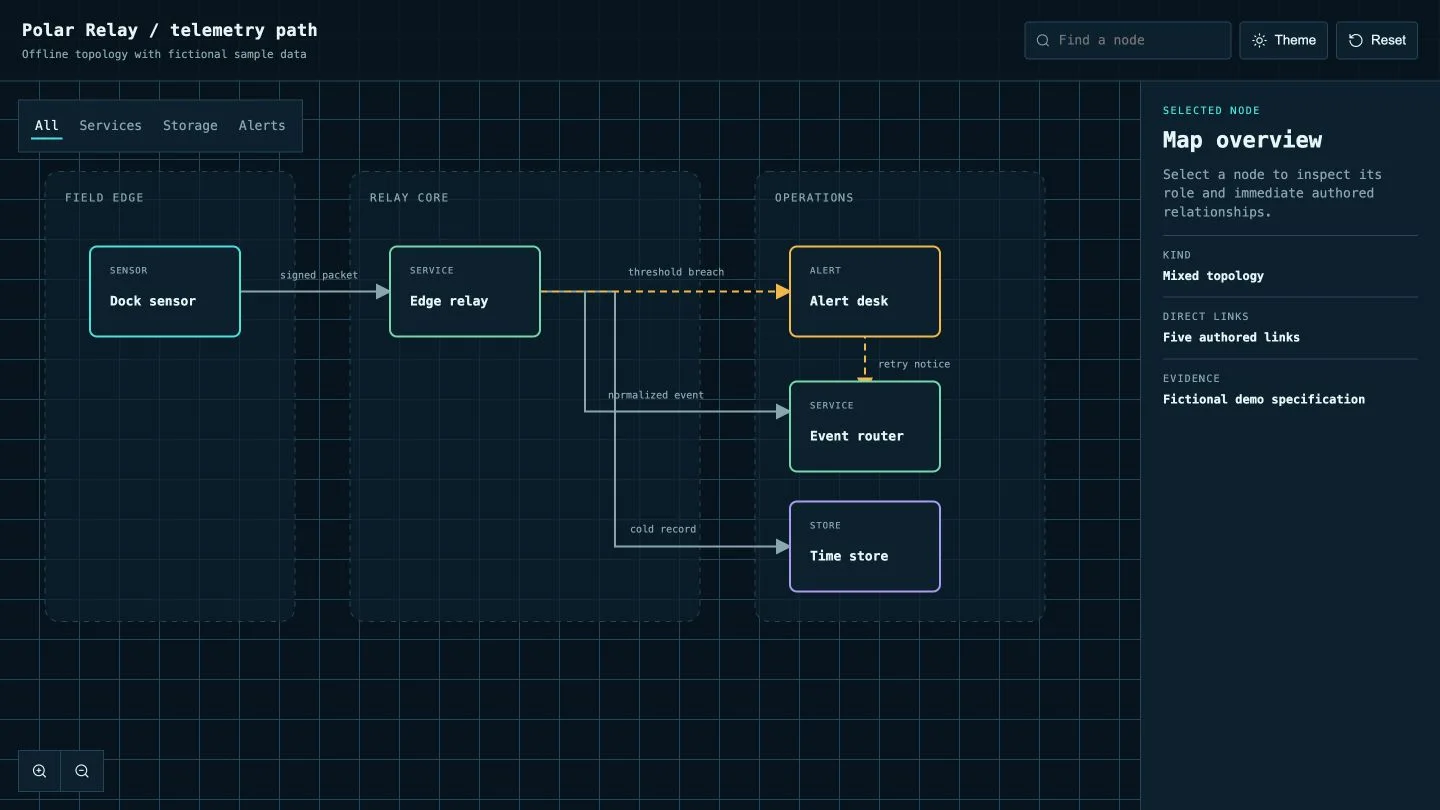
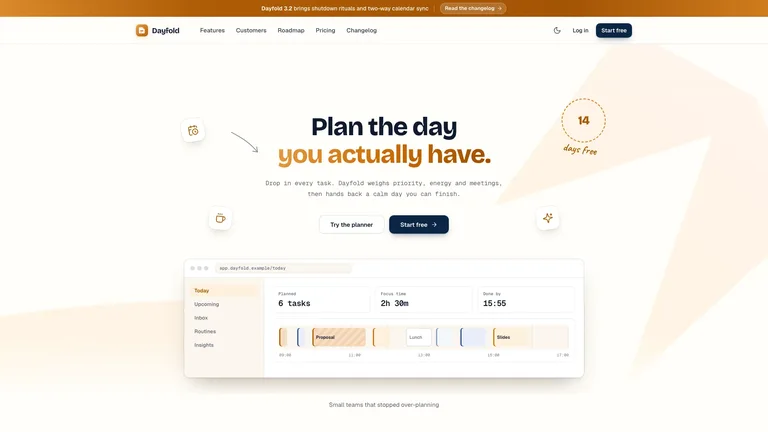
Choose the job
Choose for a working visitor journey. Compare the examples below, prepare your own material and review the requirements before installing.
Choose for a working visitor journey. Compare the examples below, prepare your own material and review the requirements before installing.


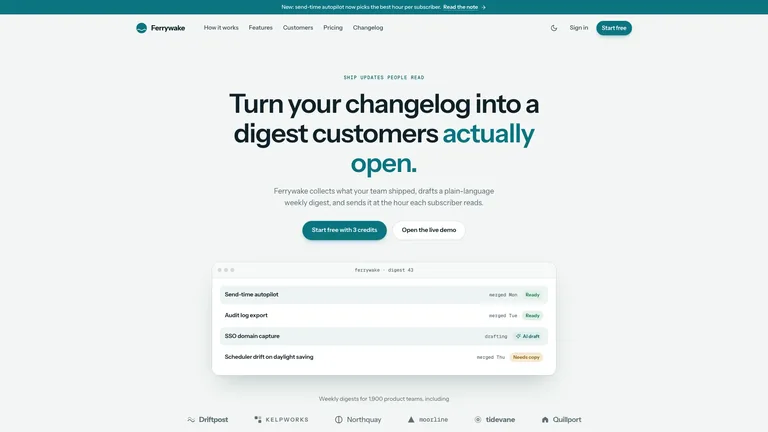
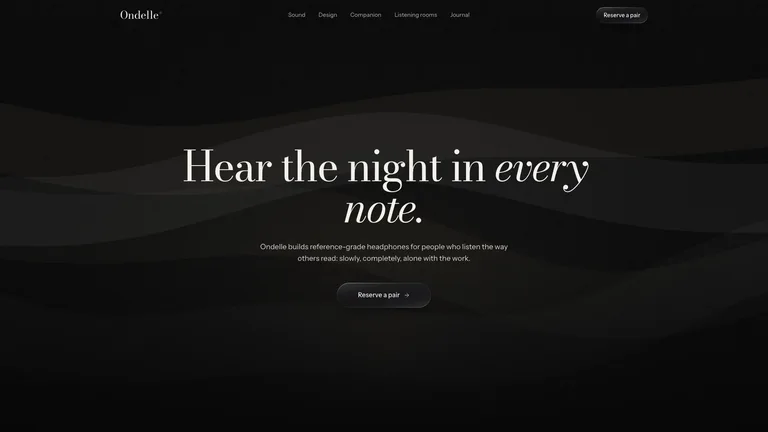
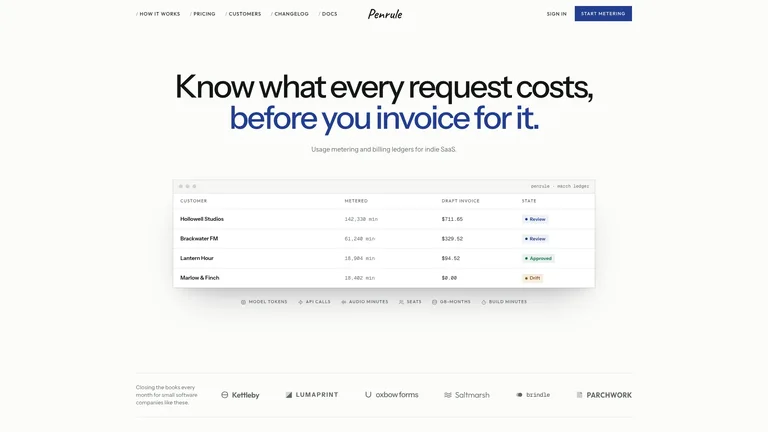
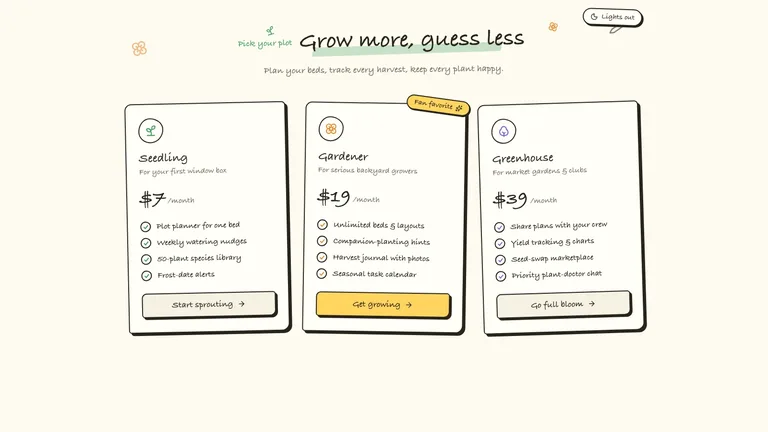
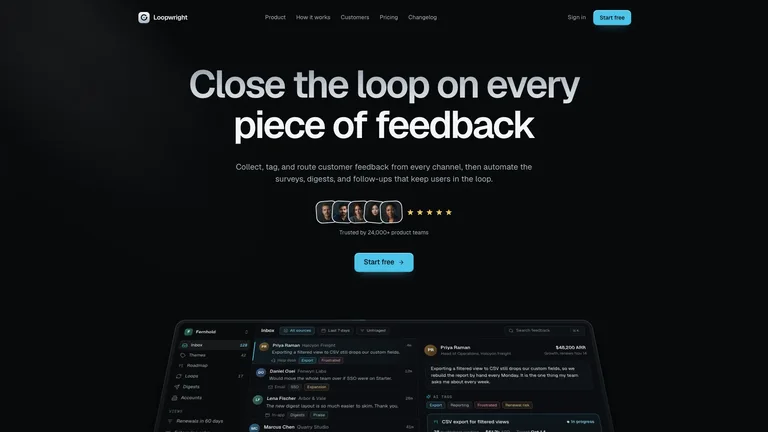
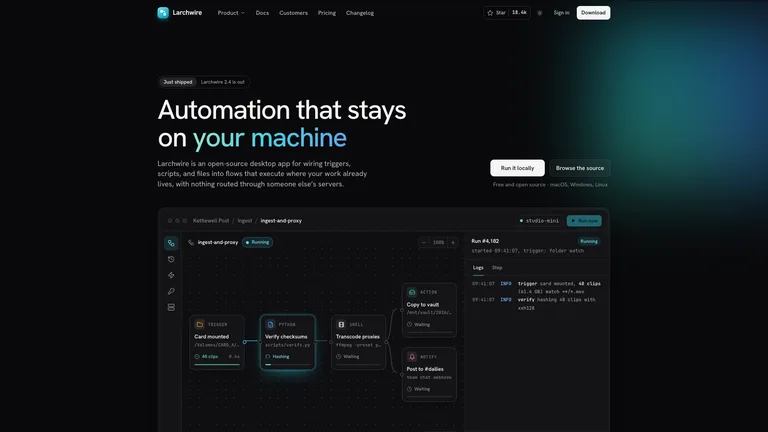
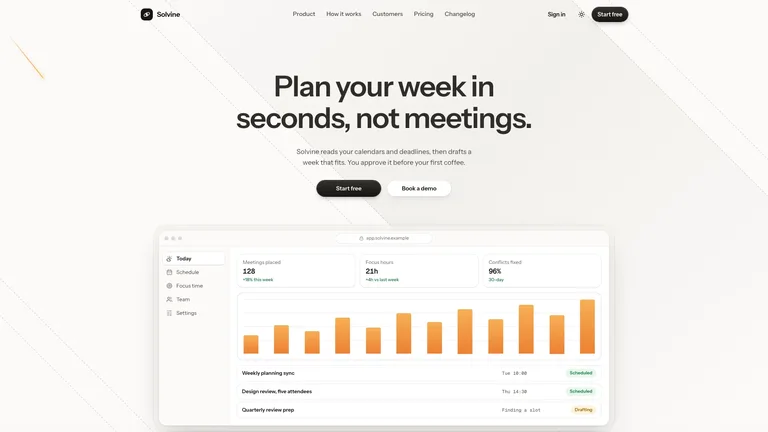
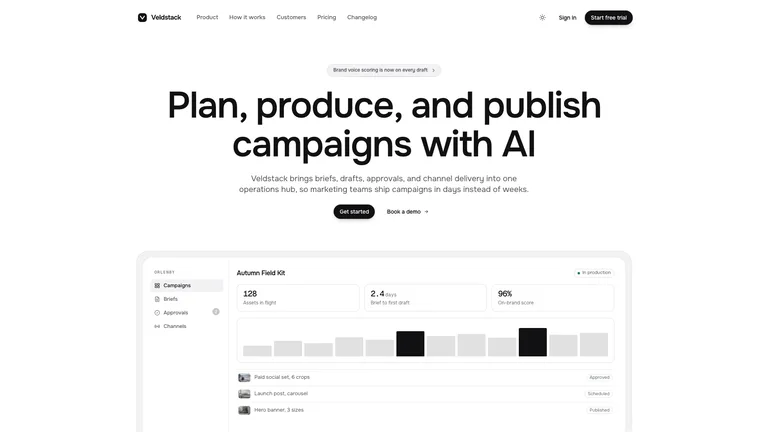
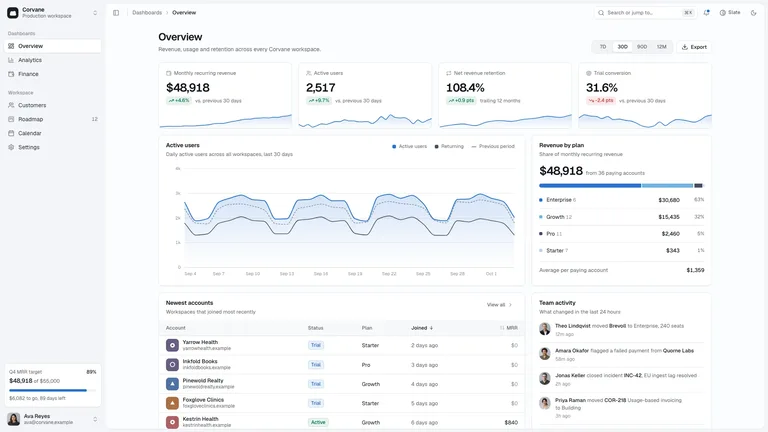
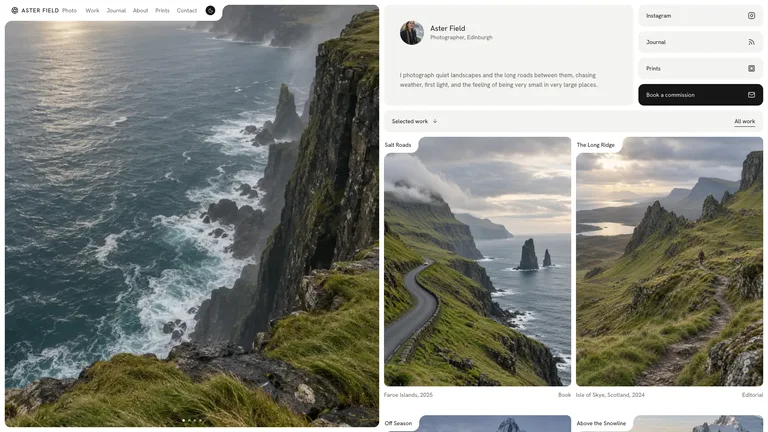
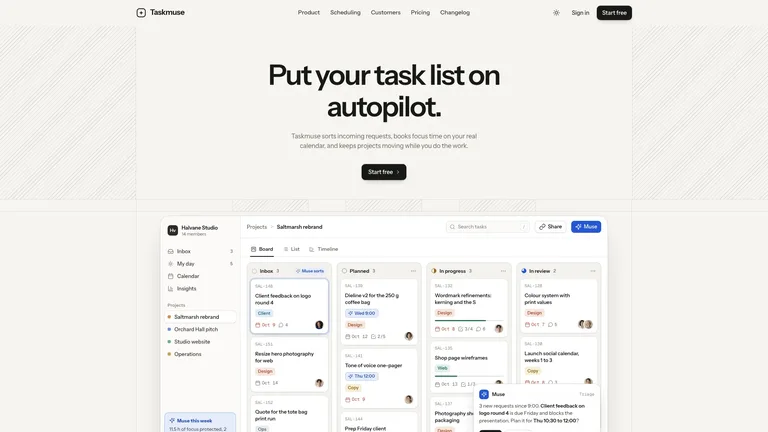
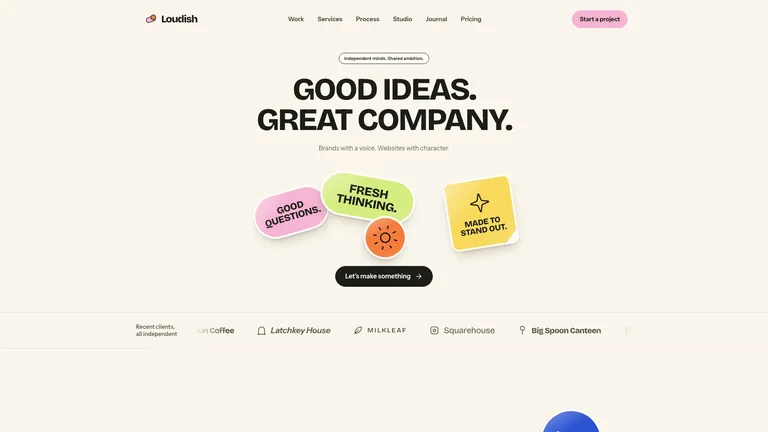
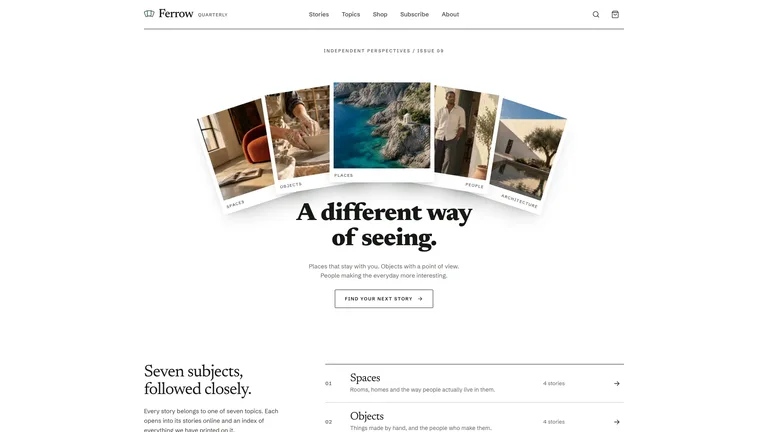
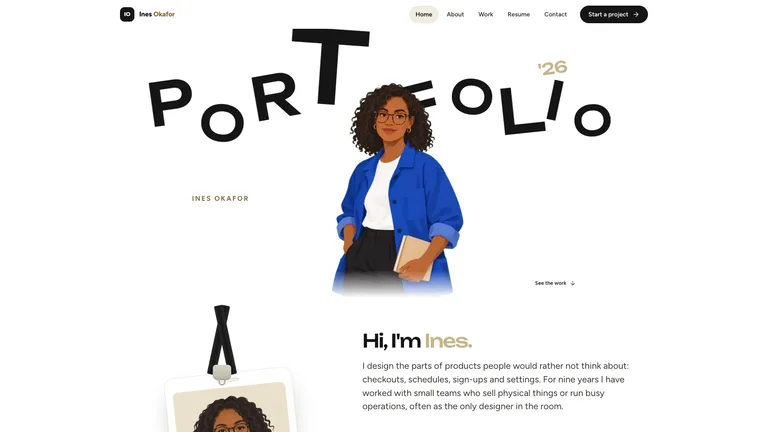
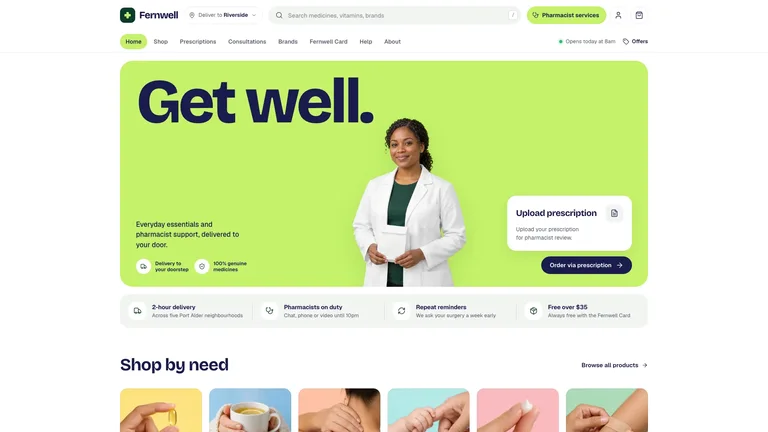

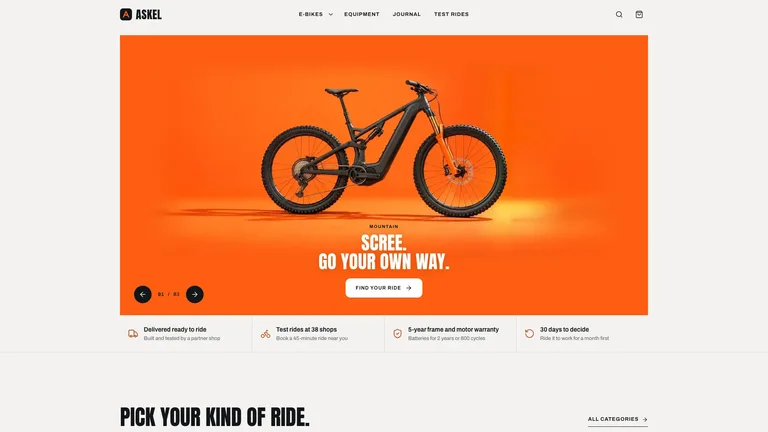
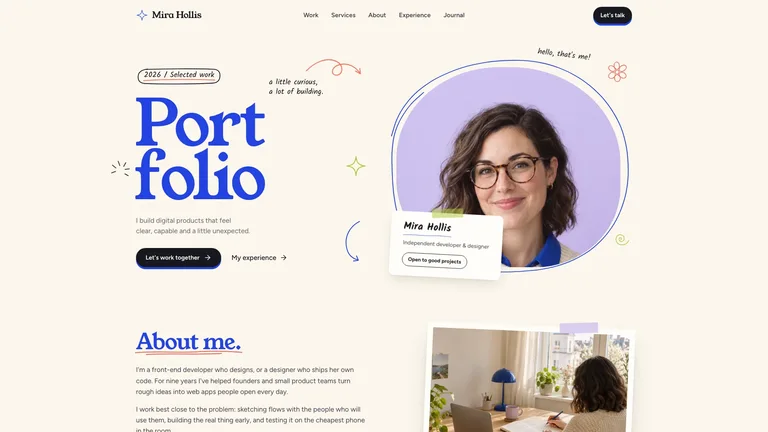
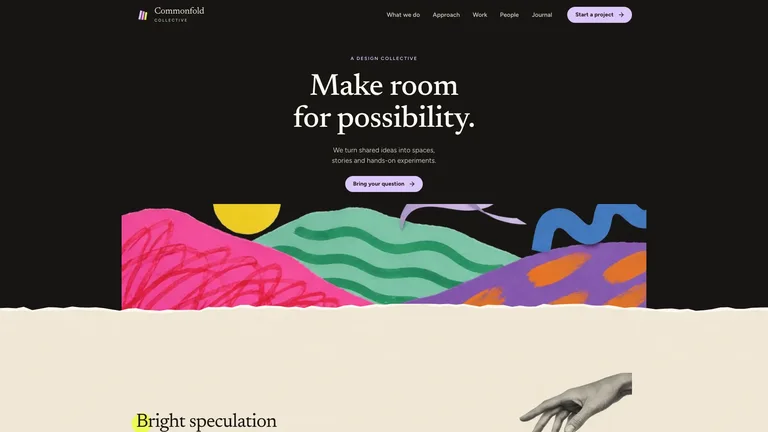


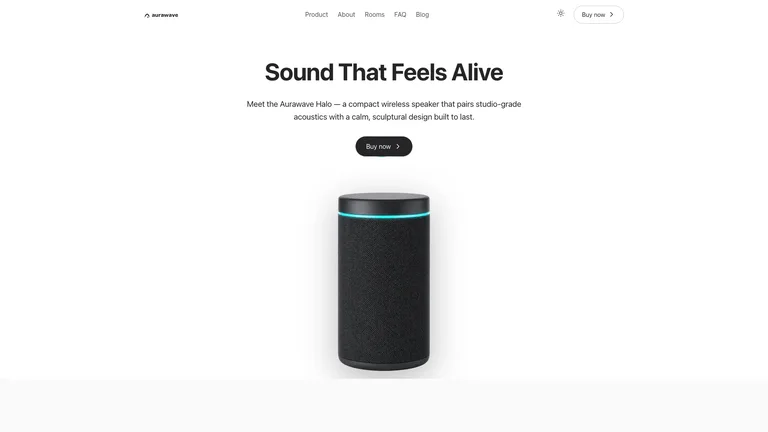
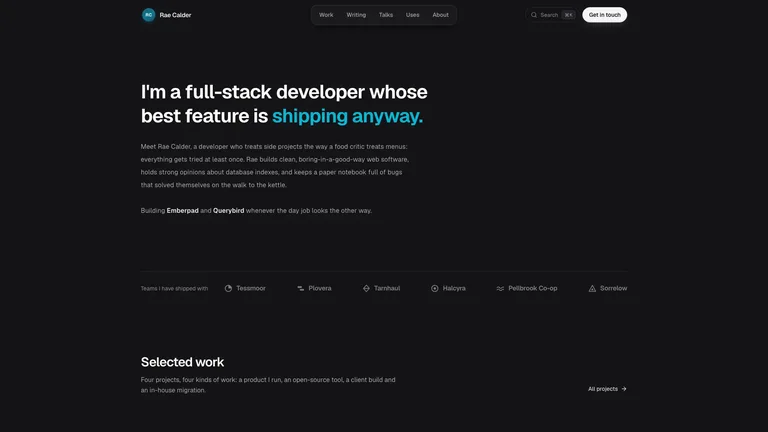
Every Skill here ends in a file you can open in a browser.
Choose for a working visitor journey. Compare the examples below, prepare your own material and review the requirements before installing.
Gather approved copy, source files and the output constraints. Mark missing material before asking the agent to fill the layout.
Check navigation and real service connections, not only the first screen.
Each role page picks the Skills that fit that job best.
 For foundersProduct sites, pitch decks and launch videos before the first hire.
 For designersA design system your agent repeats, so you work on the details.
 For marketersCampaign pages, launch videos and social images from one brief.
 For ecommerce sellersStore pages, posters and promo videos for every new product.
Three steps in Claude Code, Codex or Cursor. No design app needed.
Download after obtaining access. Read SKILL.md and identify the dependencies and any outside costs.
Download the ZIP from this Skill page, extract it, and follow SKILL.md.Ask your agent for one draft focused on a working visitor journey. Supply the source material instead of relying on sample facts.
/bs-interactive-system-map Build a responsive landing page from this brief, copy, and brand kit.Check navigation and real service connections, not only the first screen.
index.html| Part | What to specify |
|---|---|
| Outcome | a working visitor journey |
| Evidence | Your approved source material, with missing facts marked. |
| Review | Check navigation and real service connections, not only the first screen. |
Choose for a working visitor journey. Compare the examples below, prepare your own material and review the requirements before installing.
Name the audience, where the output will be used, the source of factual claims and the details that must remain editable.
Check navigation and real service connections, not only the first screen.
Install any Skill on this page and every new one we add. Cancel anytime.
Cancel anytime
US$8.99 / month
Full Premium access, billed monthly.
Annual membership
Most popularUS$69.00 / year
Full Premium access for a lower annual price.
Pay once · Founding price
Founding offerUS$159.00 one-time
Founding price — increases as the library grows.
Cancel anytime. Payments are non-refundable.
Yes, if the Skill says it adapts to your project. Otherwise it delivers a standalone page, and you plan the integration yourself.
Editable code. Your agent writes the HTML files for you, and the detail page's You get list names the exact files, assets and run steps.
No, unless the detail page says so. A checkout button or a chart in the design is just UI until you connect your own service.
Click every control, then try the page at desktop and phone widths, with only a keyboard and with reduced motion on. Also check long text, error states and any export or offline feature the Skill promises.
Landing pages, sites and interactive pages as working HTML.
Browse all Skills