Choose the job
Choose for a sequence that makes a change understandable. Compare the examples below, prepare your own material and review the requirements before installing.
Choose for a sequence that makes a change understandable. Compare the examples below, prepare your own material and review the requirements before installing.




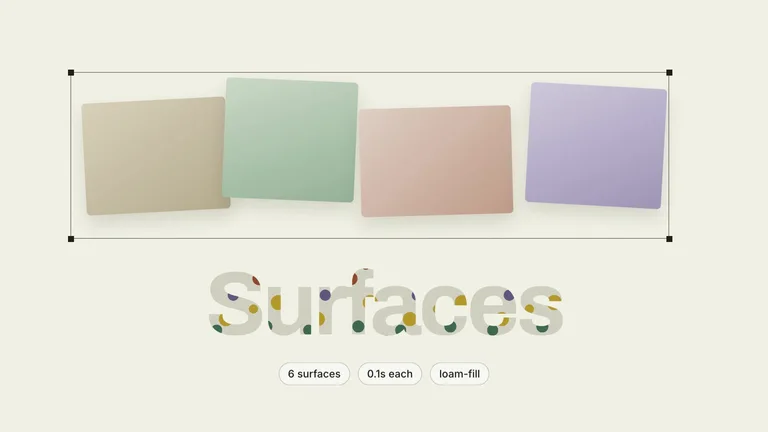
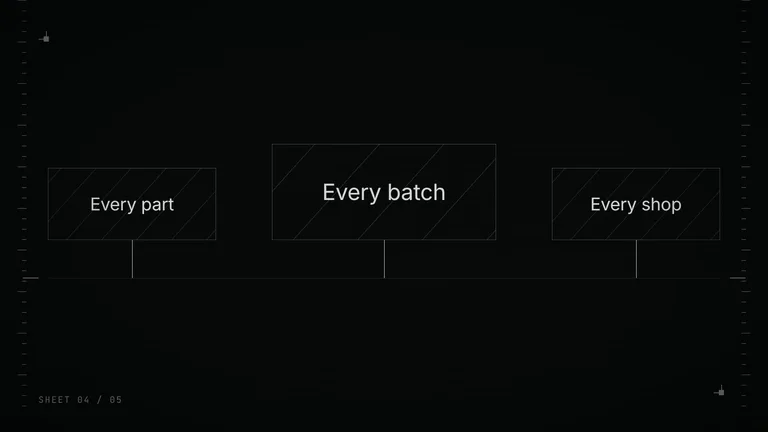
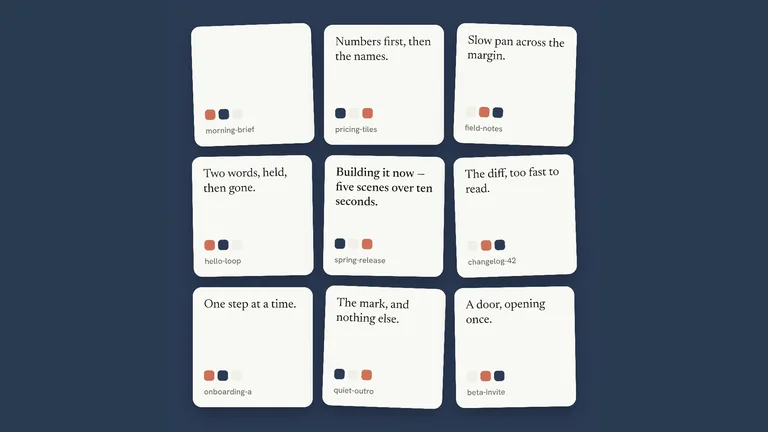

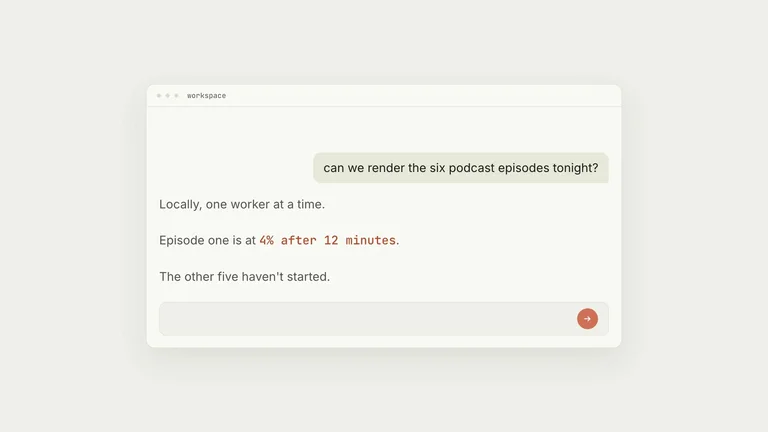
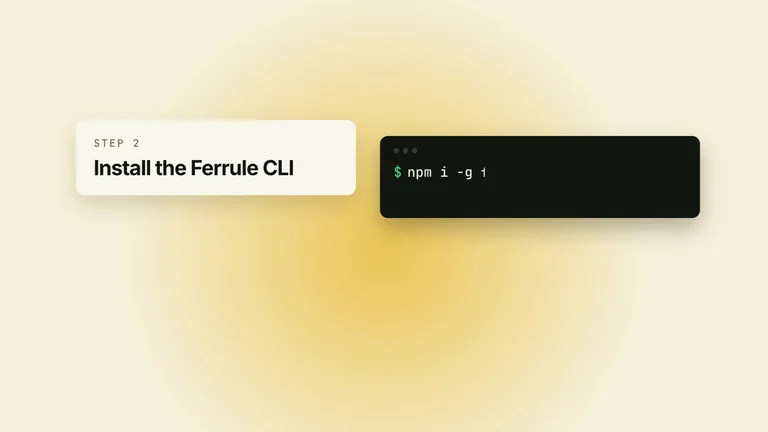
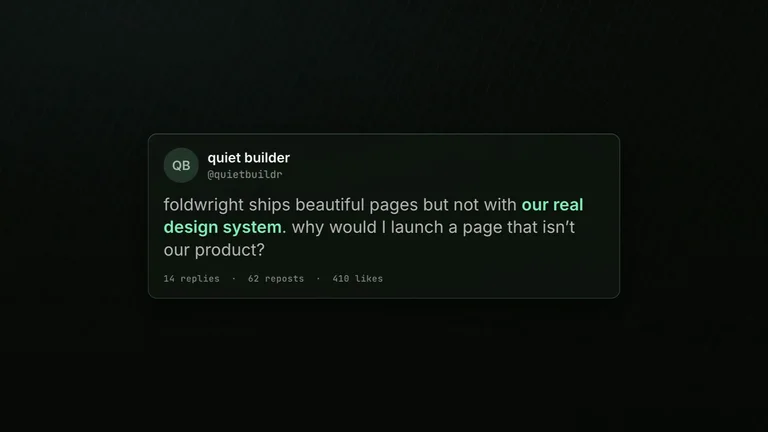



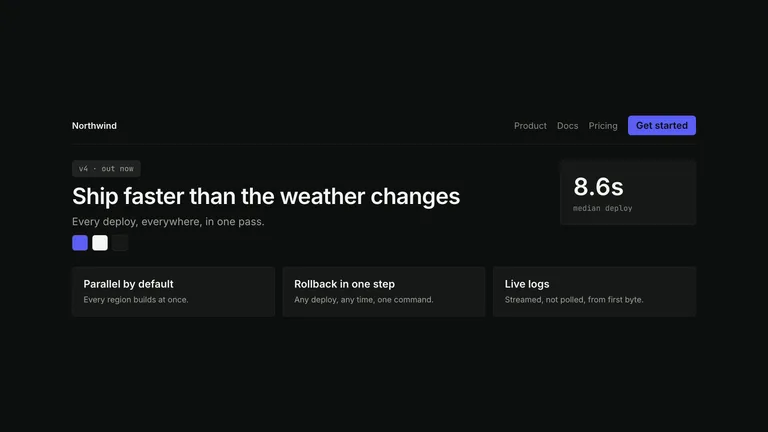
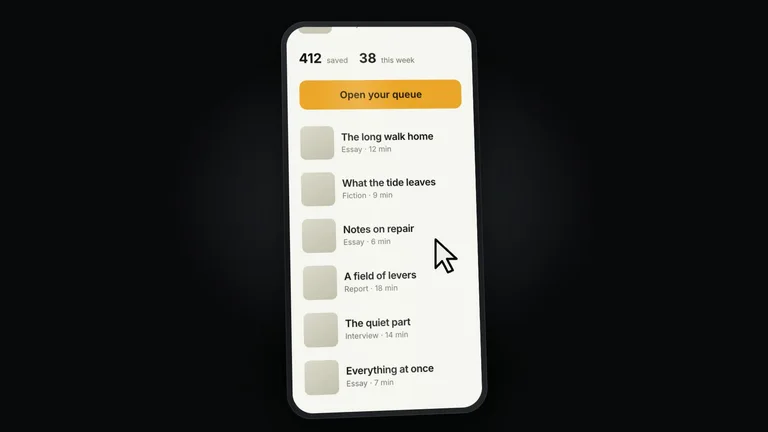
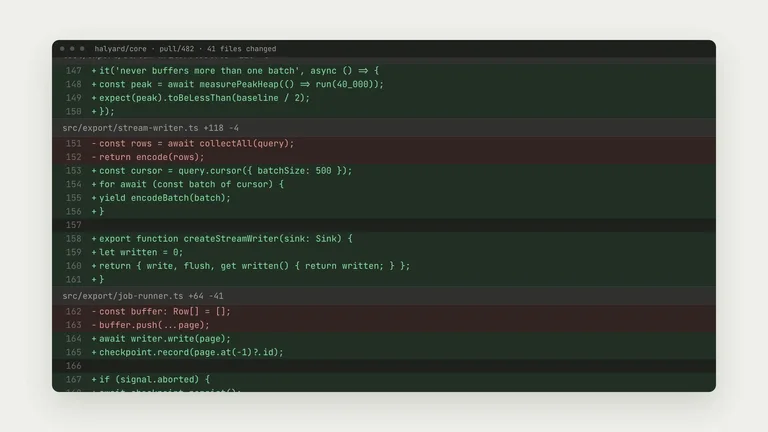
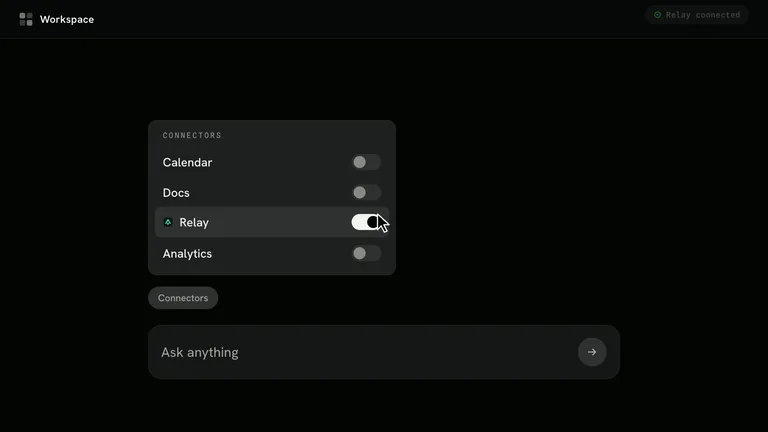

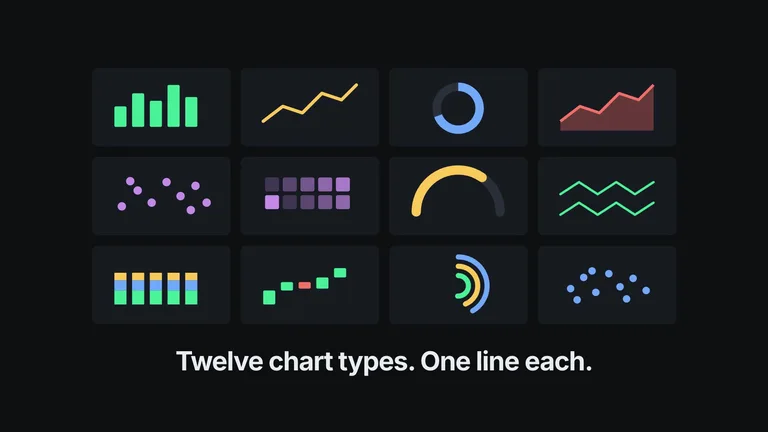
Timing is the hard part of video. These Skills plan it before anything renders.
Choose for a sequence that makes a change understandable. Compare the examples below, prepare your own material and review the requirements before installing.
Gather approved copy, source files and the output constraints. Mark missing material before asking the agent to fill the layout.
Plan the initial state, key change and reading hold before rendering.
Each role page picks the Skills that fit that job best.
 For content creatorsCovers, social cards and talking-head overlays in your style.
 For ecommerce sellersStore pages, posters and promo videos for every new product.
 For foundersProduct sites, pitch decks and launch videos before the first hire.
 For designersA design system your agent repeats, so you work on the details.
Three steps in Claude Code, Codex or Cursor. No design app needed.
Download after obtaining access. Read SKILL.md and identify the dependencies and any outside costs.
Download the ZIP from this Skill page, extract it, and follow SKILL.md.Ask your agent for one draft focused on a sequence that makes a change understandable. Supply the source material instead of relying on sample facts.
/bs-hyperframes-agent-chorus-reel Create a 30-second product launch film with a strong hook and clear reveal.Plan the initial state, key change and reading hold before rendering.
video.mp4| Part | What to specify |
|---|---|
| Outcome | a sequence that makes a change understandable |
| Evidence | Your approved source material, with missing facts marked. |
| Review | Plan the initial state, key change and reading hold before rendering. |
Choose for a sequence that makes a change understandable. Compare the examples below, prepare your own material and review the requirements before installing.
Name the audience, where the output will be used, the source of factual claims and the details that must remain editable.
Plan the initial state, key change and reading hold before rendering.
Install any Skill on this page and every new one we add. Cancel anytime.
Cancel anytime
US$8.99 / month
Full Premium access, billed monthly.
Annual membership
Most popularUS$69.00 / year
Full Premium access for a lower annual price.
Pay once · Founding price
Founding offerUS$159.00 one-time
Founding price — increases as the library grows.
Cancel anytime. Payments are non-refundable.
Yes. Give your agent a script, a brief or a product link, and the Skill plans the shots and renders the video. Some Skills use a paid service for voice, music or AI footage, and the detail page says which.
No. Voiceover, captions, music and sound effects differ from Skill to Skill, so check each one in the detail page's You get list.
It depends on the Skill. You get an editable project only when the detail page lists project or source files; otherwise expect a rendered MP4.
No. The preview shows the style and the production quality. Your script, footage, length and the model's output all change the final cut.
Promos, explainers and motion graphics your agent renders.
Browse all Skills