Choose the job
Choose for a launch that shows what has actually shipped. Compare the examples below, prepare your own material and review the requirements before installing.
Choose for a launch that shows what has actually shipped. Compare the examples below, prepare your own material and review the requirements before installing.


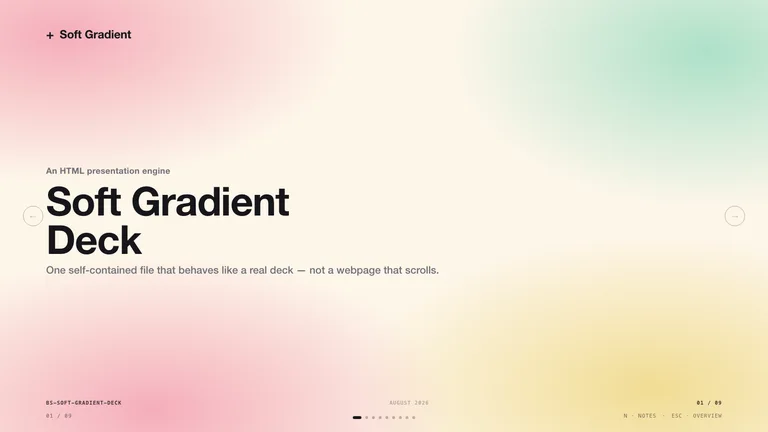
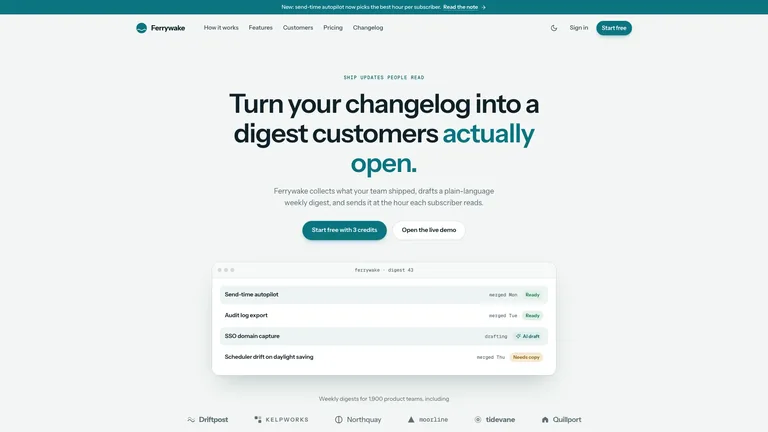
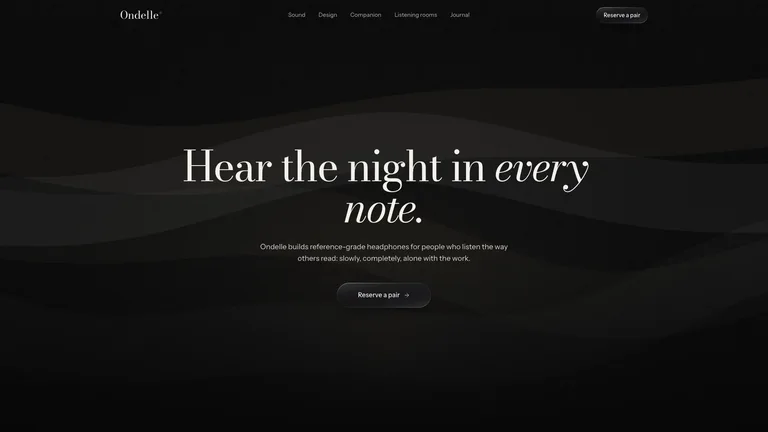
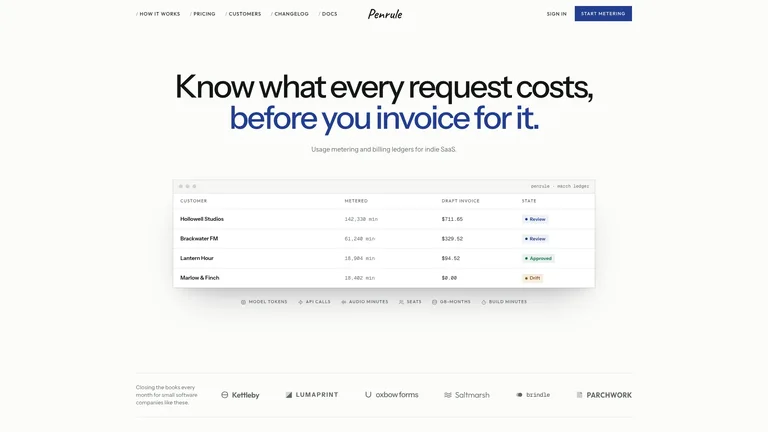
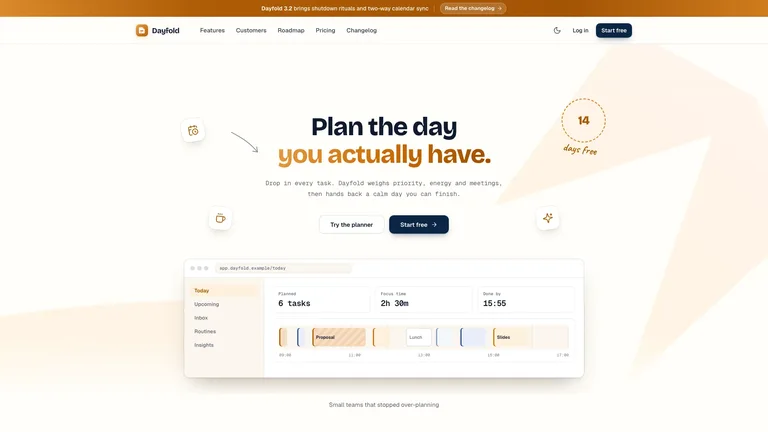
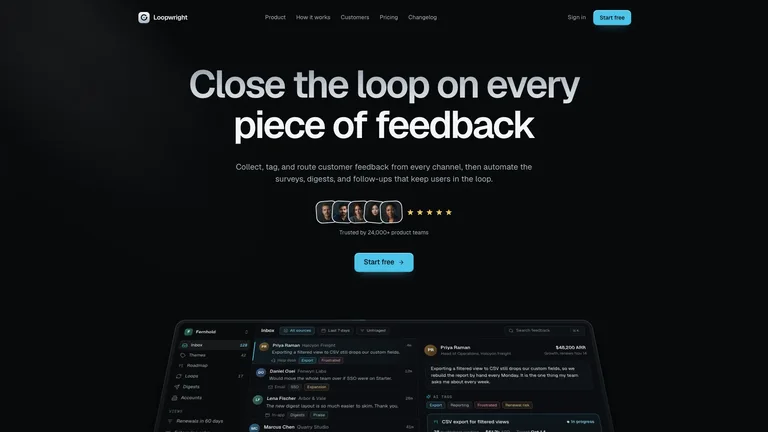
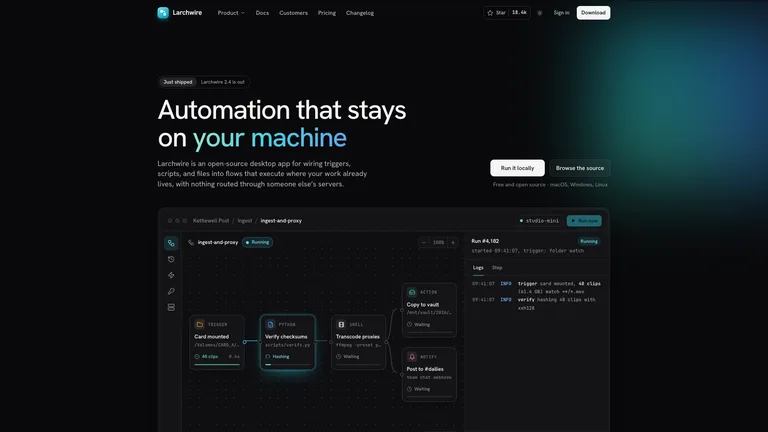
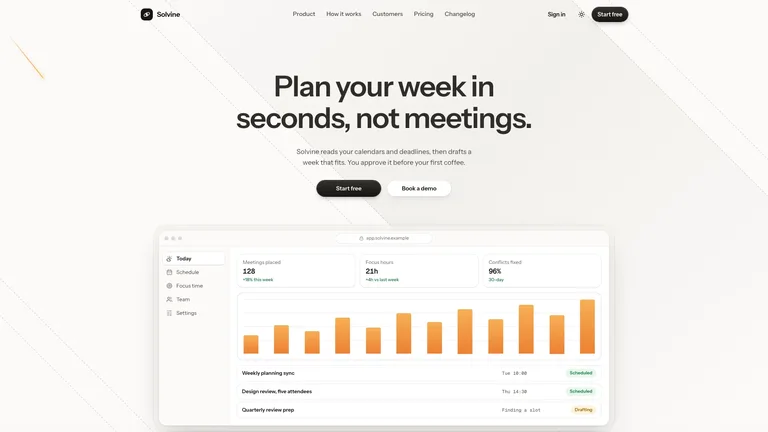
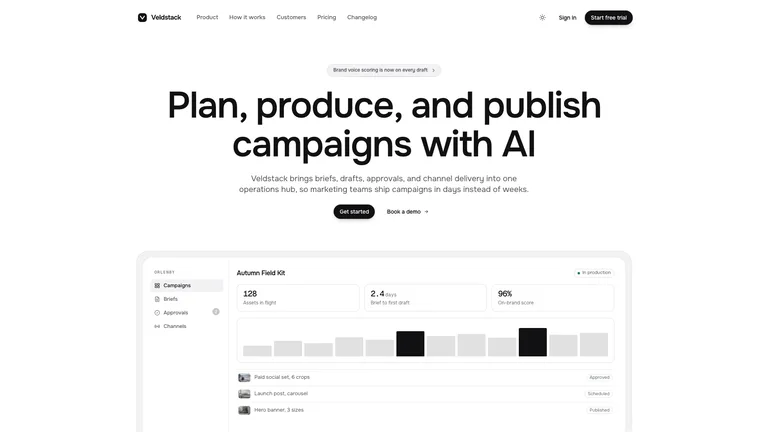
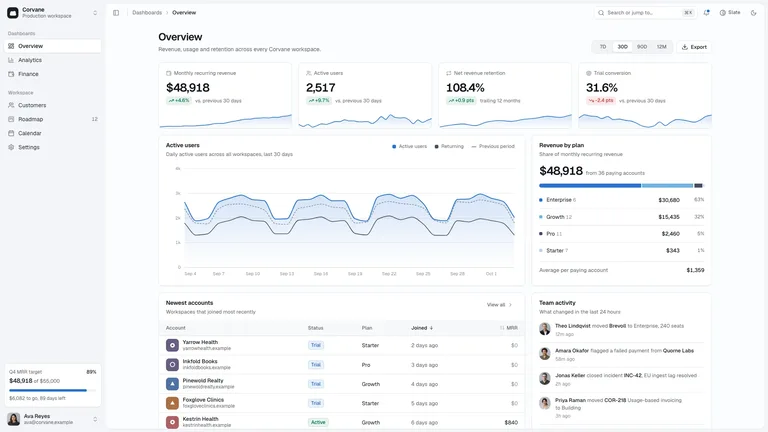
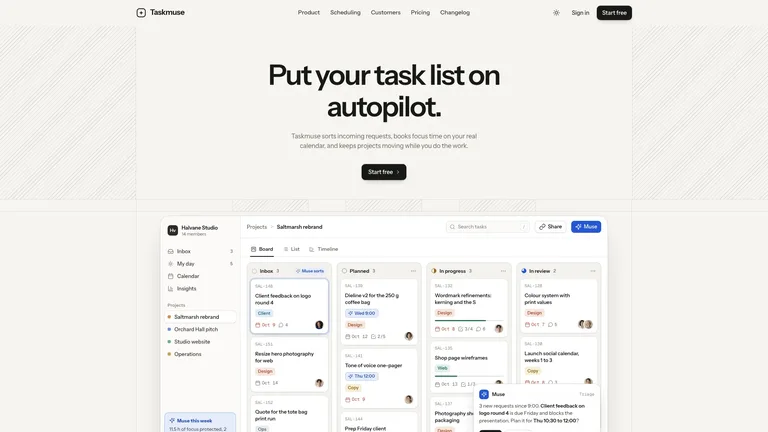


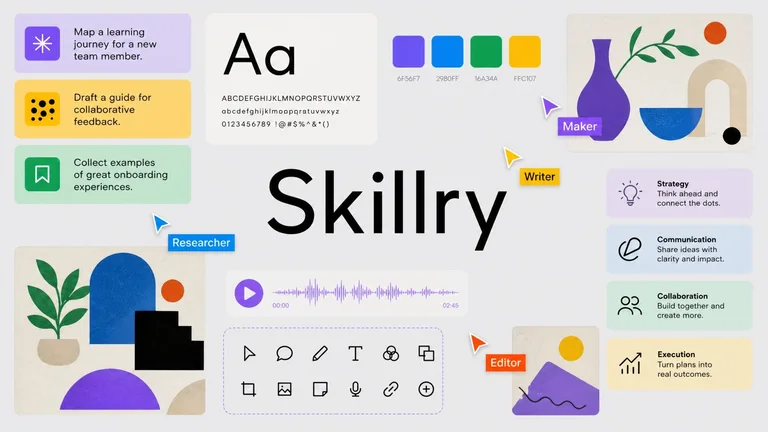
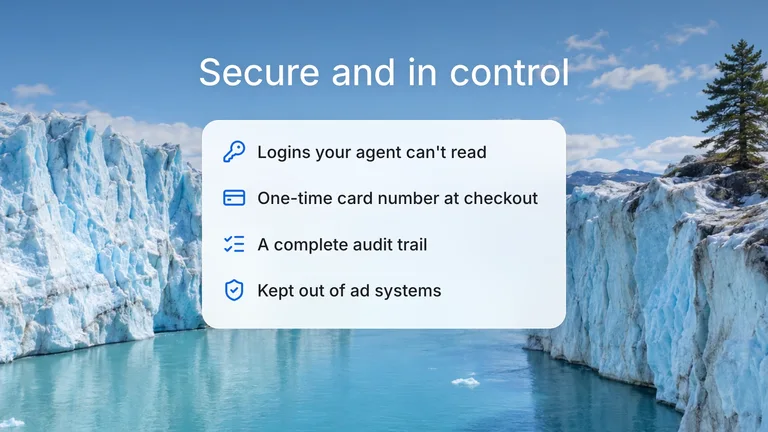
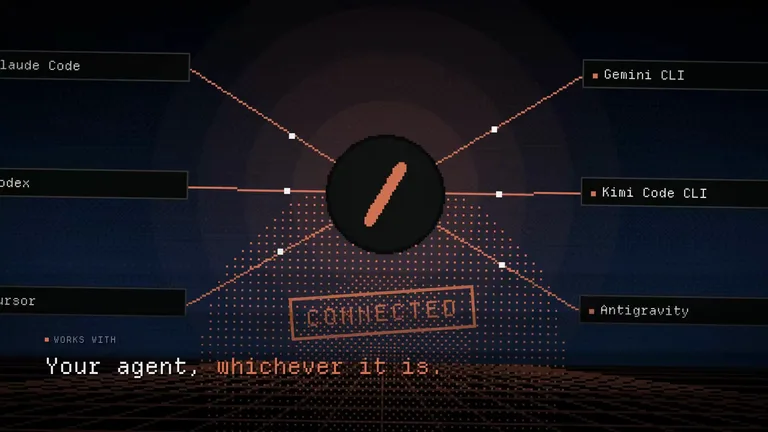
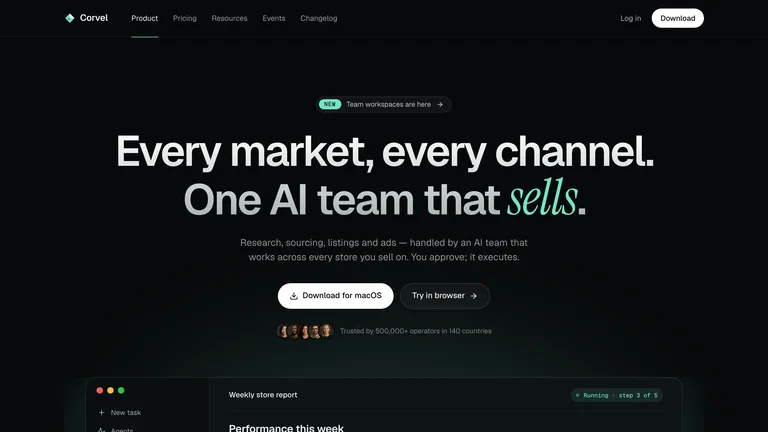
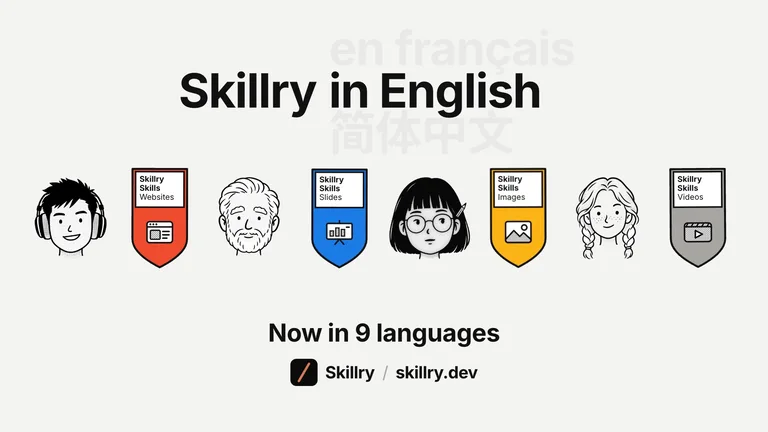
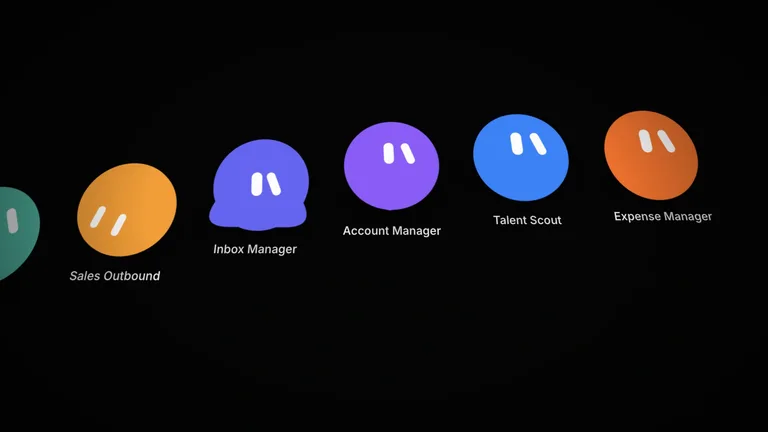
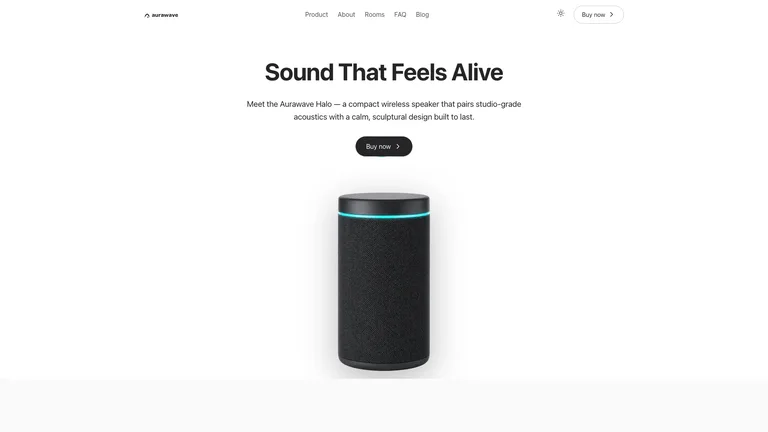
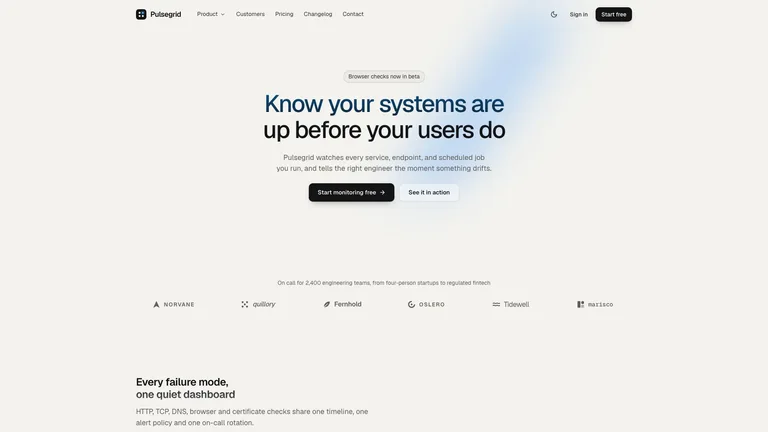
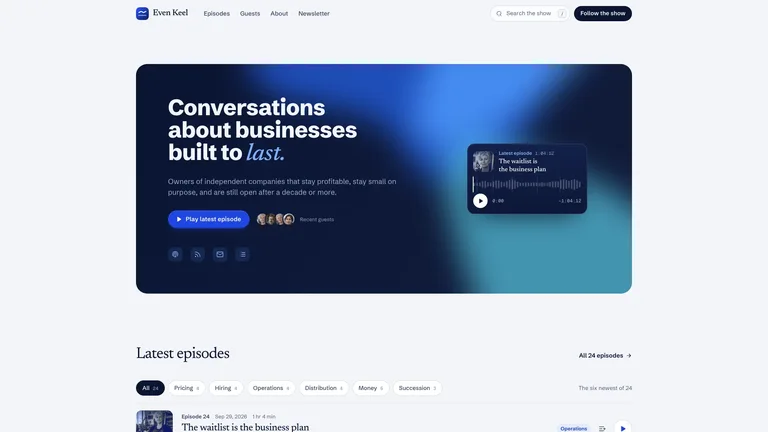
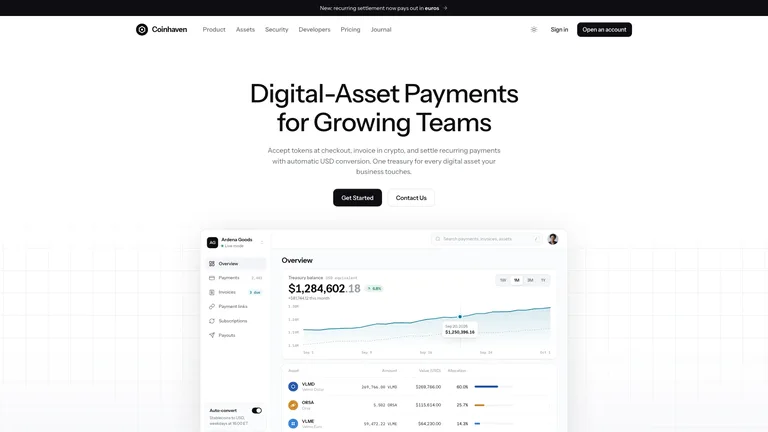
Launch day needs a video, a page and a stack of images at once. Each Skill brings a finished design, so your time goes into the launch, not the layouts.
Choose for a launch that shows what has actually shipped. Compare the examples below, prepare your own material and review the requirements before installing.
Gather approved copy, source files and the output constraints. Mark missing material before asking the agent to fill the layout.
Connect each claim to a real screen or example, and distinguish planned features from available ones.
Each role page picks the Skills that fit that job best.
 For designersA design system your agent repeats, so you work on the details.
 For foundersProduct sites, pitch decks and launch videos before the first hire.
 For content creatorsCovers, social cards and talking-head overlays in your style.
 For marketersCampaign pages, launch videos and social images from one brief.
Three steps in Claude Code, Codex or Cursor. No design app needed.
Download after obtaining access. Read SKILL.md and identify the dependencies and any outside costs.
Download the ZIP from this Skill page, extract it, and follow SKILL.md.Ask your agent for one draft focused on a launch that shows what has actually shipped. Supply the source material instead of relying on sample facts.
/bs-manus2-0-style-launch-video Create a launch page and campaign visuals from this product brief.Connect each claim to a real screen or example, and distinguish planned features from available ones.
video.mp4| Part | What to specify |
|---|---|
| Outcome | a launch that shows what has actually shipped |
| Evidence | Your approved source material, with missing facts marked. |
| Review | Connect each claim to a real screen or example, and distinguish planned features from available ones. |
Install any Skill on this page and every new one we add. Cancel anytime.
Cancel anytime
US$8.99 / month
Full Premium access, billed monthly.
Annual membership
Most popularUS$69.00 / year
Full Premium access for a lower annual price.
Pay once · Founding price
Founding offerUS$159.00 one-time
Founding price — increases as the library grows.
Cancel anytime. Payments are non-refundable.
Install a launch video Skill and give your agent the product name or website URL. It writes a storyboard and renders the film. The Manus-style launch video Skill, for example, researches your site and delivers a 75–120 second MP4 in 1080p, 2K or 4K.
One is enough when a single piece is missing, such as the landing page. Use several when the same story has to run through a video, a page and a deck, and write the brief once so every Skill works from it.
Only if the Skill says it includes that integration. Most deliver the page itself, and you connect forms or checkout afterward. To compare page layouts and what each one delivers, see web design Skills.
No. You supply the approved positioning, pricing and proof, and the Skill lays them out. It isn't meant to invent facts about your product.
Launch pages, demo videos and announcement graphics.
Browse all Skills