Preview gallery
The job to start with
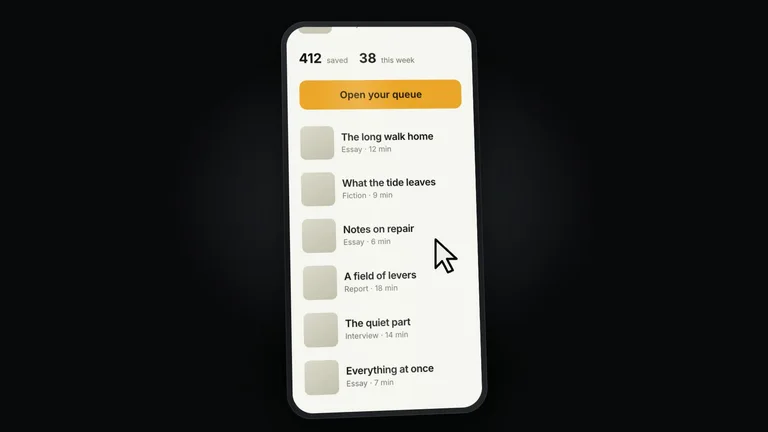
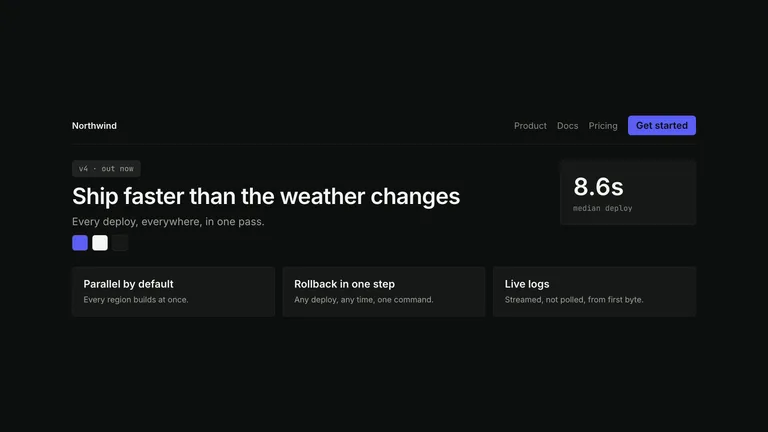
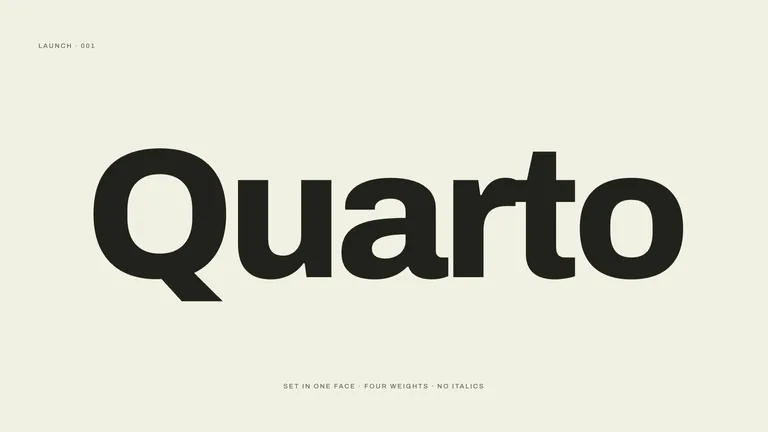
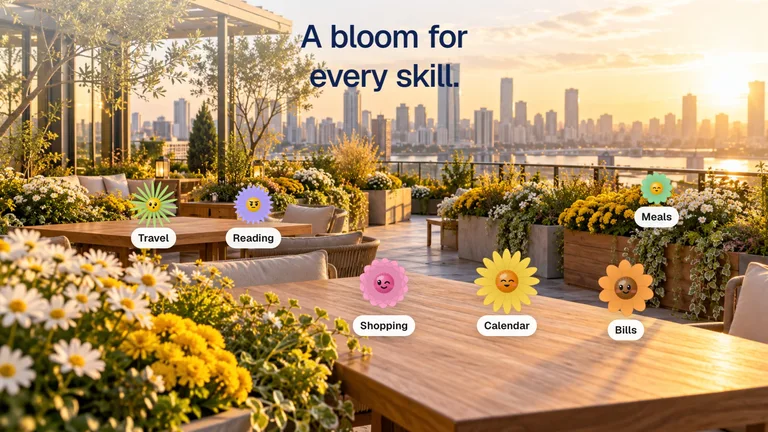
Use Notion Style Localize Video to announce the languages your product actually supports. Start by deciding what your audience needs to understand; use the preview to judge whether this format serves that goal.
Picked most often by
Plan your first result
Use the brief below as a starting point. Replace the placeholders, review a small draft, then expand it.
When to choose it
You have a short message that benefits from a sequence, rather than a single still. Decide what the viewer should understand at the end.
Prepare the material
Prepare approved copy, real interface material or permitted footage, target duration and delivery size. Decide whether audio is needed before selecting a provider.
A first brief to adapt
Use Notion Style Localize Video to announce the languages your product actually supports. My audience is [audience], and the material I can provide is [sources]. Approve a shot list or one short section first. Match reading time to the content before rendering the complete video. Check each language name in its own script and confirm that the corresponding product page is available. Flag missing facts before producing the final output.
The review that matters here
Check each language name in its own script and confirm that the corresponding product page is available.
Know the boundary
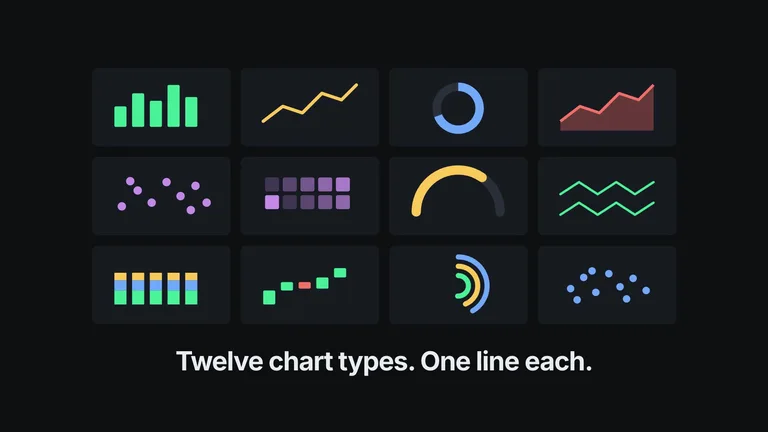
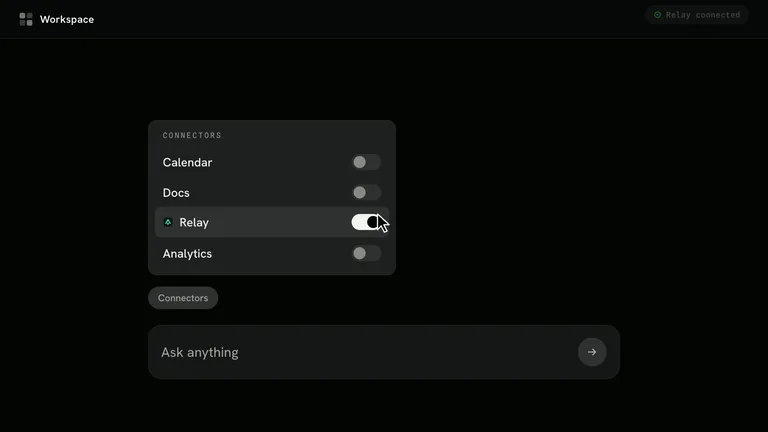
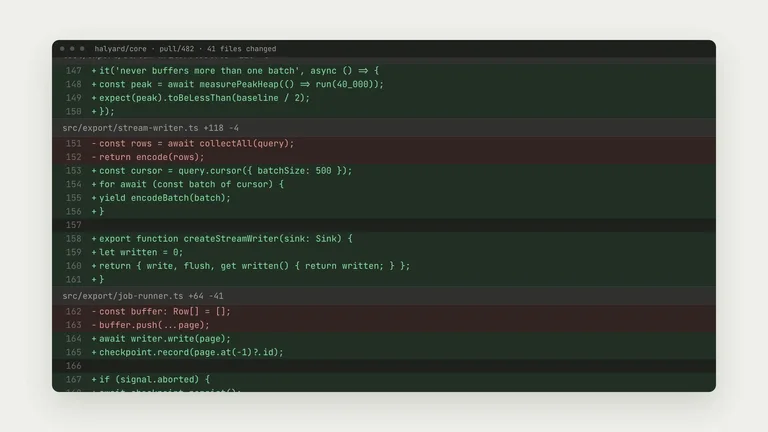
The preview demonstrates a direction, not a recording of your product. Replace sample claims and results with your own; audio or image services may cost extra.
What you need before you start
- You bring
- The website the video is about. If you give no link, the Skill asks for one before doing anything. · Optional: your languages (else read from the site), whether they are new, aspect (16:9, 9:16, 1:1), resolution (1080p, 2K, 4K) and music you own.
- Dependencies
- Node.js 20 or newer — required · FFmpeg — required · playwright-core with Google Chrome or Playwright Chromium — required · Codex CLI signed in, for the avatar images — optional (default avatar generator) · FAL_KEY for GPT Image 2 avatars — optional (fallback generator) · FAL_KEY for the optional voiceover and music (ElevenLabs through FAL), or ELEVENLABS_API_KEY to call ElevenLabs directly — optional
- Outside costs
- Rendering is local and free. Avatars are made once per film with the Codex CLI image tool under your own Codex plan, or with GPT Image 2 on FAL (about $0.05 each, 8 by default). The optional voiceover and music are billed by FAL (or ElevenLabs with your own key), a few cents per film, and are only made if you say yes.
- Package compatibility record
- v1.0.2 — Claude Code / Claude Desktop / Cowork / Codex / ChatGPT
From package to deliverable
- Use the package to build a video sequence in your own environment. Keep the editable project alongside the rendered result for later revisions.
- Agree on duration, aspect ratio and reading time before the full render. Use your own verified statements and permitted footage.
A useful first milestone
- A workflow to announce the languages your product actually supports.
Before handing it over
- Check each language name in its own script and confirm that the corresponding product page is available.
- The preview demonstrates a direction, not a recording of your product. Replace sample claims and results with your own; audio or image services may cost extra.
Social Media Content & CampaignsProduct Launch & App GrowthCreate Social Brand VideoCreate Localization Announcement VideoStyle-lockedText-accurateEditable OutputHand DrawnMinimalHalftone StippleKinetic Typography
User reviews
Loading reviews…
FAQ
Check each language name in its own script and confirm that the corresponding product page is available.
Approve a shot list or one short section first. Match reading time to the content before rendering the complete video.
The preview demonstrates a direction, not a recording of your product. Replace sample claims and results with your own; audio or image services may cost extra.