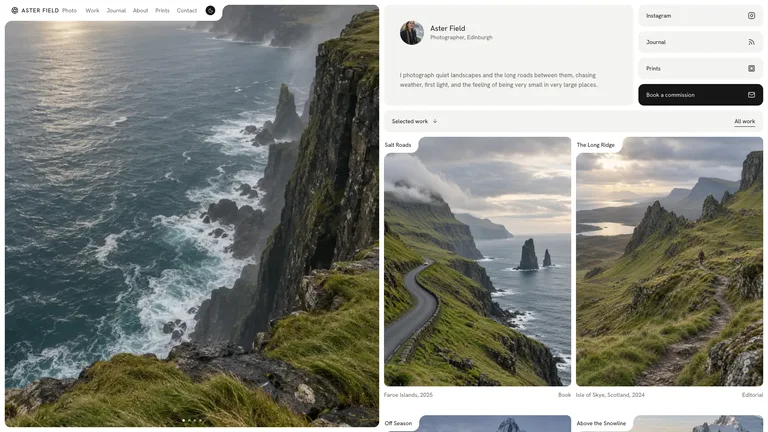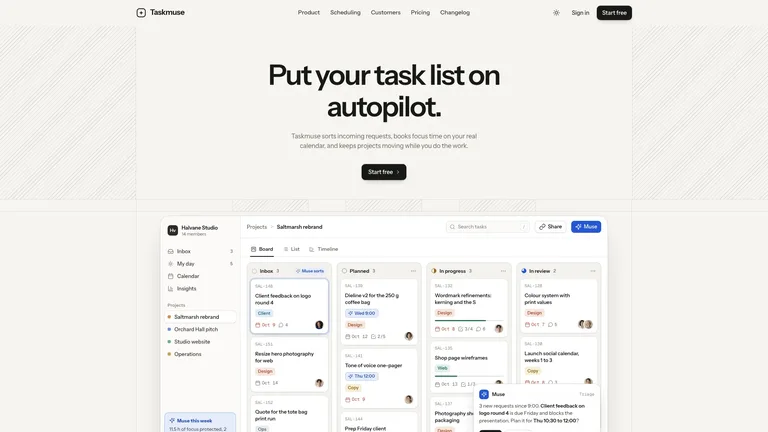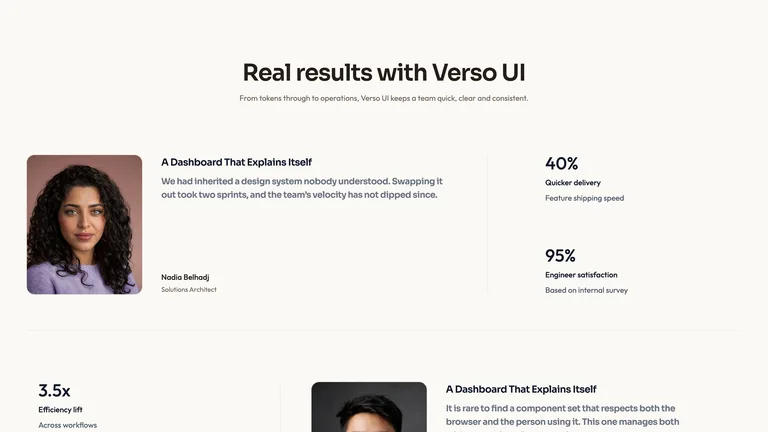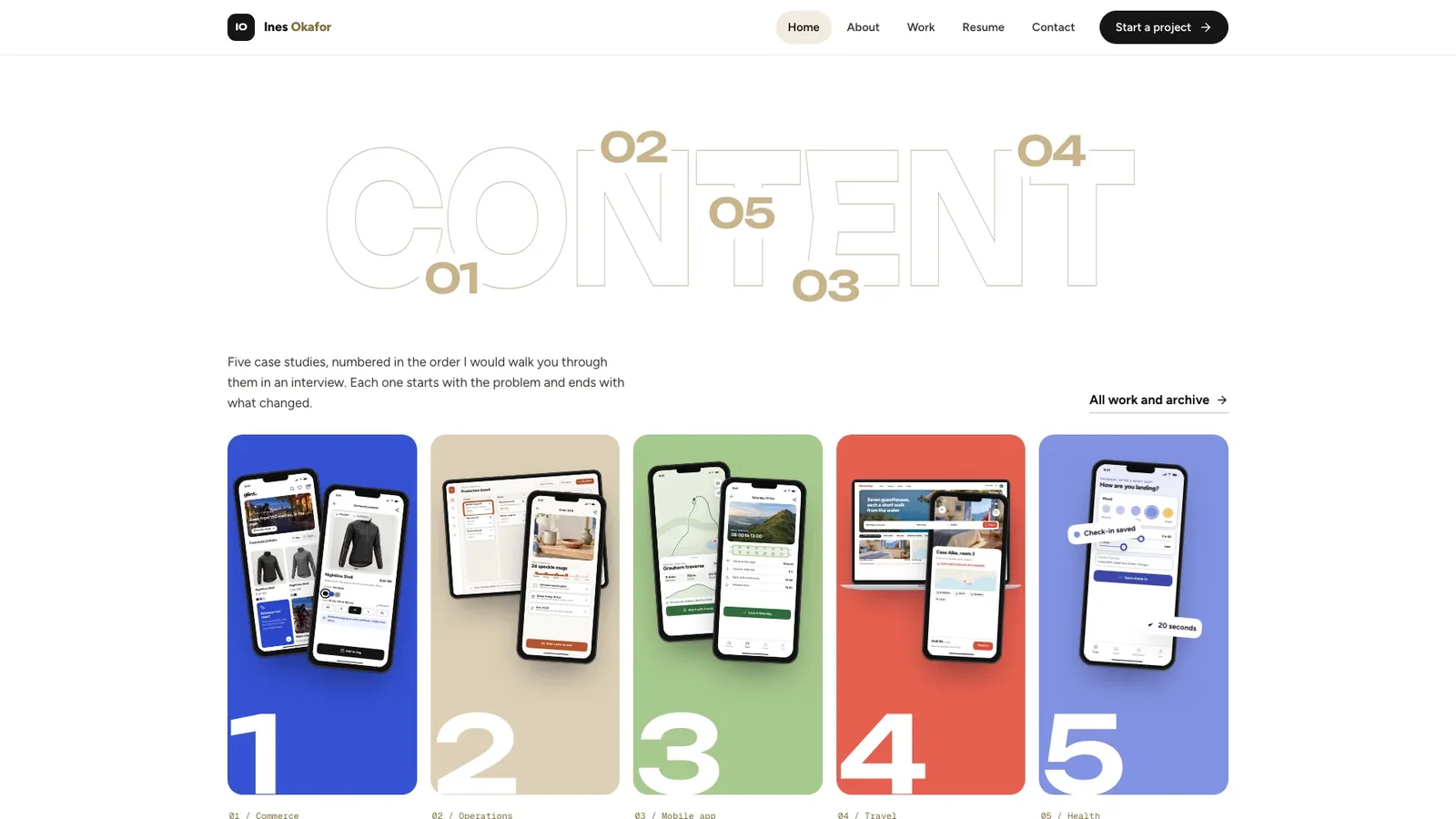


Preview gallery
The job to start with
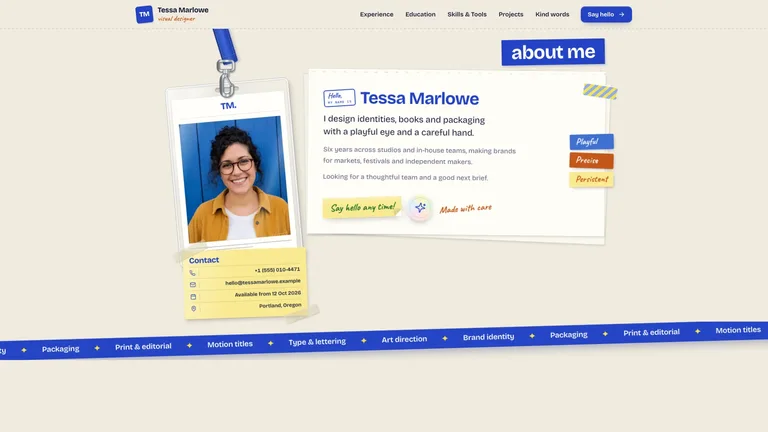
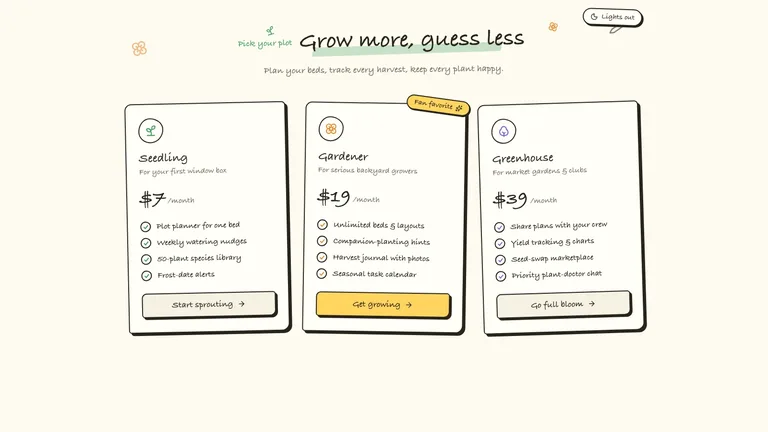
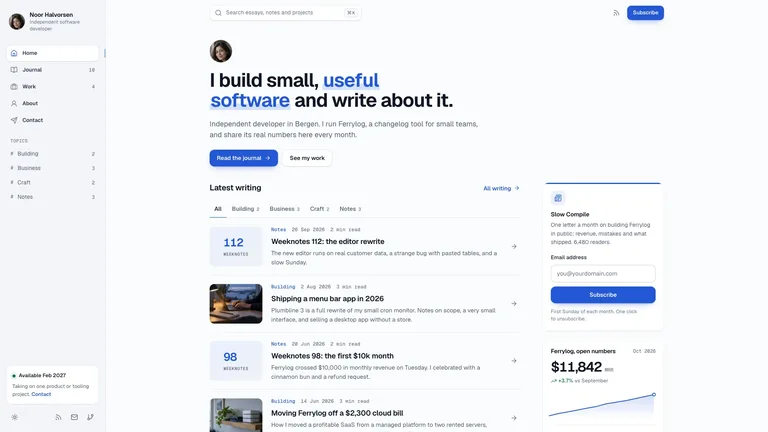
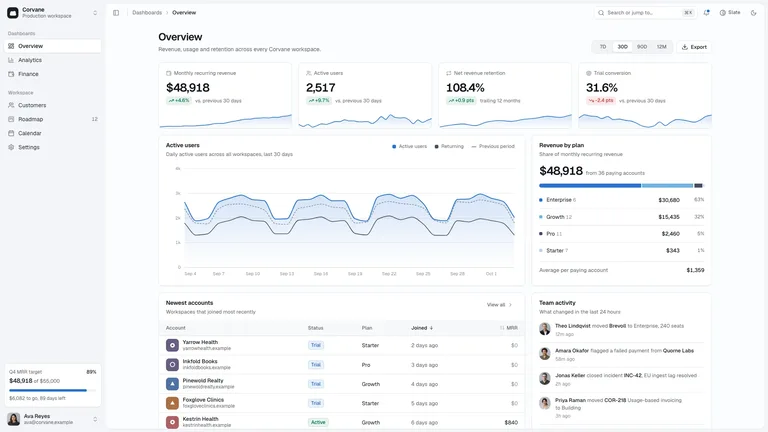
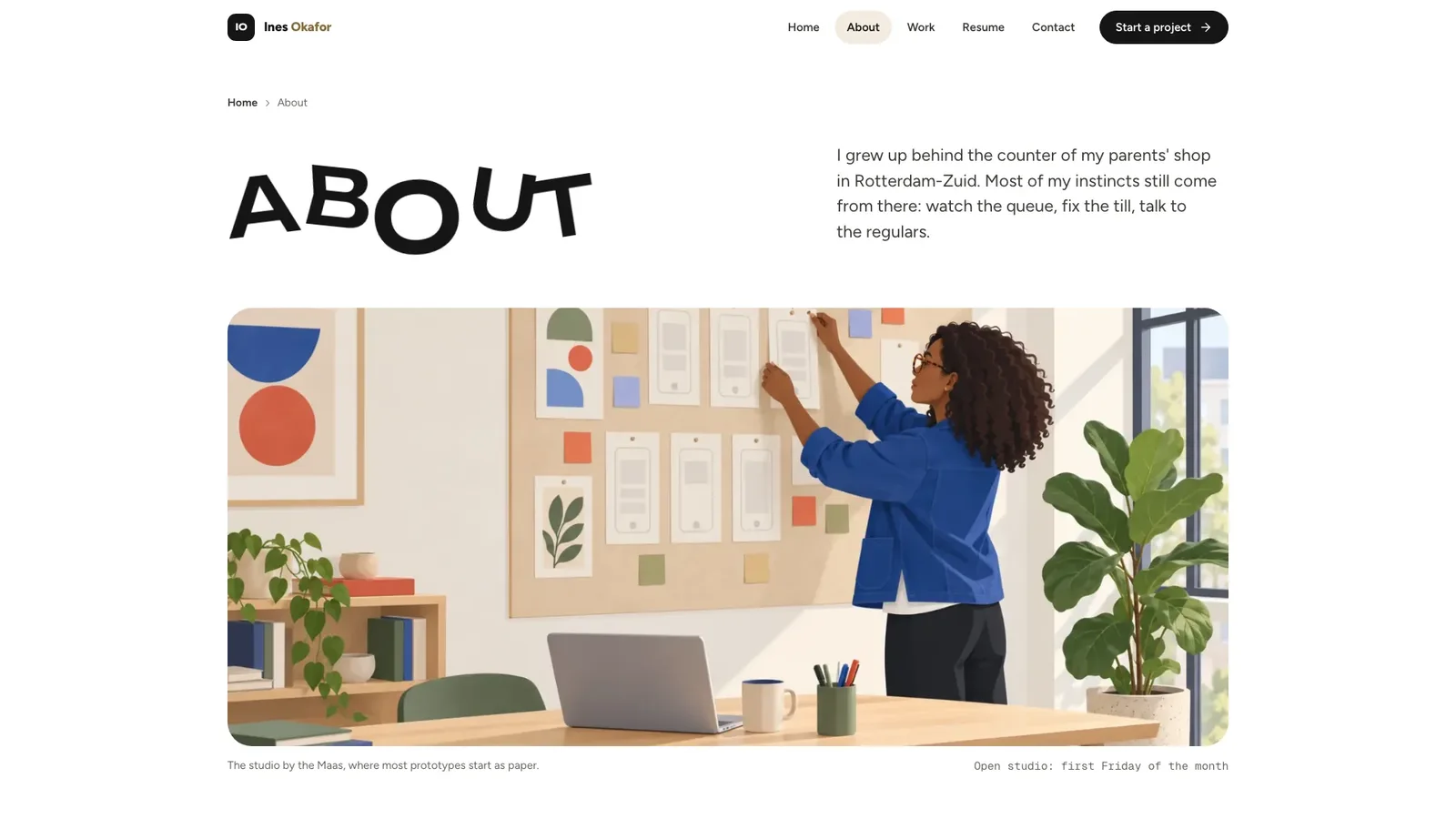
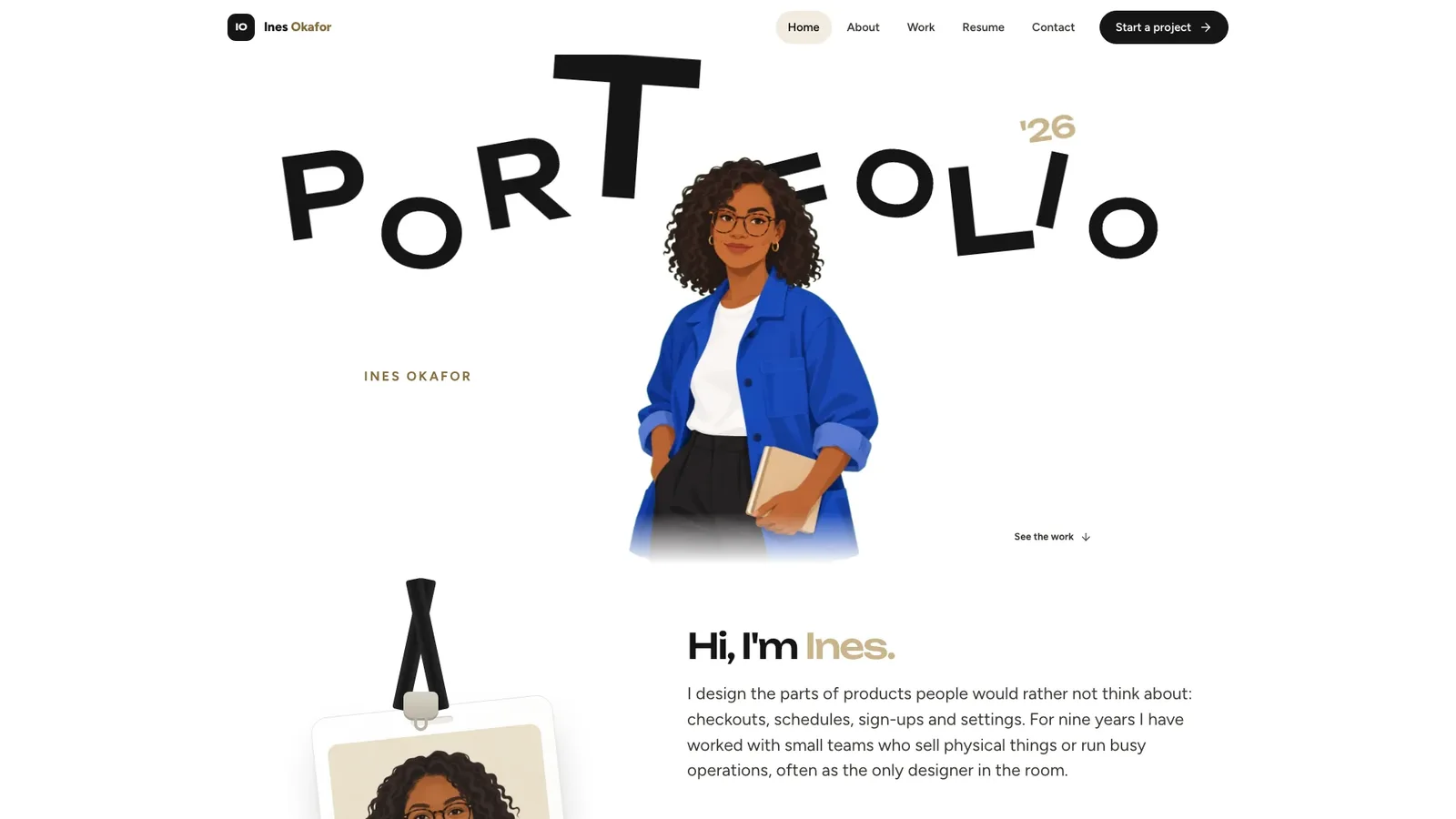
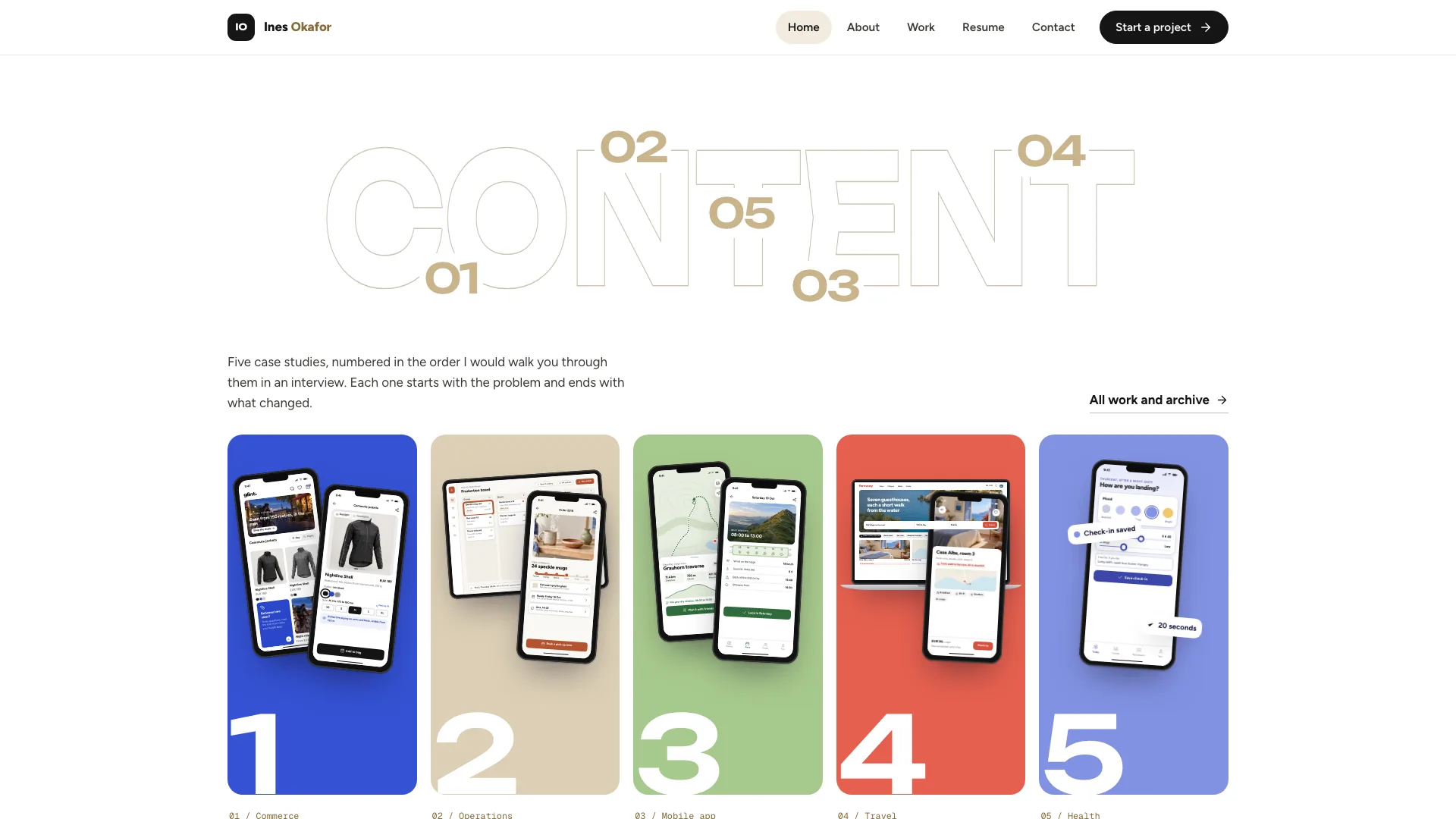
Use Playful UI/UX Portfolio to show a designer's process alongside finished interfaces. Start by deciding what your audience needs to understand; use the preview to judge whether this format serves that goal.
Picked most often by
Plan your first result
Use the brief below as a starting point. Replace the placeholders, review a small draft, then expand it.
When to choose it
You need a starting implementation to adapt to your own content and service. Use the preview to judge the page structure, then define the visitor action.
Prepare the material
Prepare your real copy, approved images, destination links and the services each interactive control should call. Label demonstration data explicitly.
A first brief to adapt
Use Playful UI/UX Portfolio to show a designer's process alongside finished interfaces. My audience is [audience], and the material I can provide is [sources]. Adapt the main user journey first. Test it with your actual content before extending the design to every section. Check navigation, keyboard access, narrow screens and long text, then verify real submissions against the connected service. Flag missing facts before producing the final output.
The review that matters here
Check navigation, keyboard access, narrow screens and long text, then verify real submissions against the connected service.
Know the boundary
A visual prototype does not by itself provide a production database, authentication, payments or live inventory. Check the package and connect the services your project needs.
What you need before you start
- You bring
- Name, discipline, city, availability and a short first-person greeting · Three to six case studies with brief, findings, process steps, outcomes and a client quote · Experience, skills, contact details and photos of yourself for the illustrations
- Dependencies
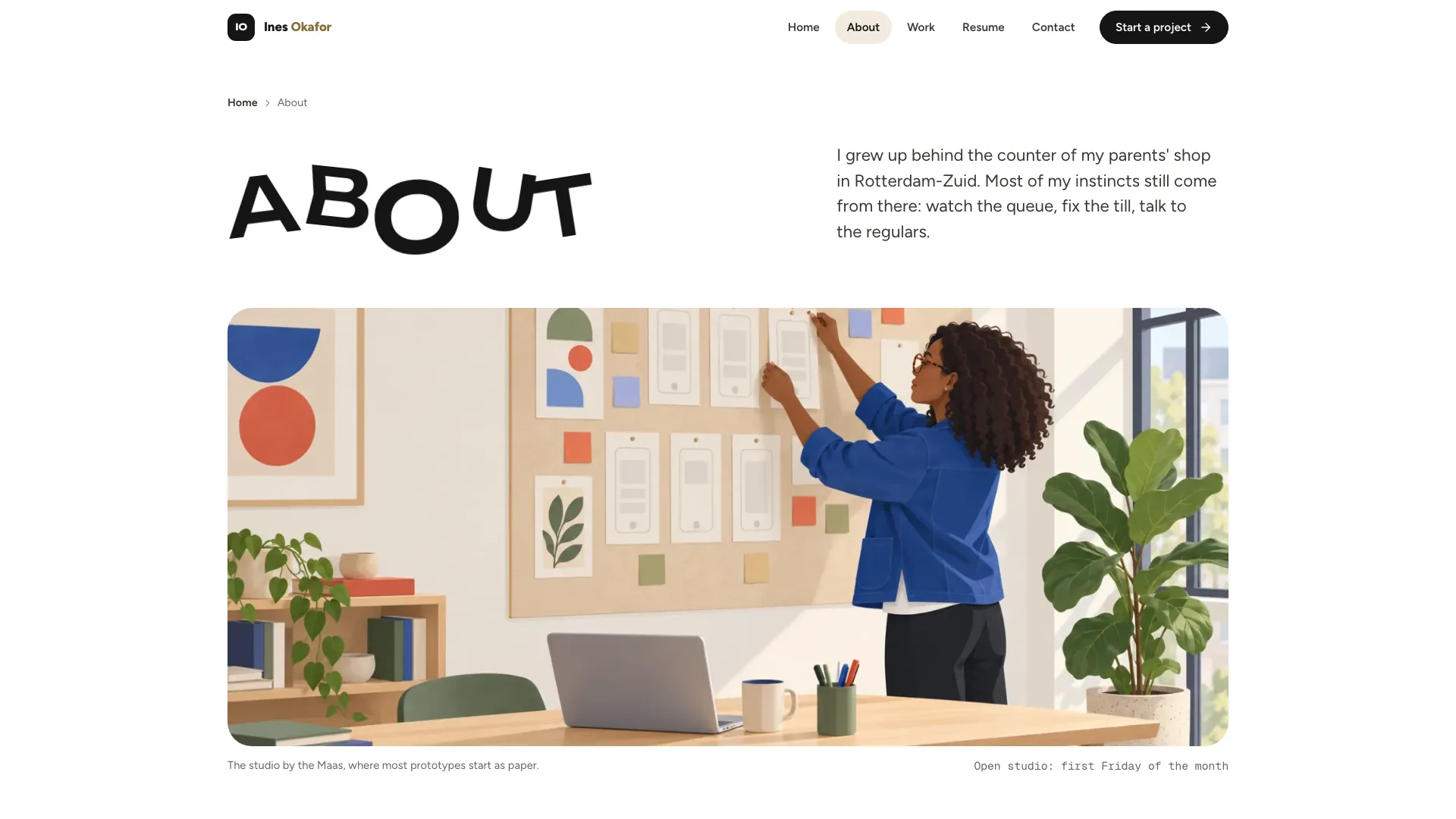
- Node.js 18 or newer on your agent's machine, to run the bundled script that builds the single offline file · Internet access while the file is built, so the fonts can be downloaded once and embedded · An image generation tool in your agent for the illustrated portrait and studio scenes
- Outside costs
- Making the illustrated portrait and scenes with your agent's image tool may incur that tool's usage charges. Product screens are built in the page and need no image generation.
- Package compatibility record
- v1.0.2 — Claude Code / Claude Desktop / Cowork / Codex / ChatGPT
From package to deliverable
- The download is a workflow package for your agent. Use the existing preview to choose a direction, then adapt the resulting source to your own project.
- For a component, review it inside the host page. For a complete site, check the whole visitor journey, including empty and error states.
A useful first milestone
- A workflow to show a designer's process alongside finished interfaces.
Before handing it over
- Check navigation, keyboard access, narrow screens and long text, then verify real submissions against the connected service.
- A visual prototype does not by itself provide a production database, authentication, payments or live inventory. Check the package and connect the services your project needs.
Brand Identity & Visual SystemsWeb Design & Digital ExperiencesBuild Website PageBuild Portfolio SiteStyle-lockedEditable OutputBouncing Display LettersDevice MockupsFlat Illustration PortraitLanyard BadgeNumbered Color Columns
User reviews
Loading reviews…
FAQ
Check navigation, keyboard access, narrow screens and long text, then verify real submissions against the connected service.
Adapt the main user journey first. Test it with your actual content before extending the design to every section.
A visual prototype does not by itself provide a production database, authentication, payments or live inventory. Check the package and connect the services your project needs.