

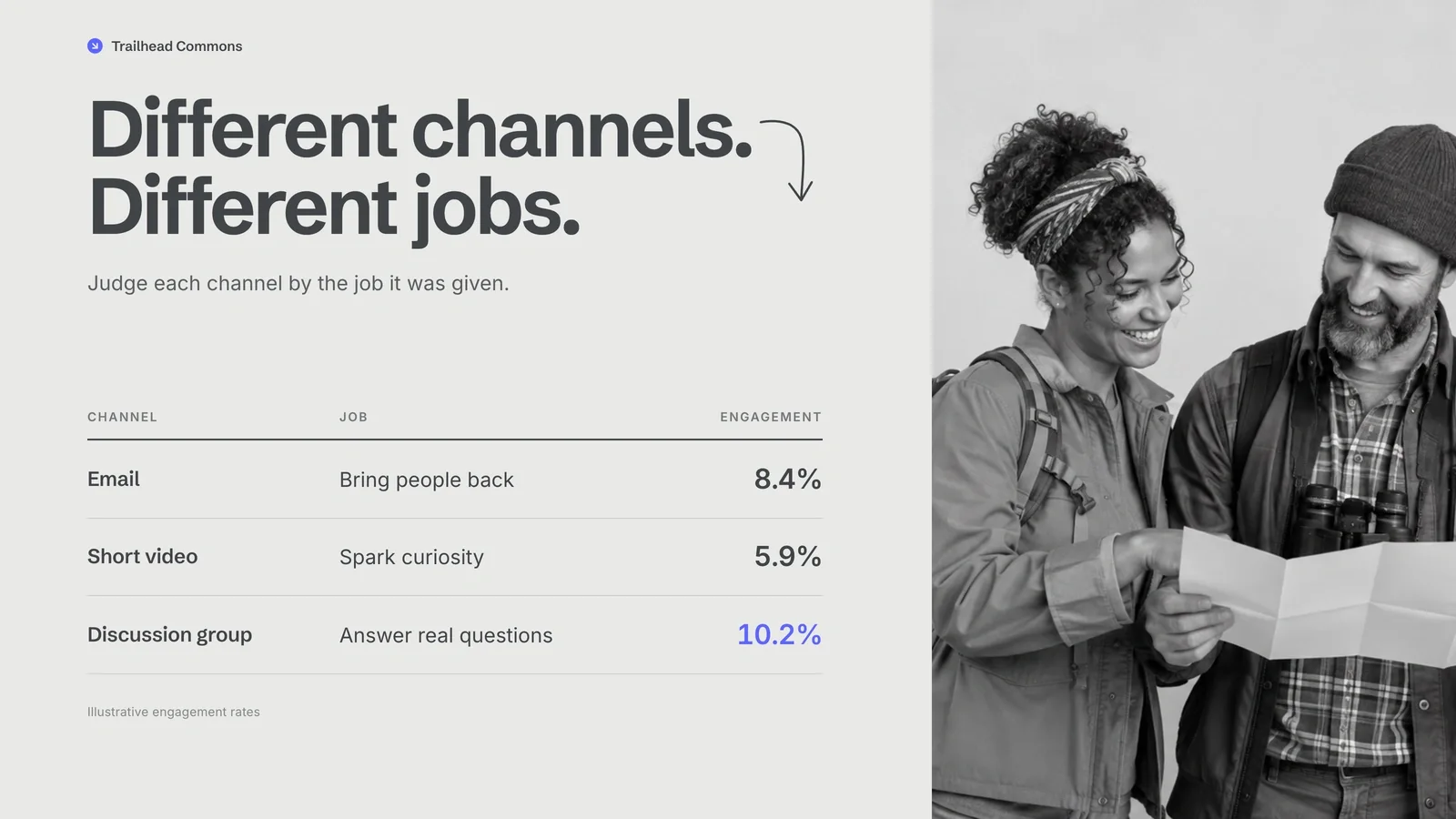



Preview gallery
The job to start with
Use Slate Social Report Deck to turn a reporting period into a decision about what to repeat, stop or test next. Start by deciding what your audience needs to understand; use the preview to judge whether this format serves that goal.
Picked most often by
Installation guide · Troubleshooting · More Presentation Skills
Plan your first result

Use the brief below as a starting point. Replace the placeholders, review a small draft, then expand it.
When to choose it
You have material to explain and a decision, lesson or discussion to support. Plan the argument before styling individual pages.
Prepare the material
Bring the audience, speaking time, approved facts, source figures and the decision you want the audience to make. Mark gaps instead of filling them with invented numbers.
A first brief to adapt
Use Slate Social Report Deck to turn a reporting period into a decision about what to repeat, stop or test next. My audience is [audience], and the material I can provide is [sources]. Start with an outline and one representative slide. Approve the evidence hierarchy before asking for the full deck. State the period, metric definitions and channel scope. Keep observations separate from explanations, then assign an owner to each next step. Flag missing facts before producing the final output.
The review that matters here
State the period, metric definitions and channel scope. Keep observations separate from explanations, then assign an owner to each next step.
Know the boundary
Browser editing and PowerPoint export are part of this workflow. Review the exported file separately: complex visual elements may not behave like native editable objects.
What you need before you start
- You bring
- Topic, audience, and the decision or learning goal. · Approximate page count and a source outline. · Verified figures and image rights for any supplied material.
- Dependencies
- Modern browser — required for presentation and browser editing · Chrome, Chromium or Edge plus Node.js 20 or newer — required only for PowerPoint export · Built-in image generation in your agent (GPT Image class) — only needed to create new pictures; no separate API key · Internet access — optional, to download this Skill's picture library while building a deck
- Outside costs
- Decks can reuse this Skill's own picture library at no image cost: you choose up front whether to reuse it or generate every picture new. New pictures use your agent's built-in image generation tool (GPT Image class) with no separate API key, and availability follows your agent account.
- Package compatibility record
- v1.0.0 — Claude Code / Claude Desktop / Cowork / Codex / ChatGPT

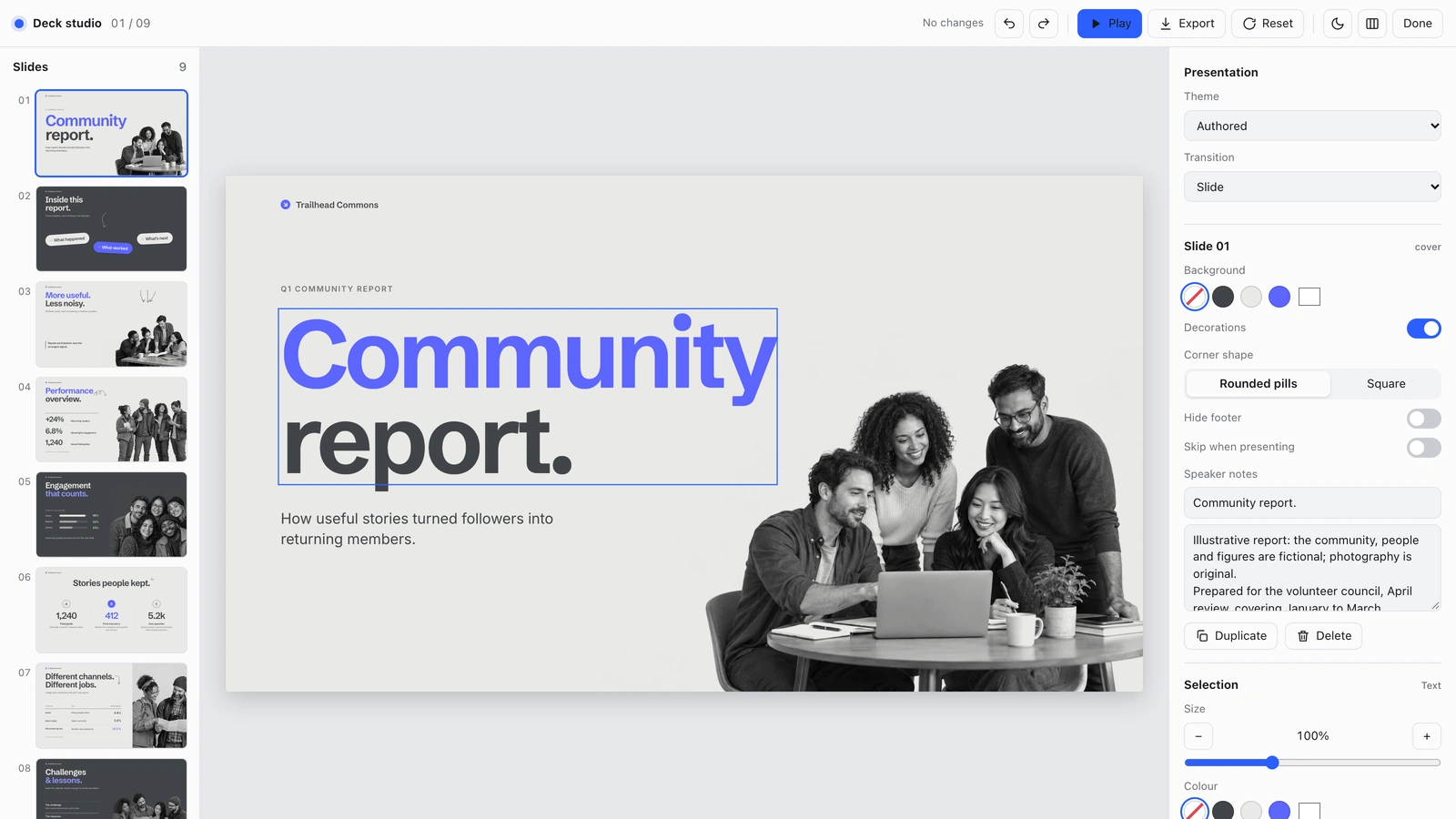

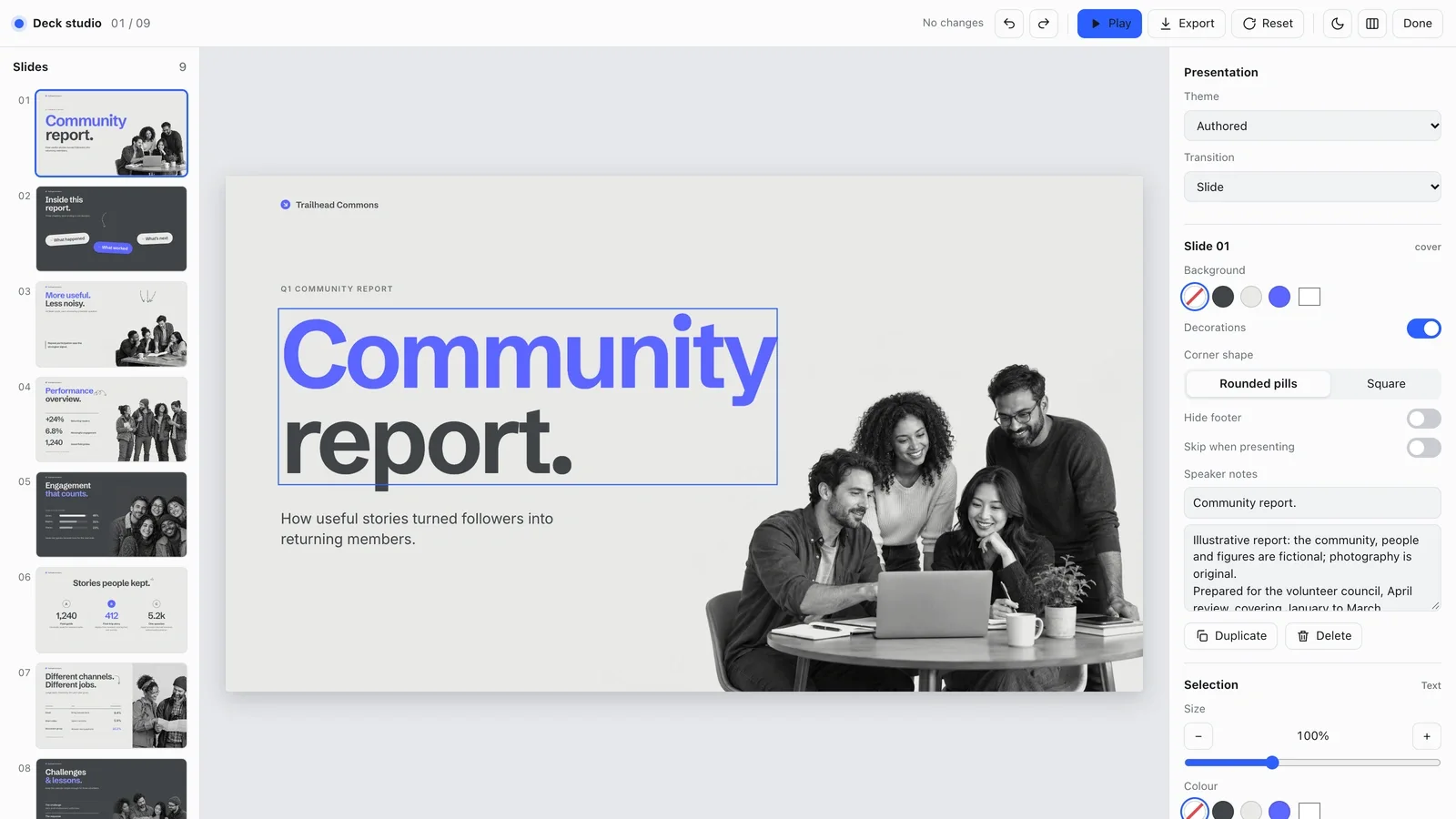
From package to deliverable
- Use the package to produce a deck from your own material, then revise it in the browser and review the PowerPoint export.
- The example shows a visual direction. Agree on your audience, page count and evidence before producing the full sequence.
A useful first milestone
- A workflow to turn a reporting period into a decision about what to repeat, stop or test next.
Before handing it over
- State the period, metric definitions and channel scope. Keep observations separate from explanations, then assign an owner to each next step.
- Browser editing and PowerPoint export are part of this workflow. Review the exported file separately: complex visual elements may not behave like native editable objects.
Social Media Content & CampaignsClient & Executive ReportingCreate PresentationStyle-lockedSeries-consistentEditable OutputBlue AccentBold SansGrayscale Editorial
User reviews
Loading reviews…
FAQ
State the period, metric definitions and channel scope. Keep observations separate from explanations, then assign an owner to each next step.
Start with an outline and one representative slide. Approve the evidence hierarchy before asking for the full deck.
Browser editing and PowerPoint export are part of this workflow. Review the exported file separately: complex visual elements may not behave like native editable objects.