Preview gallery
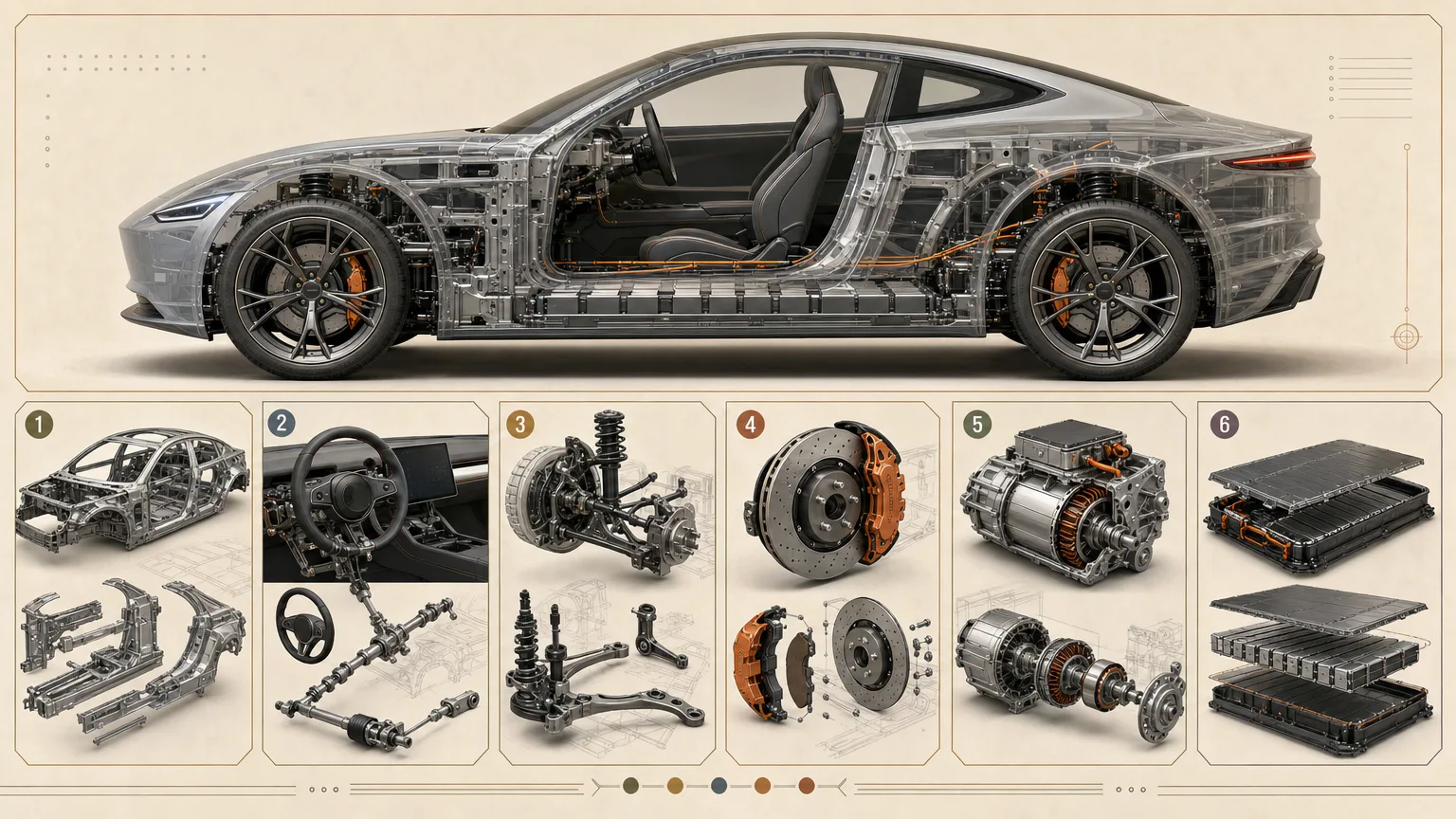
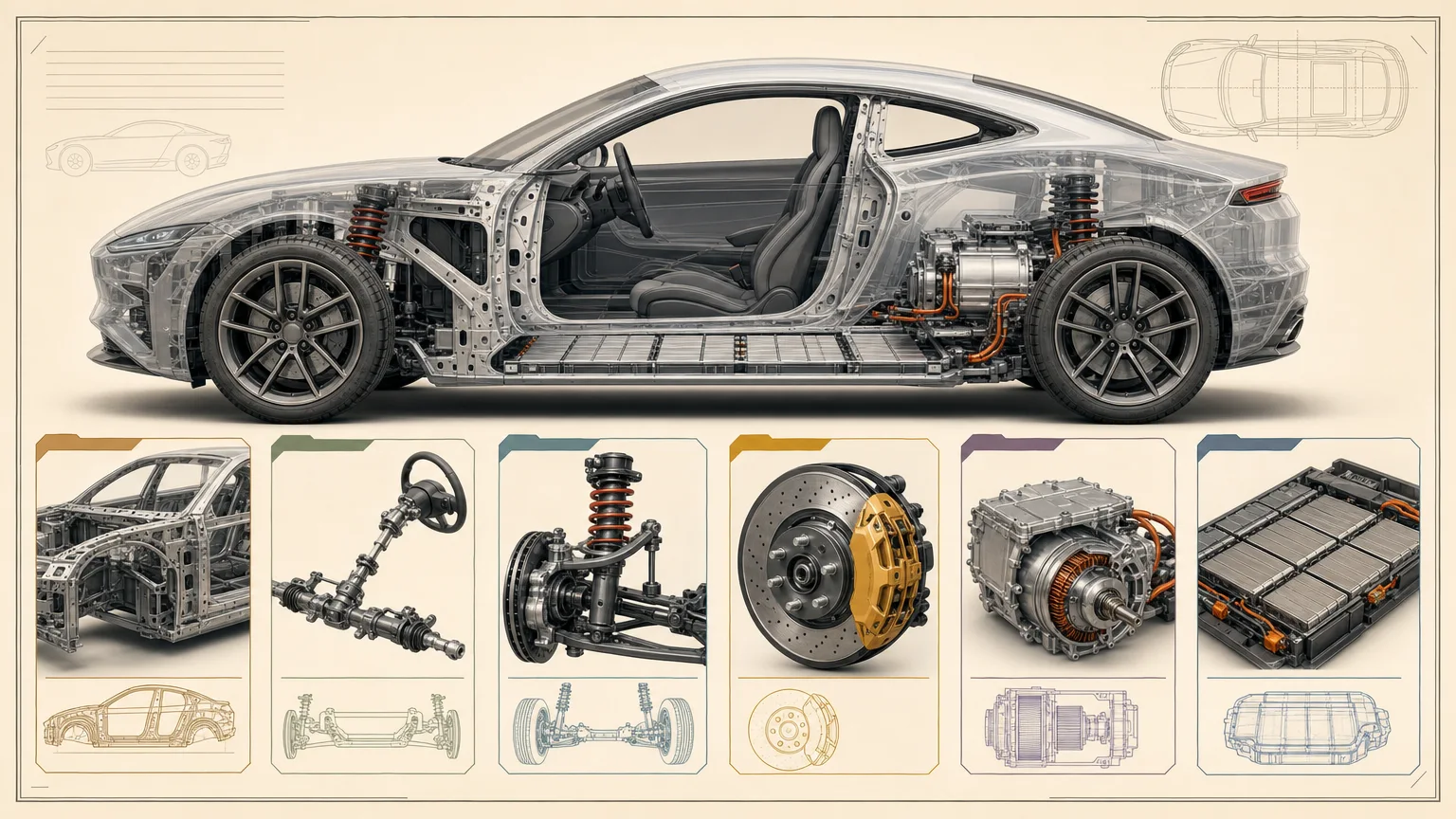
The job to start with
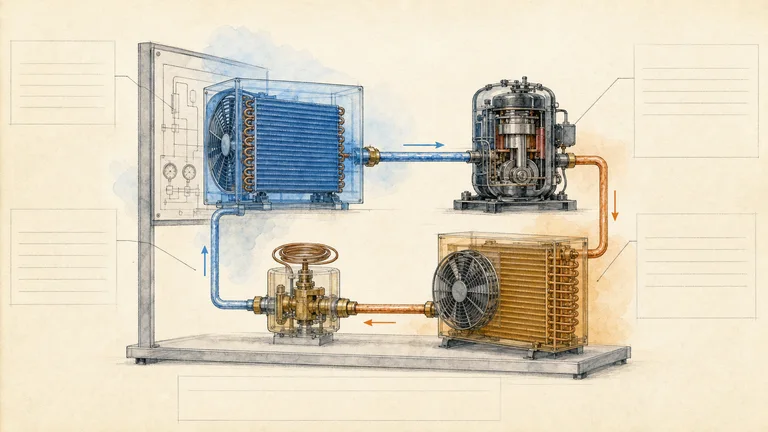
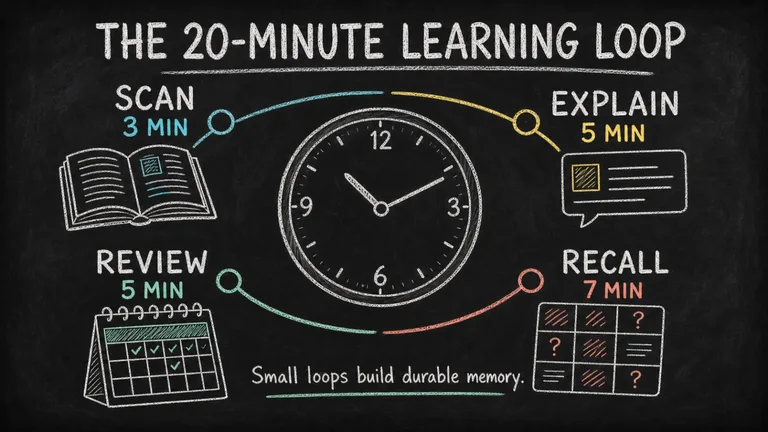
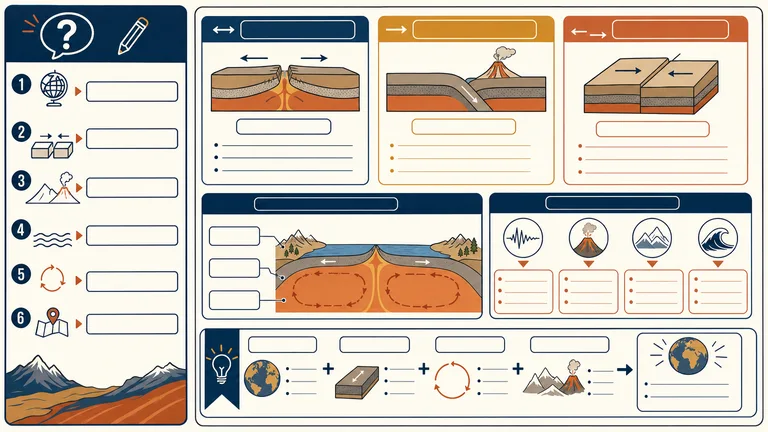
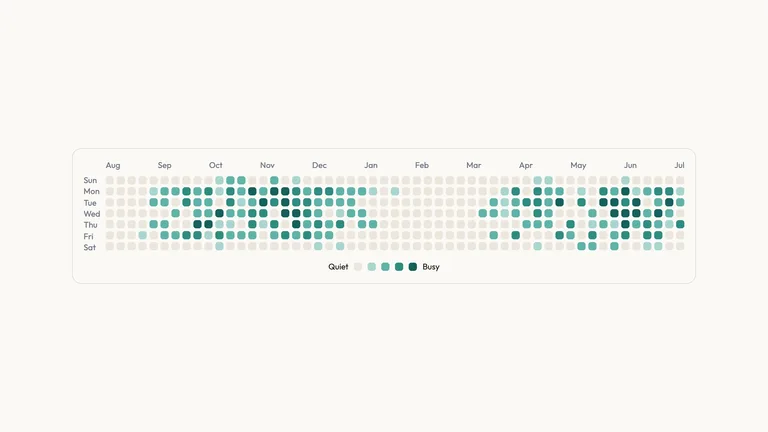
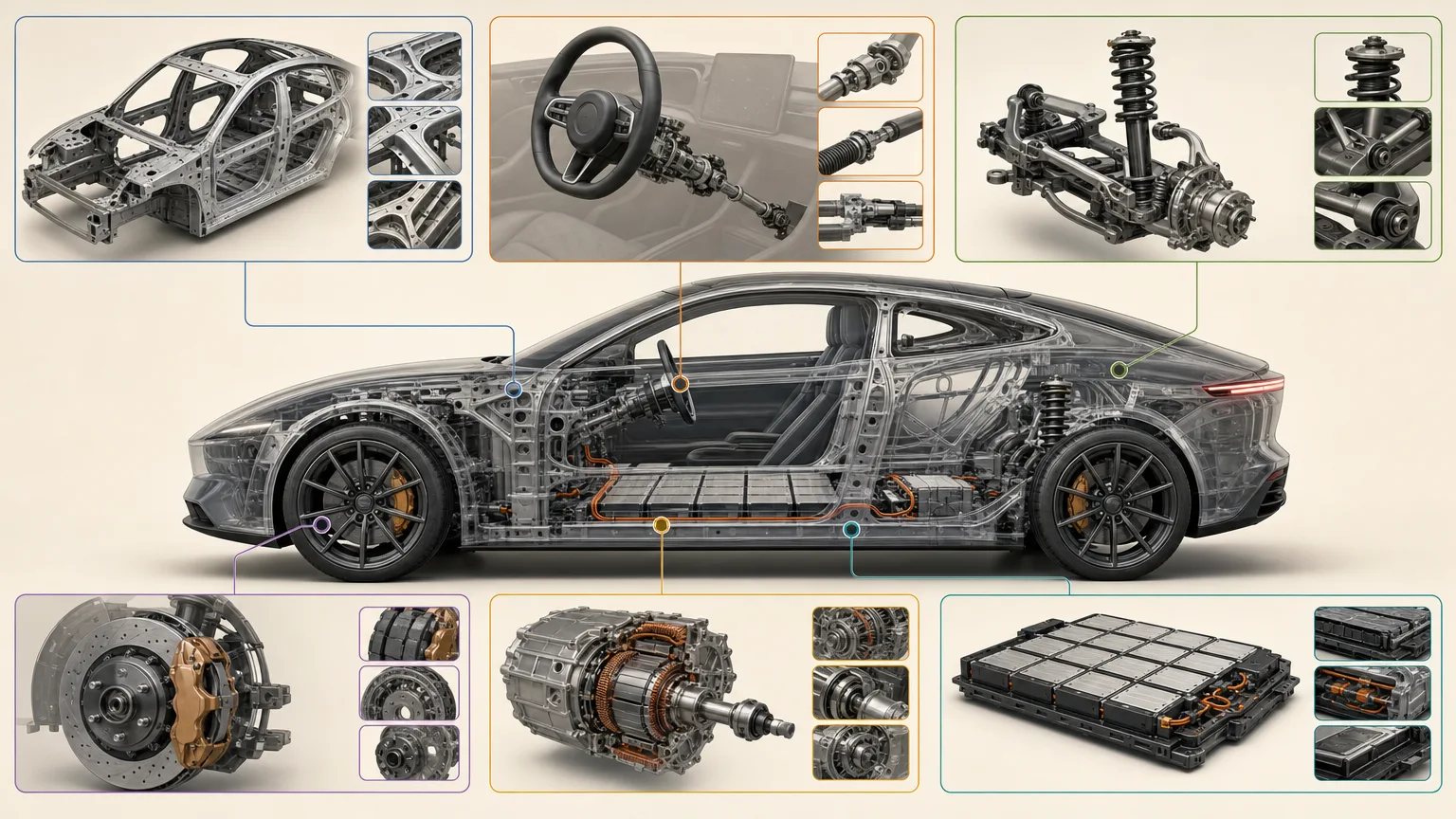
Use Vehicle Anatomy Poster to introduce major vehicle systems for a classroom explanation. Start by deciding what your audience needs to understand; use the preview to judge whether this format serves that goal.
Picked most often by
Plan your first result
Use the brief below as a starting point. Replace the placeholders, review a small draft, then expand it.
When to choose it
You have a specific message and a place where the image will be used. Choose the visual direction using the existing preview, then brief it with your own subject.
Prepare the material
Supply the approved message, intended crop, subject references, exact labels and image rights. State what must remain factual and what may be illustrative.
A first brief to adapt
Use Vehicle Anatomy Poster to introduce major vehicle systems for a classroom explanation. My audience is [audience], and the material I can provide is [sources]. Approve a simple composition before refining surface detail. Review any generated wording against your source text. Keep the fictional vehicle clearly illustrative and verify system labels. Flag missing facts before producing the final output.
The review that matters here
Keep the fictional vehicle clearly illustrative and verify system labels.
Know the boundary
A generated image is a draft for review. Check text, attribution and factual details before publishing; generation providers may charge separately.
What you need before you start
- You bring
- Vehicle type and learner level · Verified system list and plain-language functions · Required detail windows or comparison points · Rights-cleared references or a fictional-vehicle direction
- Dependencies
- FAL account — required · Node.js 20 or newer — required
- Outside costs
- Image generation uses a paid fal.ai task. Review the prompt before submission; failed tasks are never submitted again automatically.
- Package compatibility record
- v1.0.1 — Claude Code / Claude Desktop / Cowork / Codex / ChatGPT
From package to deliverable
- Use the workflow with your own subject and approved message. Review the composition before committing to the final image.
- The preview is a style reference. Prepare the actual delivery crop and inspect labels, attribution and subject details in the result.
A useful first milestone
- A workflow to introduce major vehicle systems for a classroom explanation.
Before handing it over
- Keep the fictional vehicle clearly illustrative and verify system labels.
- A generated image is a draft for review. Check text, attribution and factual details before publishing; generation providers may charge separately.
Education & ExplainersResearch & Technical CommunicationCreate Explainer GraphicsCreate InfographicCreate PosterLogic-firstText-accurateBeginner-friendlyMuseum InfographicTechnical CutawayWarm Neutral
User reviews
Loading reviews…
FAQ
Keep the fictional vehicle clearly illustrative and verify system labels.
Approve a simple composition before refining surface detail. Review any generated wording against your source text.
A generated image is a draft for review. Check text, attribution and factual details before publishing; generation providers may charge separately.