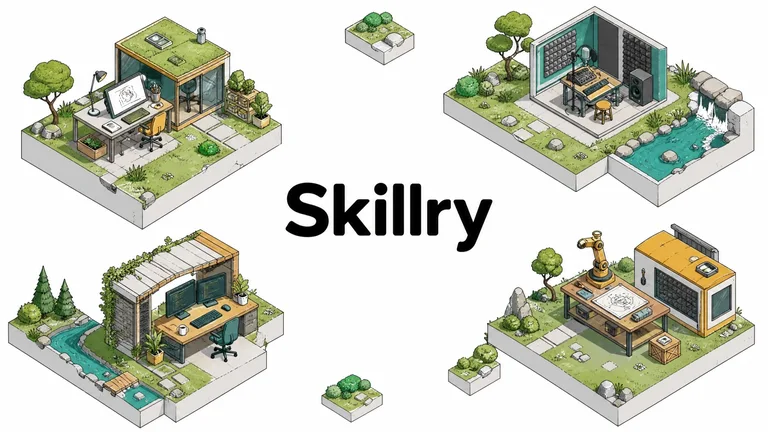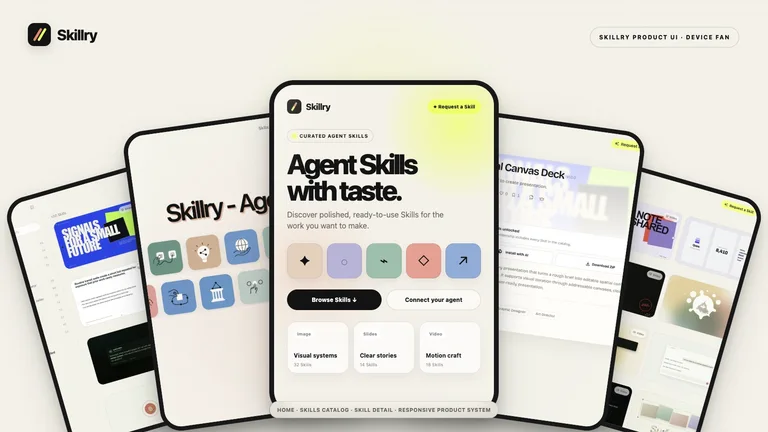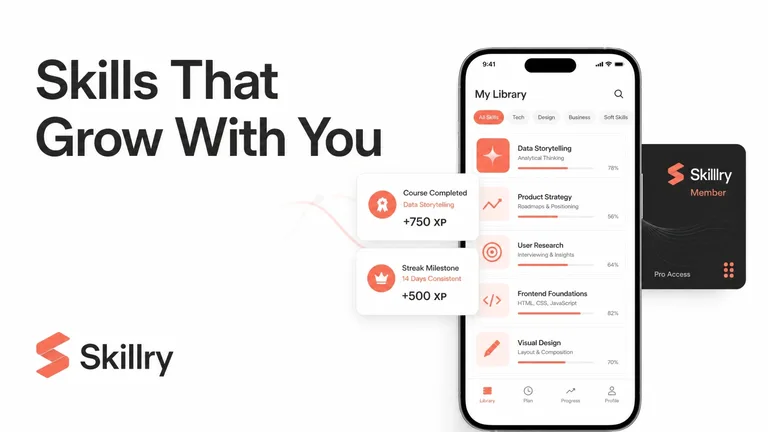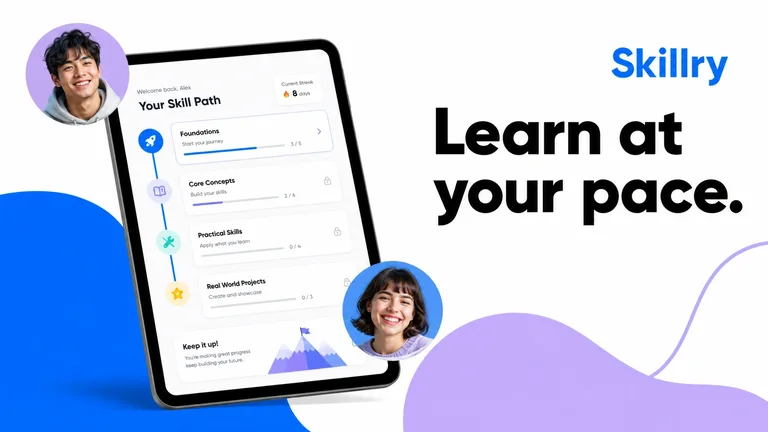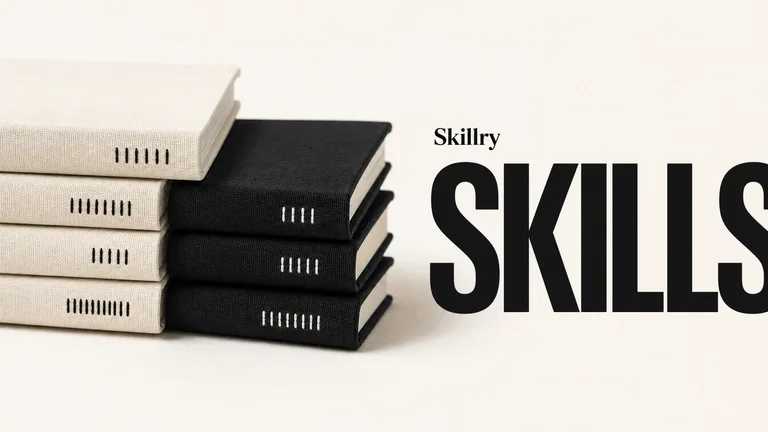
Preview gallery
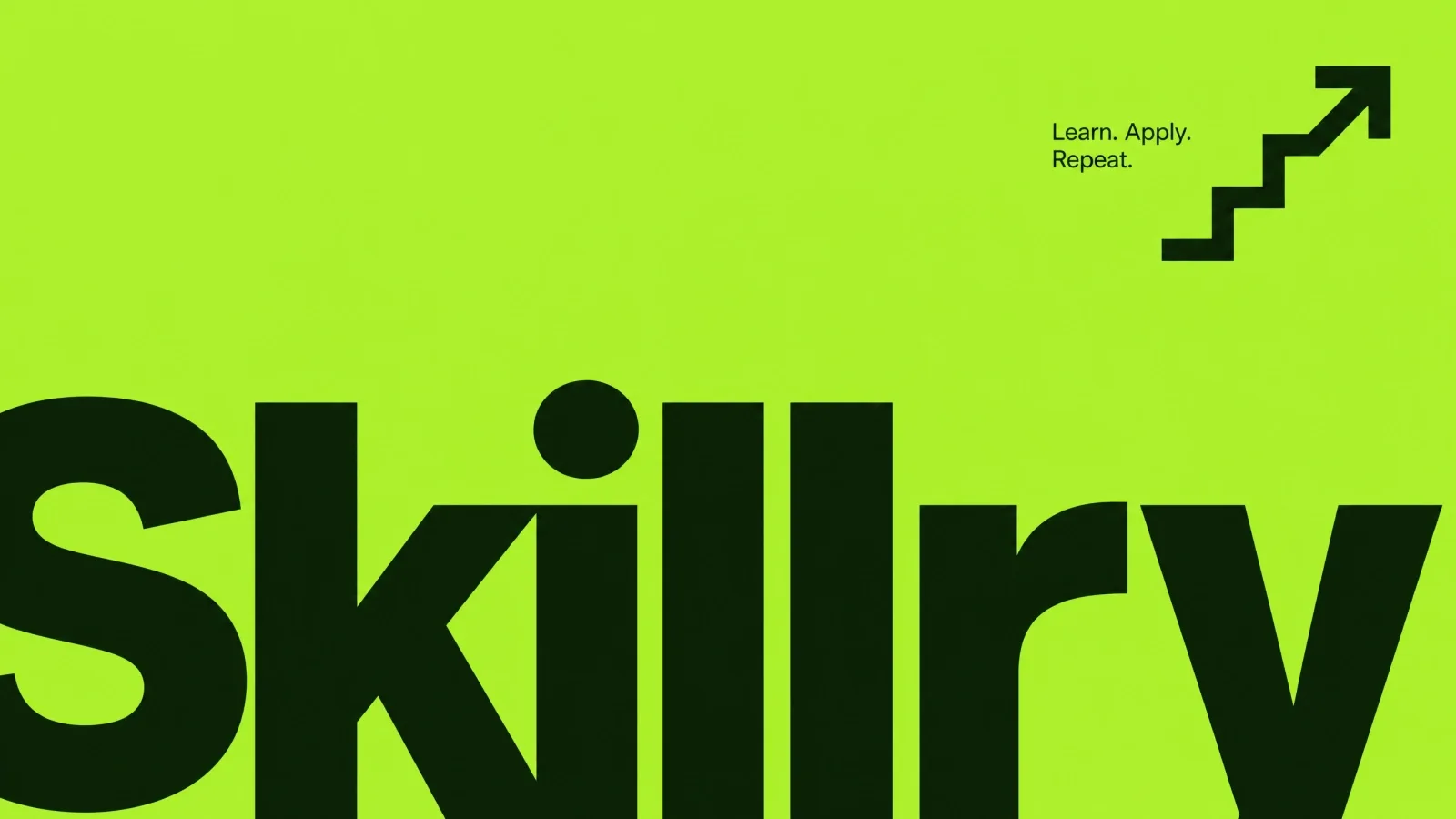
The job to start with
A first brief to try with Wise Style OG Image: explain a product update in one sentence. Choose this direction for the composition in the preview, then replace the subject with your own campaign.
Picked most often by
Plan your first result
Use the brief below as a starting point. Replace the placeholders, review a small draft, then expand it.
When to choose it
You have a specific message and a place where the image will be used. Choose the visual direction using the existing preview, then brief it with your own subject.
Prepare the material
Supply the approved message, intended crop, subject references, exact labels and image rights. State what must remain factual and what may be illustrative.
A first brief to adapt
Use Wise Style OG Image to explain a product update in one sentence. My audience is [audience], and the material I can provide is [sources]. Approve a simple composition before refining surface detail. Review any generated wording against your source text. This is a suggested campaign brief for the visual direction shown in the preview. Use your own name, mark and claim; the referenced brand does not endorse the output. Test the image in the intended sharing crop. Flag missing facts before producing the final output.
The review that matters here
This is a suggested campaign brief for the visual direction shown in the preview. Use your own name, mark and claim; the referenced brand does not endorse the output. Test the image in the intended sharing crop.
Know the boundary
A generated image is a draft for review. Check text, attribution and factual details before publishing; generation providers may charge separately.
What you need before you start
- You bring
- Brand or project name · One short headline · Product, audience, or page context
- Dependencies
- Node.js 20 or newer — required for the bundled generation script · FAL account and API key — required for the bundled generation script
- Outside costs
- Each FAL generation or edit uses paid GPT Image credits. The bundled script disables provider retries and never submits an automatic replacement task.
- Package compatibility record
- v1.0.2 — Claude Code / Claude Desktop / Cowork / Codex / ChatGPT
From package to deliverable
- Use the workflow with your own subject and approved message. Review the composition before committing to the final image.
- The preview is a style reference. Prepare the actual delivery crop and inspect labels, attribution and subject details in the result.
A useful first milestone
- A workflow to explain a product update in one sentence.
Before handing it over
- This is a suggested campaign brief for the visual direction shown in the preview. Use your own name, mark and claim; the referenced brand does not endorse the output. Test the image in the intended sharing crop.
- A generated image is a draft for review. Check text, attribution and factual details before publishing; generation providers may charge separately.
Product Launch & App GrowthWeb Design & Digital ExperiencesCreate Og ImageStyle-lockedSeries-consistentText-accurateBlack ContrastMega WordmarkNeon LimeRadical Minimalism
User reviews
Loading reviews…
FAQ
This is a suggested campaign brief for the visual direction shown in the preview. Use your own name, mark and claim; the referenced brand does not endorse the output. Test the image in the intended sharing crop.
Approve a simple composition before refining surface detail. Review any generated wording against your source text.
A generated image is a draft for review. Check text, attribution and factual details before publishing; generation providers may charge separately.