 HyperFrames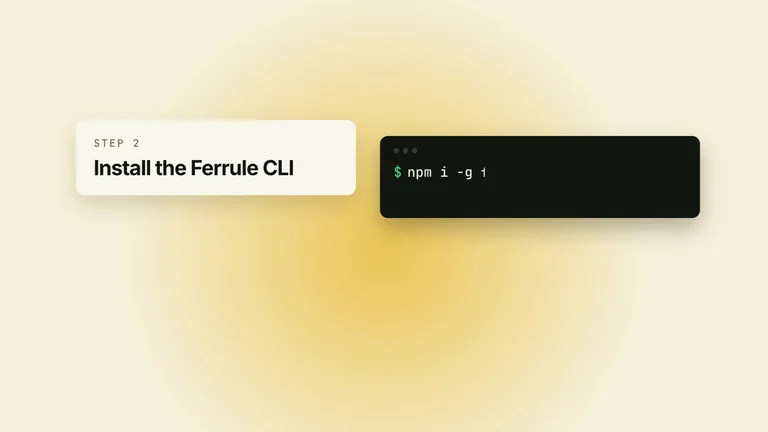
Preview gallery
The job to start with
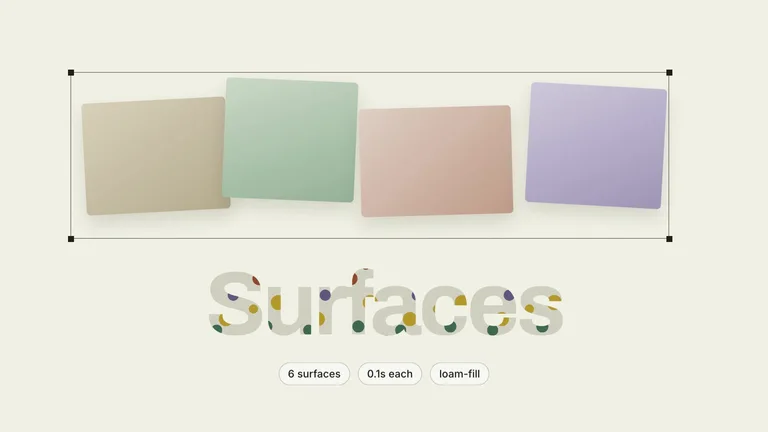
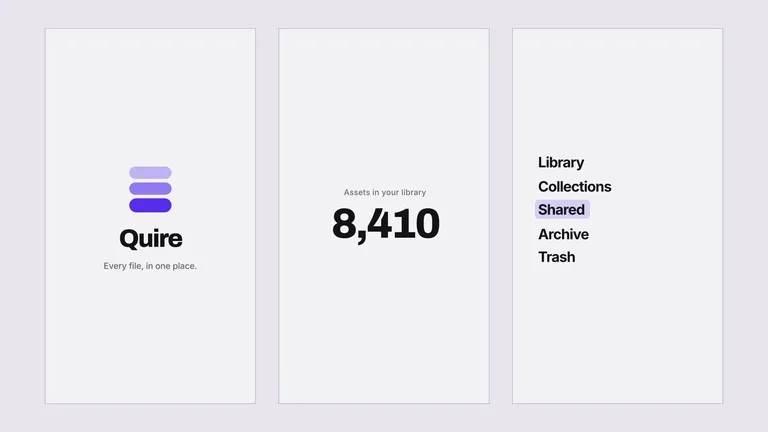
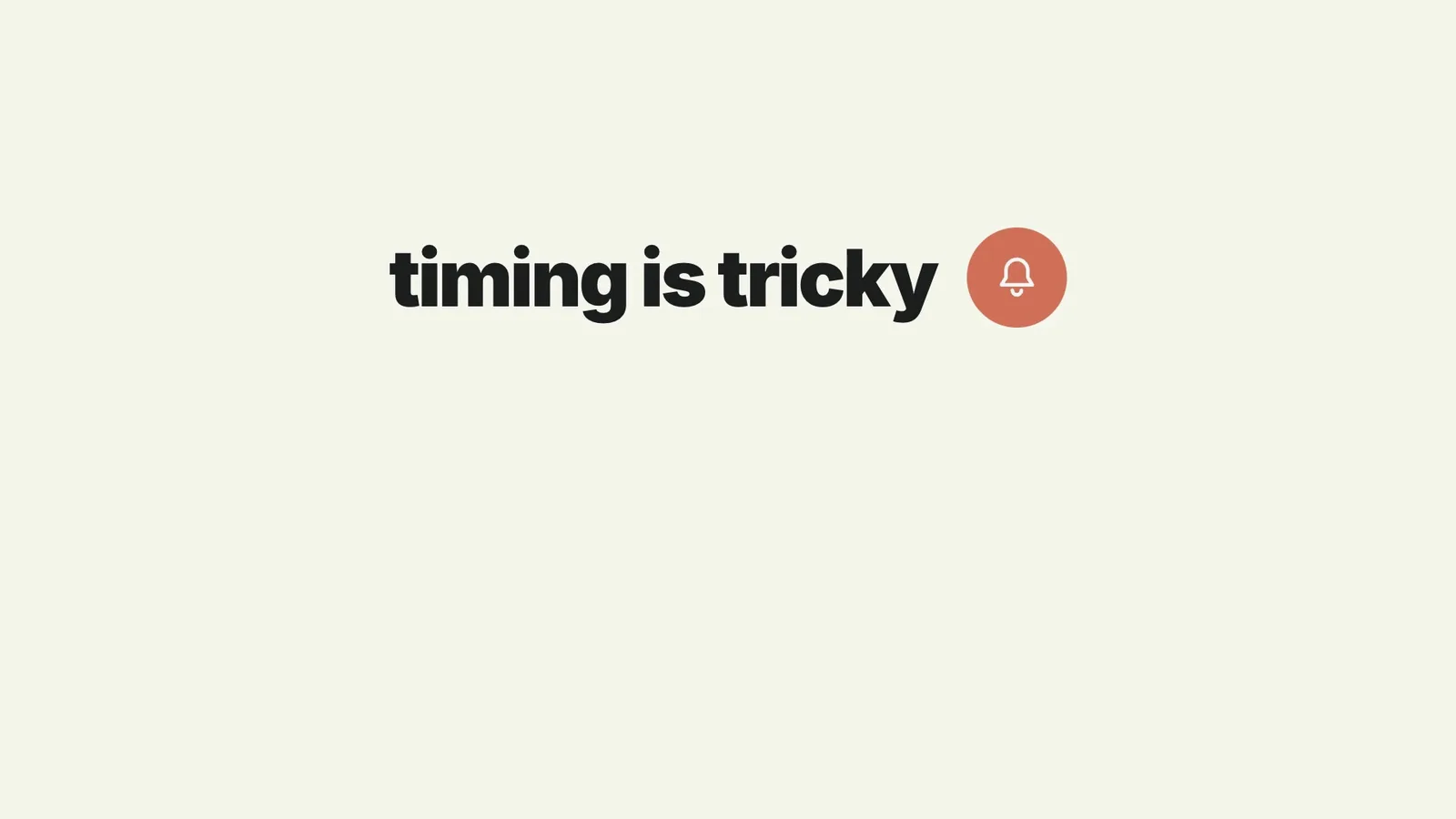
Use Pain-Gag Reveal Launch Film to connect a recognizable user frustration to a product reveal. Start by deciding what your audience needs to understand; use the preview to judge whether this format serves that goal.
Picked most often by
Plan your first result
Use the brief below as a starting point. Replace the placeholders, review a small draft, then expand it.
When to choose it
You have a short message that benefits from a sequence, rather than a single still. Decide what the viewer should understand at the end.
Prepare the material
Prepare approved copy, real interface material or permitted footage, target duration and delivery size. Decide whether audio is needed before selecting a provider.
A first brief to adapt
Use Pain-Gag Reveal Launch Film to connect a recognizable user frustration to a product reveal. My audience is [audience], and the material I can provide is [sources]. Approve a shot list or one short section first. Match reading time to the content before rendering the complete video. Make the problem recognizable without exaggerating the promised fix; show what the product actually changes. Flag missing facts before producing the final output.
The review that matters here
Make the problem recognizable without exaggerating the promised fix; show what the product actually changes.
Know the boundary
The preview demonstrates a direction, not a recording of your product. Replace sample claims and results with your own; audio or image services may cost extra.
What you need before you start
- You bring
- The feature being launched and the workaround it replaces · One concrete on-screen gag whose wrongness reads in under a second · Real micro-adjustments users make when fighting the workaround · Real footage or a capture of the feature working · A voiceover script, or a recorded voiceover file
- Dependencies
- HyperFrames CLI — required · Node.js 22 or newer — required · FFmpeg — required
- Package compatibility record
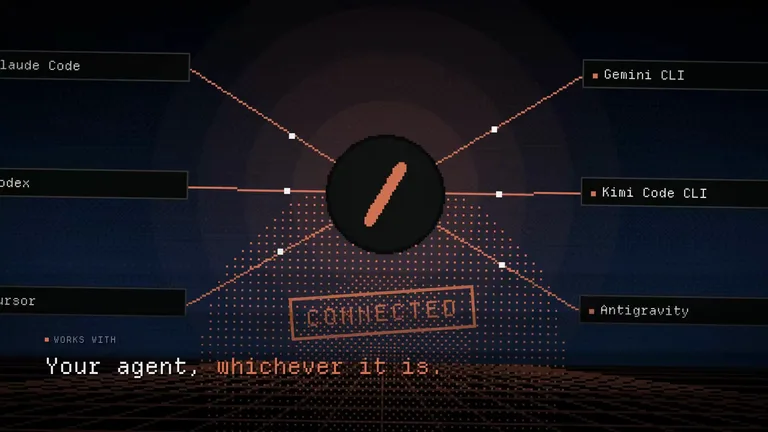
- v1.0.0 — Claude Code / Claude Desktop / Cowork / Codex / ChatGPT
From package to deliverable
- Use the package to build a video sequence in your own environment. Keep the editable project alongside the rendered result for later revisions.
- Agree on duration, aspect ratio and reading time before the full render. Use your own verified statements and permitted footage.
A useful first milestone
- A workflow to connect a recognizable user frustration to a product reveal.
Before handing it over
- Make the problem recognizable without exaggerating the promised fix; show what the product actually changes.
- The preview demonstrates a direction, not a recording of your product. Replace sample claims and results with your own; audio or image services may cost extra.
Social Media Content & CampaignsProduct Launch & App GrowthCreate Explainer VideoCreate Social Brand VideoCreate Product Launch FilmStyle-lockedGuided WorkflowFlat Rounded ShapesOversized Cursor DragPoster Scale Display TypeSingle Accent Pill MorphWarm White Ground
User reviews
Loading reviews…
FAQ
Make the problem recognizable without exaggerating the promised fix; show what the product actually changes.
Approve a shot list or one short section first. Match reading time to the content before rendering the complete video.
The preview demonstrates a direction, not a recording of your product. Replace sample claims and results with your own; audio or image services may cost extra.