 HyperFrames
Preview gallery
The job to start with
Use Texture-Swatch Kinetic Launch to introduce a visual identity through a sequence of textures. Start by deciding what your audience needs to understand; use the preview to judge whether this format serves that goal.
Picked most often by
Plan your first result
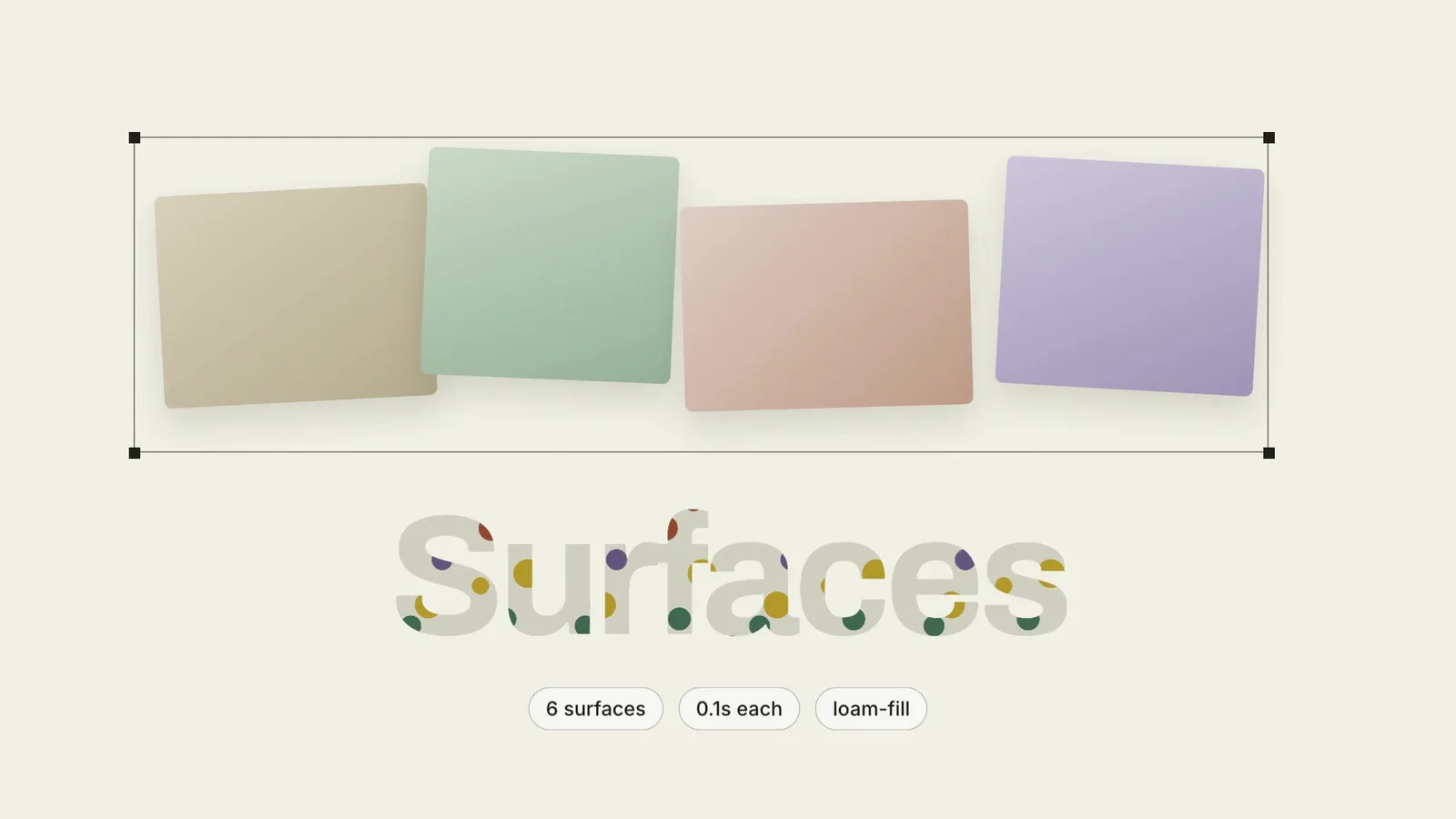
Use the brief below as a starting point. Replace the placeholders, review a small draft, then expand it.
When to choose it
You have a short message that benefits from a sequence, rather than a single still. Decide what the viewer should understand at the end.
Prepare the material
Prepare approved copy, real interface material or permitted footage, target duration and delivery size. Decide whether audio is needed before selecting a provider.
A first brief to adapt
Use Texture-Swatch Kinetic Launch to introduce a visual identity through a sequence of textures. My audience is [audience], and the material I can provide is [sources]. Approve a shot list or one short section first. Match reading time to the content before rendering the complete video. Keep the brand name readable and use texture changes to support, rather than replace, the message. Flag missing facts before producing the final output.
The review that matters here
Keep the brand name readable and use texture changes to support, rather than replace, the message.
Know the boundary
The preview demonstrates a direction, not a recording of your product. Replace sample claims and results with your own; audio or image services may cost extra.
What you need before you start
- You bring
- Six materials for the flicker and two the film names and holds — all shipped by the product · One headline word, and short copy that survives being read word by word · A licence position for every material image · The closing command or invocation, which must actually work · The lockup
- Dependencies
- HyperFrames CLI — required · Node.js 22 or newer — required · FFmpeg — required
- Package compatibility record
- v1.0.0 — Claude Code / Claude Desktop / Cowork / Codex / ChatGPT
From package to deliverable
- Use the package to build a video sequence in your own environment. Keep the editable project alongside the rendered result for later revisions.
- Agree on duration, aspect ratio and reading time before the full render. Use your own verified statements and permitted footage.
A useful first milestone
- A workflow to introduce a visual identity through a sequence of textures.
Before handing it over
- Keep the brand name readable and use texture changes to support, rather than replace, the message.
- The preview demonstrates a direction, not a recording of your product. Replace sample claims and results with your own; audio or image services may cost extra.
Brand Identity & Visual SystemsProduct Launch & App GrowthCreate Social Brand VideoCreate Product Launch FilmCreate Motion GraphicsStyle-lockedSource-faithfulKinetic Word EntranceMaterial FlickerMoodboard StagingTexture Filled TypeWarm Collage
User reviews
Loading reviews…
FAQ
Keep the brand name readable and use texture changes to support, rather than replace, the message.
Approve a shot list or one short section first. Match reading time to the content before rendering the complete video.
The preview demonstrates a direction, not a recording of your product. Replace sample claims and results with your own; audio or image services may cost extra.