
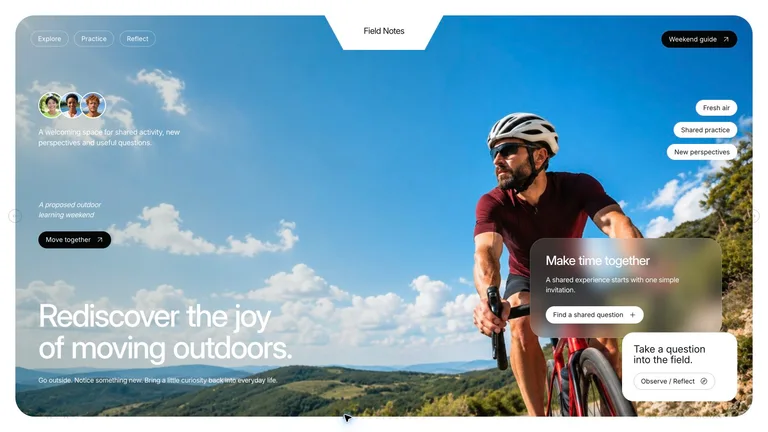
Choose the job
Choose for a presentation with a clear argument. Compare the examples below, prepare your own material and review the requirements before installing.
Choose for a presentation with a clear argument. Compare the examples below, prepare your own material and review the requirements before installing.



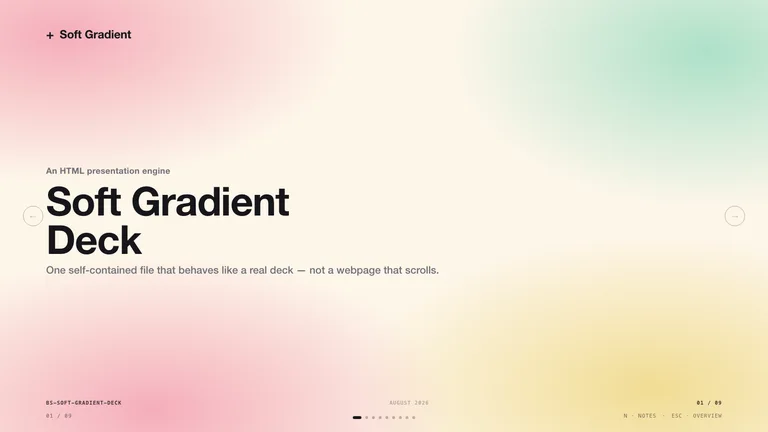
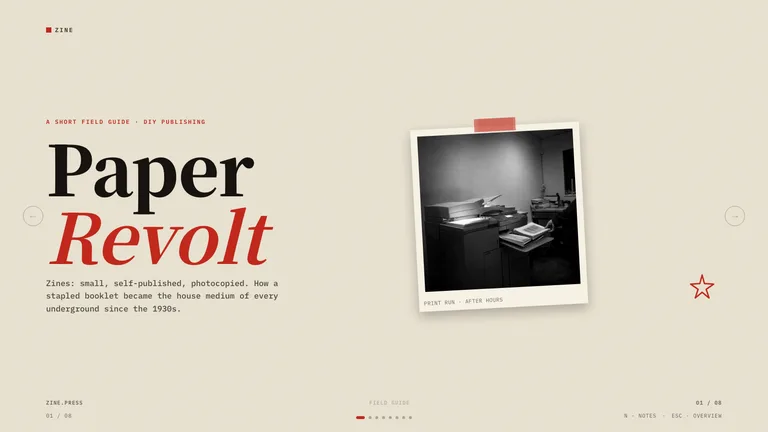


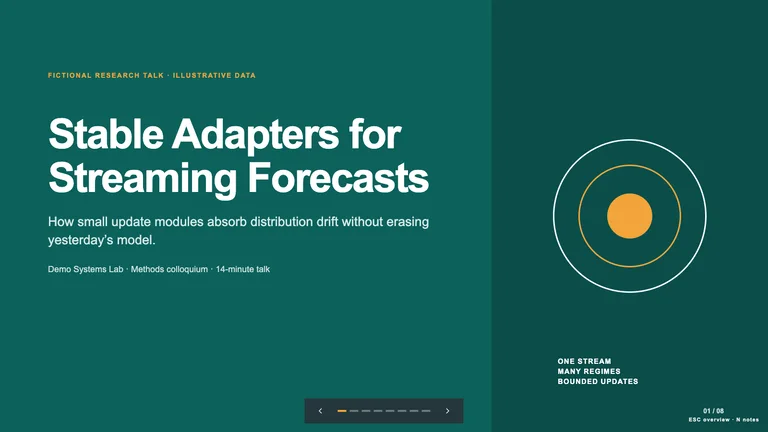







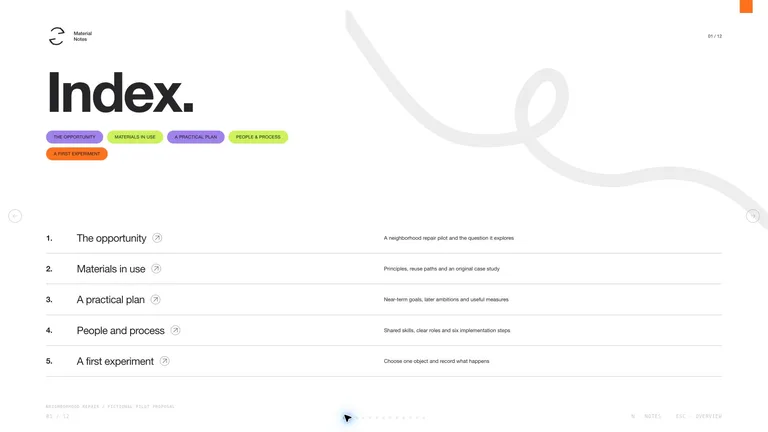
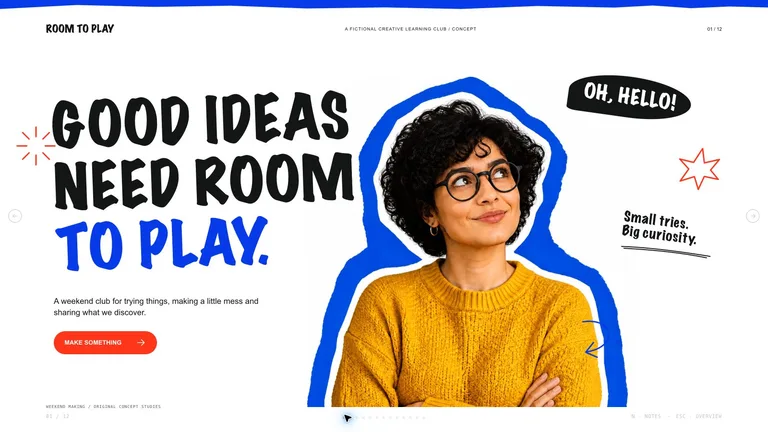


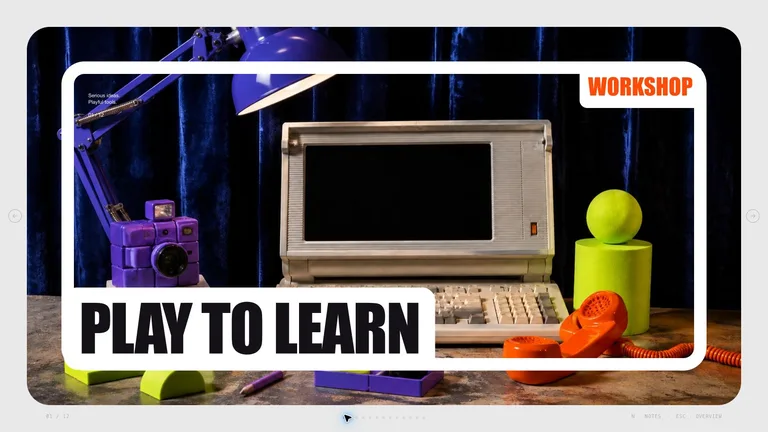


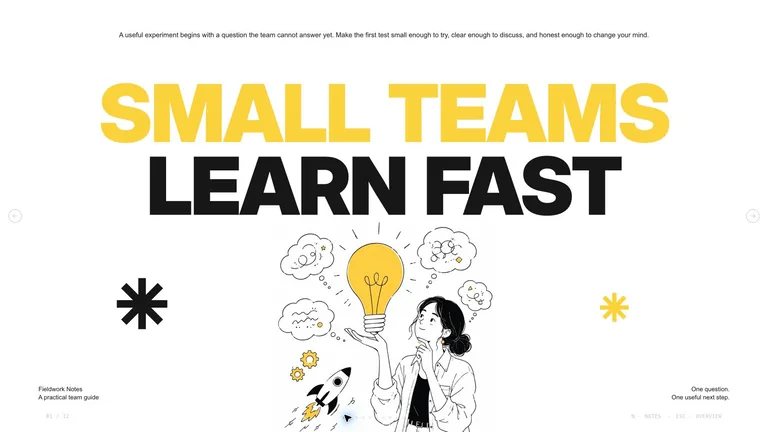
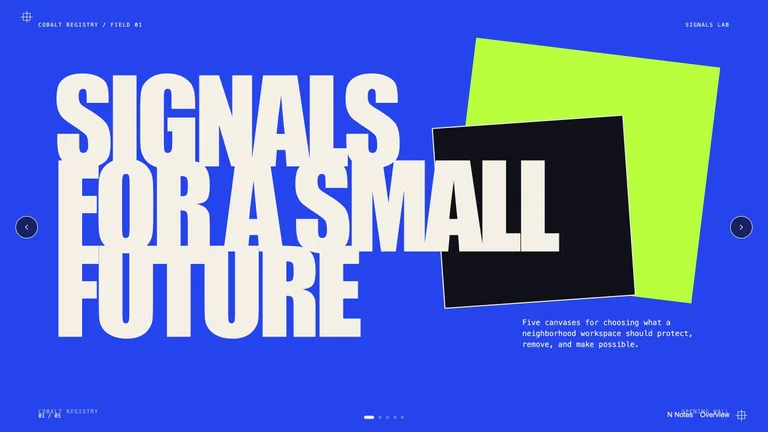

Use one like an AI slide generator with a fixed style. Each Skill carries layouts for every kind of slide, a browser editor and PowerPoint export.
Choose for a presentation with a clear argument. Compare the examples below, prepare your own material and review the requirements before installing.
Gather approved copy, source files and the output constraints. Mark missing material before asking the agent to fill the layout.
Agree on the audience and evidence before styling the slides; inspect the exported file separately.
Each role page picks the Skills that fit that job best.
Three steps in Claude Code, Codex or Cursor. No design app needed.
Download after obtaining access. Read SKILL.md and identify the dependencies and any outside costs.
Download the ZIP from this Skill page, extract it, and follow SKILL.md.Ask your agent for one draft focused on a presentation with a clear argument. Supply the source material instead of relying on sample facts.
/bs-image-narrative-deck Turn these company notes into a concise investor pitch deck.Agree on the audience and evidence before styling the slides; inspect the exported file separately.
deck.html → .pptx| Part | What to specify |
|---|---|
| Outcome | a presentation with a clear argument |
| Evidence | Your approved source material, with missing facts marked. |
| Review | Agree on the audience and evidence before styling the slides; inspect the exported file separately. |
Choose for a presentation with a clear argument. Compare the examples below, prepare your own material and review the requirements before installing.
Name the audience, where the output will be used, the source of factual claims and the details that must remain editable.
Agree on the audience and evidence before styling the slides; inspect the exported file separately.
Install any Skill on this page and every new one we add. Cancel anytime.
Cancel anytime
US$8.99 / month
Full Premium access, billed monthly.
Annual membership
Most popularUS$69.00 / year
Full Premium access for a lower annual price.
Pay once · Founding price
Founding offerUS$159.00 one-time
Founding price — increases as the library grows.
Cancel anytime. Payments are non-refundable.
Yes. Every slide Skill here comes with a browser editing studio and PPTX export, so you can fix slides in the browser and keep editing in PowerPoint.
An AI presentation maker starts over with every prompt. A slide Skill keeps one tested design and story structure, so slide 20 looks like it belongs with slide 2.
Usually as many as your outline needs. Each detail page explains how the Skill sets the slide count; the number of preview images is not the deck length.
Yes, if the Skill takes brand inputs. Look for brand colors, fonts, a logo or reference images under Required inputs on the detail page.
Pitch, report and lesson decks you can edit and export.
Browse all Skills