

Choose the job
Choose for an explanation a learner can follow step by step. Compare the examples below, prepare your own material and review the requirements before installing.
Choose for an explanation a learner can follow step by step. Compare the examples below, prepare your own material and review the requirements before installing.



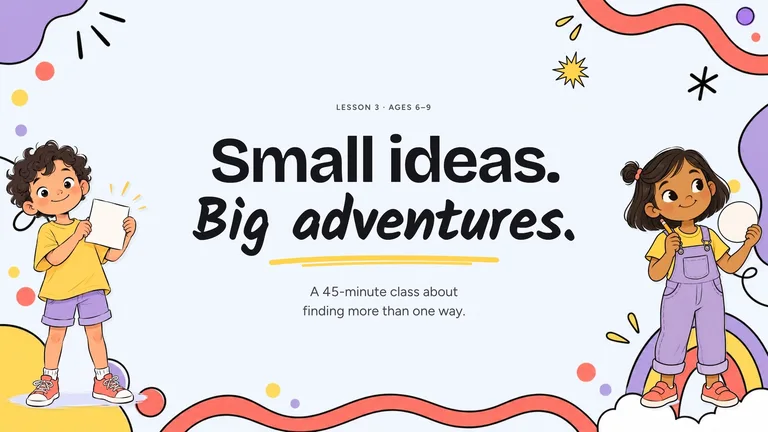
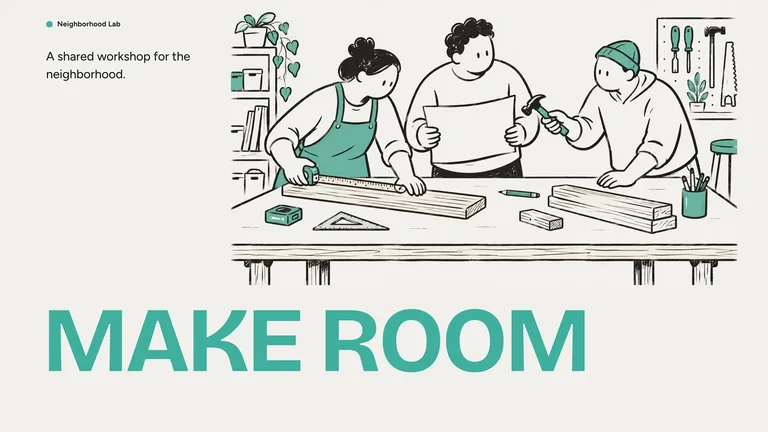
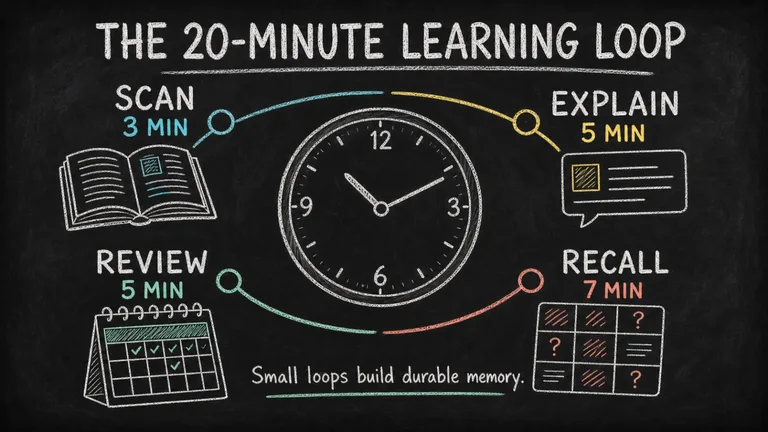
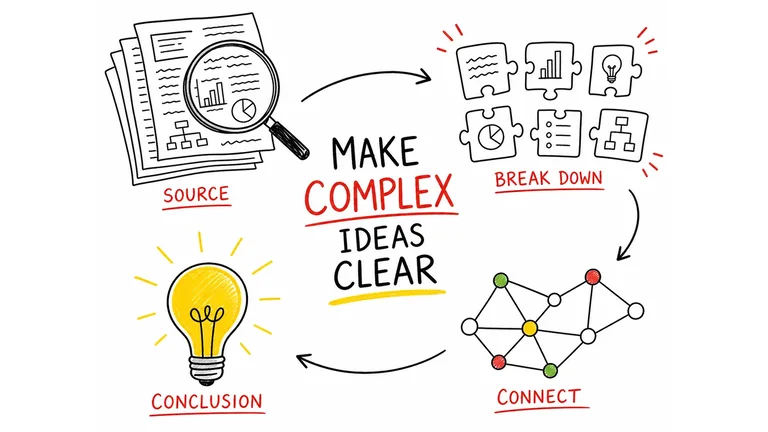

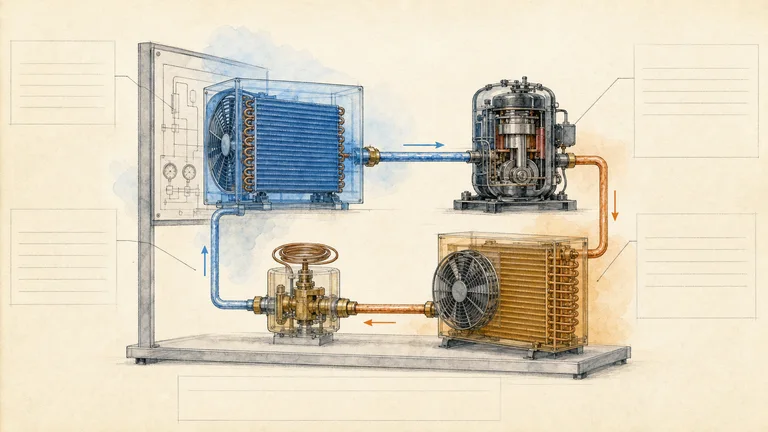





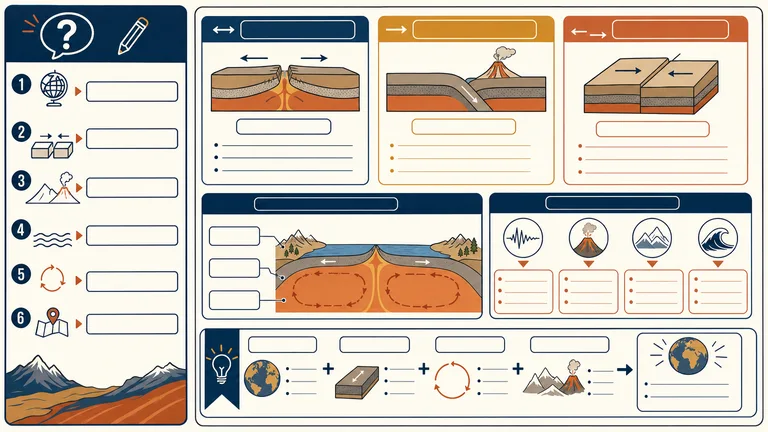
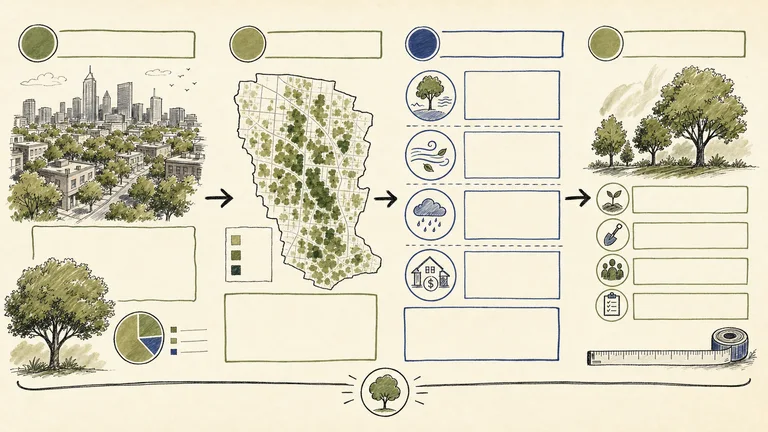


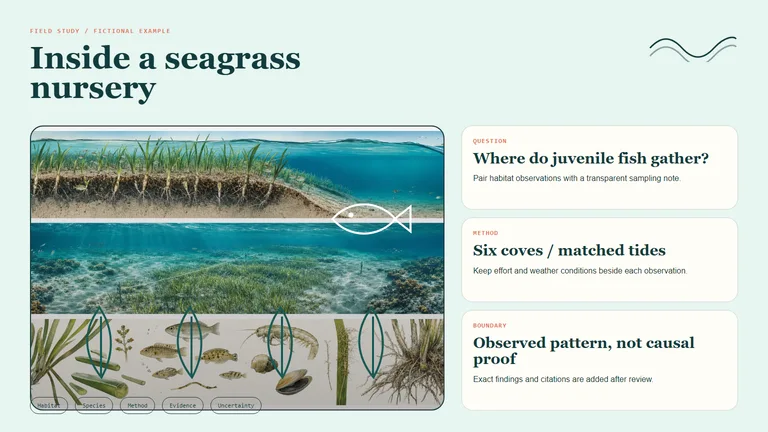
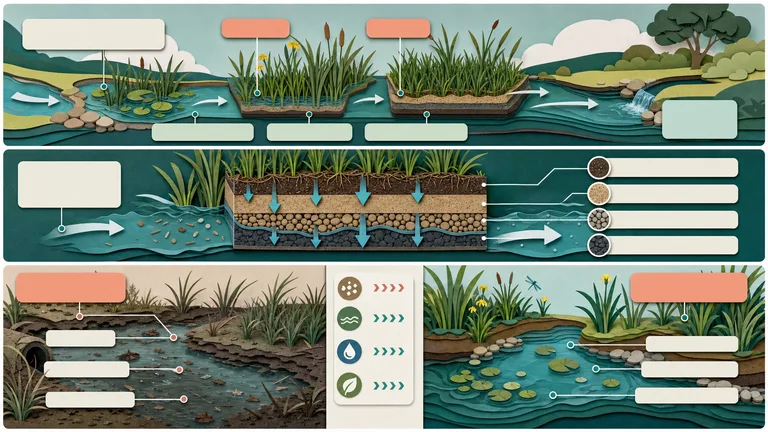
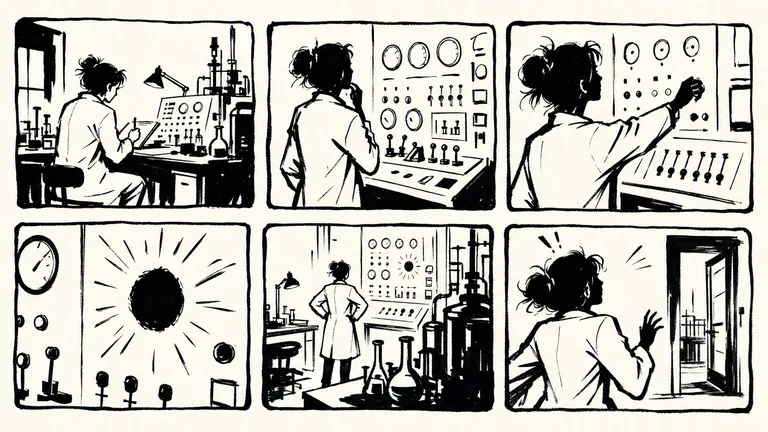



Half of explaining well is layout. These Skills handle the layout so you can focus on what to teach.
Choose for an explanation a learner can follow step by step. Compare the examples below, prepare your own material and review the requirements before installing.
Gather approved copy, source files and the output constraints. Mark missing material before asking the agent to fill the layout.
Introduce unfamiliar terms before using them and include a check for understanding.
Each role page picks the Skills that fit that job best.
Three steps in Claude Code, Codex or Cursor. No design app needed.
Download after obtaining access. Read SKILL.md and identify the dependencies and any outside costs.
Download the ZIP from this Skill page, extract it, and follow SKILL.md.Ask your agent for one draft focused on an explanation a learner can follow step by step. Supply the source material instead of relying on sample facts.
/bs-paperline-content-illustrator Explain this difficult concept with a diagram and three practical examples.Introduce unfamiliar terms before using them and include a check for understanding.
image.png| Part | What to specify |
|---|---|
| Outcome | an explanation a learner can follow step by step |
| Evidence | Your approved source material, with missing facts marked. |
| Review | Introduce unfamiliar terms before using them and include a check for understanding. |
Install any Skill on this page and every new one we add. Cancel anytime.
Cancel anytime
US$8.99 / month
Full Premium access, billed monthly.
Annual membership
Most popularUS$69.00 / year
Full Premium access for a lower annual price.
Pay once · Founding price
Founding offerUS$159.00 one-time
Founding price — increases as the library grows.
Cancel anytime. Payments are non-refundable.
Yes. Tell your agent the topic, the age or level of your students and how long the lesson runs, and a teaching slides Skill builds the deck. Check the facts and examples before class.
Install an infographic Skill, such as Chalkboard Infographic, and give your agent the concept plus the three to five points learners must remember. It lays them out on one page you can print, project or share.
No. It structures and produces the material, but a teacher or subject expert still checks that it is accurate and right for the class.
Use slides to walk a class through an idea step by step, and an infographic when learners need the whole picture on one page. If you mainly need a deck, browse presentation Skills.
Explainers, diagrams and infographics that make ideas clear.
Browse all Skills